 By
We may earn a commission if you buy through links on this page, at no extra cost to you. This never affects which products we recommend. How we make money.
On this page 8 sections
When a solar panel won't charge a portable power station, the cause is usually one of four things: the panel's voltage is outside the station's solar input range, a connector or adapter isn't making contact, the panel isn't getting enough direct sun, or the battery is too cold, too hot or already full. Work through them in that order; a faulty station is the least likely cause.
Quick fixes for a solar panel not charging a power station
Five checks, in order of how often each is the cause.
- Check the voltage. Find the panel's open-circuit voltage (Voc) on its label and the station's solar input range on its spec sheet. The Voc must fit inside the range, with panels in series added together.
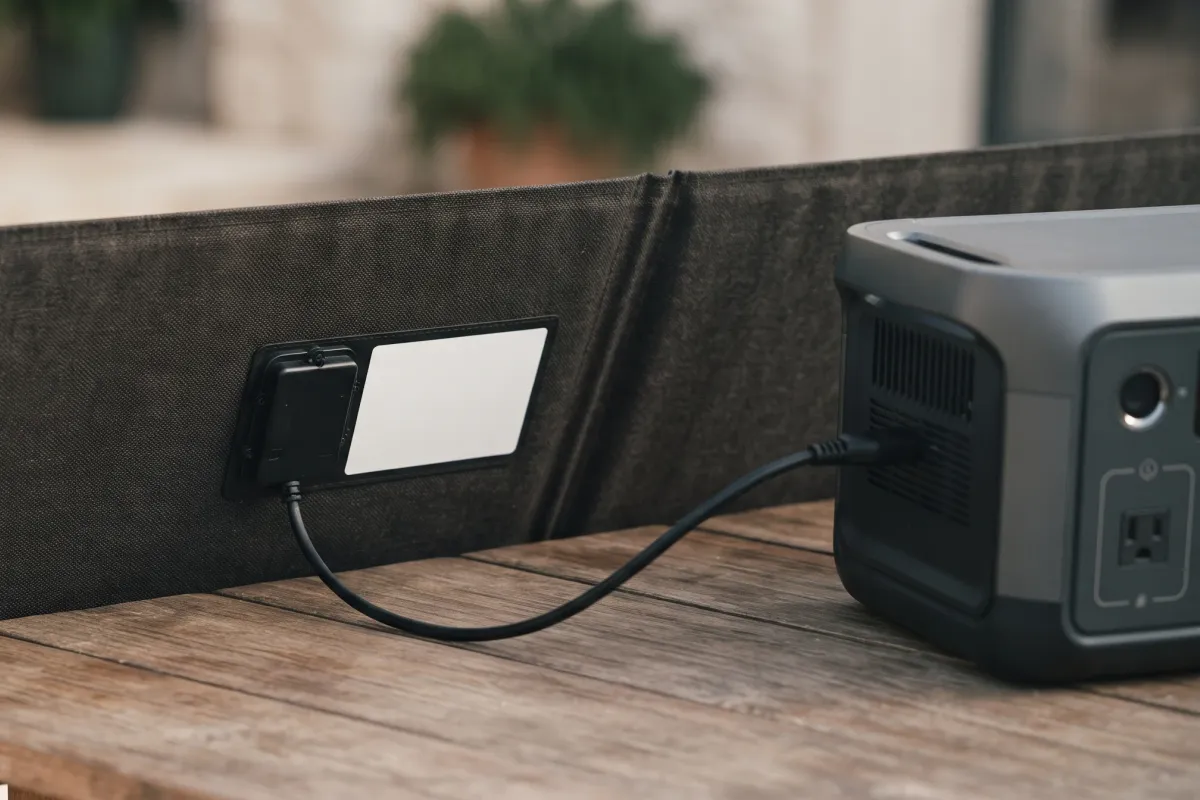
- Reseat every connection. Unplug and firmly reconnect the MC4 connectors, any adapter, and the plug at the station. Use the solar port, not the car or AC input.
- Put the whole panel in direct sun. Clear any shadow, even a narrow one, and face the panel at the sun. Don't charge through a window.
- Check the station's screen or app. Look for a solar input reading, a charging icon, an error code, a temperature warning, or a charge limit you set below 100%.
- Try another source. If the station charges from the wall or car but not from the panel, the fault is on the solar side; if it won't charge from anything, see power station not charging.
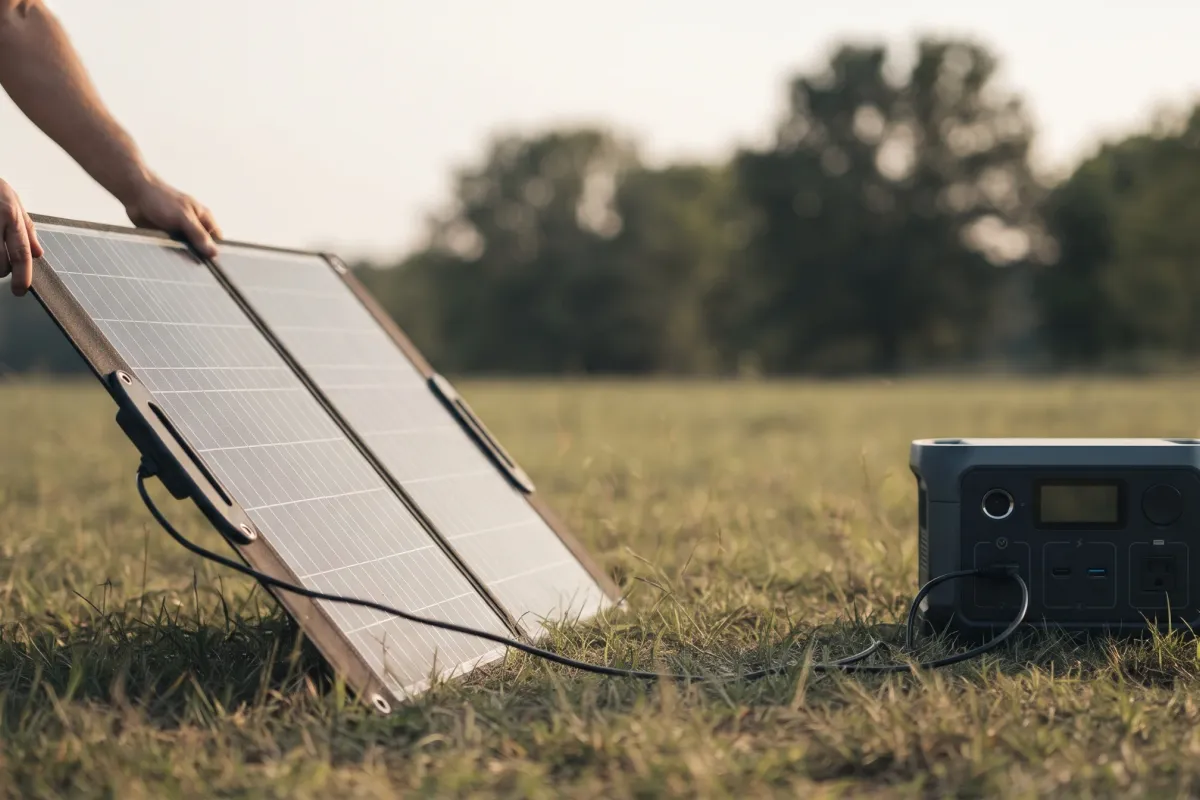
The sections below explain each check, and what to do when it doesn't help.
Shows 0 W: the panel's voltage is outside the solar input range
A station only charges inside its solar voltage window; below it the charger never starts, above it the input is blocked.
Every station's solar input works within a voltage window, and that's the first thing to check when the screen shows 0 W in full sun. Some examples from stations we review:
| Station | Solar voltage window | Max watts |
|---|---|---|
| Bluetti Elite 30 V2 | 12–28 V | 200 W |
| Jackery Explorer 300 | 12.6–22 V | 100 W |
| EcoFlow River 3 Plus | 11–55 V | 220 W |
| Jackery Explorer 1000 v2 | 16–60 V | 400 W |
| EcoFlow Delta 3 Plus | 11–60 V, two inputs | 1,000 W |
| Bluetti Elite 200 V2 | 12–60 V | 1,000 W |
| EcoFlow Delta Pro Ultra X | 80–500 V | 10,000 W |
Voltage too low. A small panel, a single panel on a station with a high minimum, or a panel in dim light may never reach the start voltage. The Explorer 1000 v2 needs 16 V; the Delta Pro Ultra X needs 80 V, so it takes several panels in series. Morning, evening and heavy cloud pull a panel's voltage down too, so a setup that charges at noon can read 0 W at 8 a.m. Fixes: wire two panels in series, if the total stays under the maximum, or wait for stronger sun.
Voltage too high. Panels in series add their voltages, and a string over the maximum is blocked by the station's protection; the makers warn that exceeding the limit can damage the input. Bluetti's AC180 manual, for example, lists a PV overvoltage error and tells you to keep the input within 12–60 V. Cold weather raises a panel's voltage above its label figure, so a string that's fine in summer can trip on a frosty morning; leave about 10 to 15% headroom below the maximum. Fixes: take a panel out of the series string or wire the panels in parallel.
Two other voltage traps:
- Wrong port. On stations with a shared Solar/Car input, or separate high- and low-voltage solar inputs (like the EcoFlow Delta Pro 3, 30–150 V on one and 11–60 V on the other), plug the panels into the input that matches their voltage.
- Input mode. Some stations ask you to choose solar or car input, in the app or with a switch. Set to car, they may reject a panel's voltage.
- Quiet mode or an input cap. Some apps have a silent or low-input charging mode, or let you cap the solar input. Set it back to standard if the input stays low.
Low watts: shade, angle, heat and the panel's real output
A panel rarely delivers its full rating; shade on part of it cuts output far more than the shaded area suggests.
A panel's rating is measured in lab conditions: strong light, a cool panel, aimed straight at the light. Outdoors, real output is lower. On this site we estimate about 75% of the panel's rating in good sun, so a 200 W panel giving 150 W is working normally. Jackery's support pages list the factors: light intensity, the panel's angle to the sun, temperature and air quality, plus the panel's slow loss of output over the years.
What cuts output most:
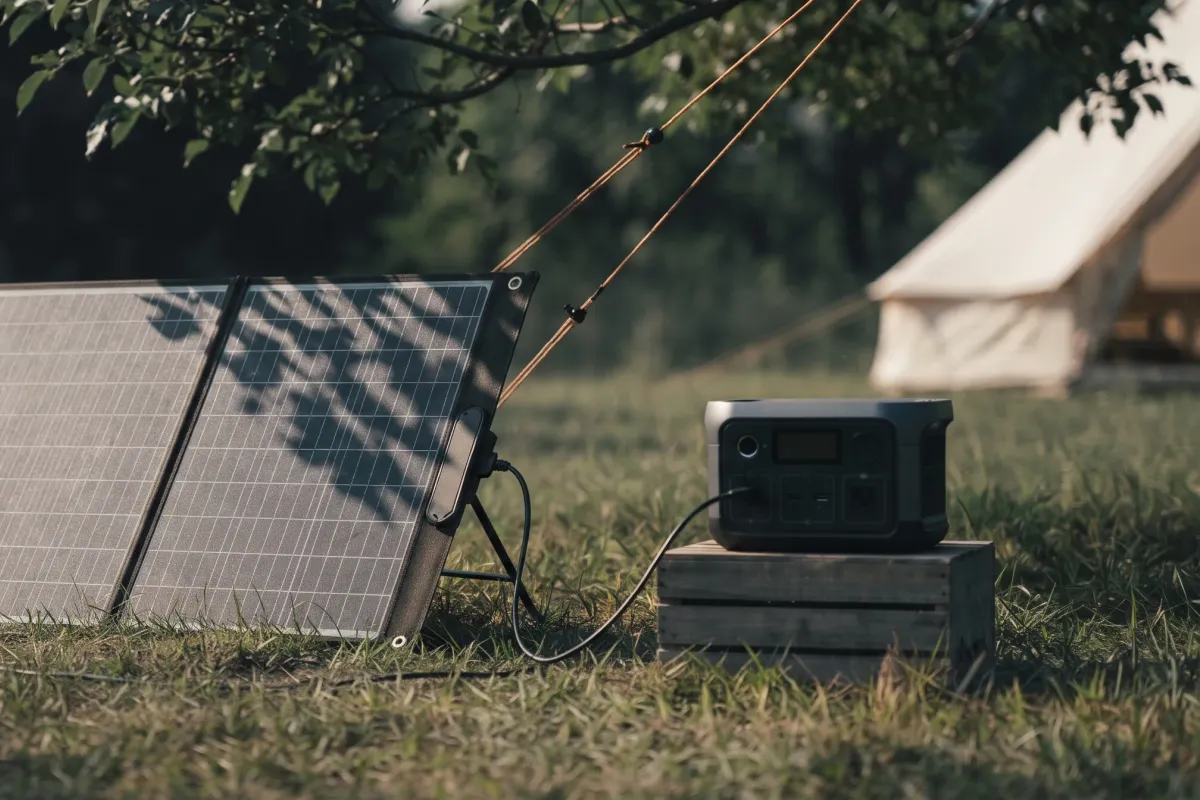
- Partial shade. Jackery notes that an obstructed panel can charge slowly or not at all. A shadow from a branch, a roof rail or a guy line across one row of cells can cost far more than its size.
- Angle. A panel lying flat, or facing away from the sun, collects much less. Tilt it to face the sun and turn it a few times a day.
- Heat. Panels make less power when hot. Keep air flowing behind the panel; don't lay it on hot sand or a car roof.
- Glass. Charging through a window or windshield cuts output a lot; put the panel outside.
- Clouds and season. Cloud cuts output sharply, and a low winter sun gives less than summer. If output stays at 0 W after a cloud passes, unplug the panel and reconnect it.
For how many panel watts a station needs, and how long a refill takes, see the solar panel sizing guide.
Connections, cables and adapters: the hidden fault
A loose MC4 joint or the wrong adapter is the most common reason a good panel shows nothing.
Jackery's own troubleshooting starts here: "Ensure that the connections between the solar panel and the portable power station are secure," and it warns that incorrect connectors, improper wiring or broken cables can stop charging altogether.
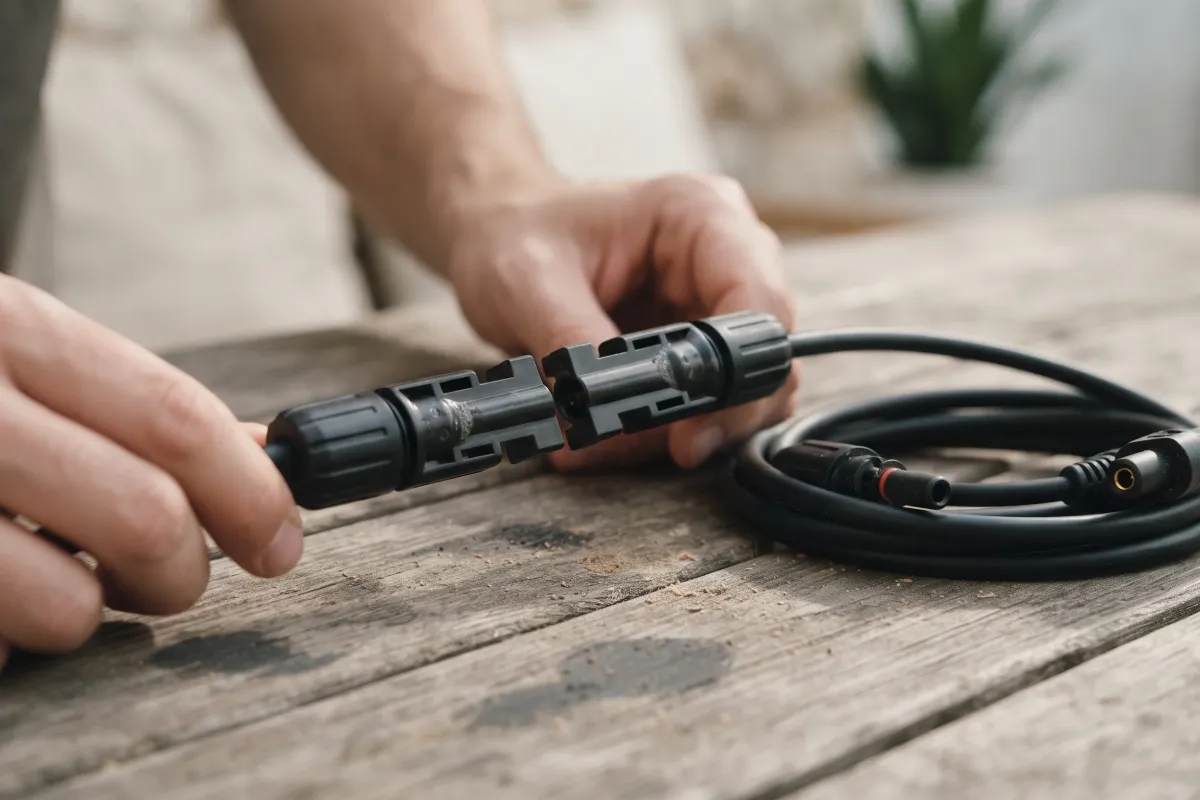
Check in this order:
- MC4 joints click. Push each pair together until it locks. Look for a bent pin or dirt inside.
- The right adapter. Stations use different solar plugs: among those we review, XT60i on the Anker SOLIX C1000 Gen 2 and S2000, XT60 and XT60i on the EcoFlow Delta Pro 3's two inputs, and DC8020 (8 mm) on the Jackery Explorer 2000 Plus; check the input's name on your station's spec sheet. An adapter with the wrong plug, or a cheap one with reversed polarity, gives 0 W. Jackery's support advice is to use the original cable supplied with the panel.
- Polarity. If you've made your own cable or extension, check positive goes to positive.
- Damage. Look along the cable for crushed or chafed sections, especially where it crosses a door or a hinge. EcoFlow notes that damaged cables or a faulty panel limit power flow.
- Extension length. A long, thin extension loses power; use the shortest cable that reaches, or a heavier one.
Too cold, too hot or already full: the station refuses solar on purpose
The battery management system blocks charging outside its temperature range and slows it near 100%.
A station's battery management system (BMS) stops charging when the battery is outside its safe charging temperature. That's protection, not a fault. Most stations we review won't charge below freezing:
| Station | Charging temperature | Use (discharge) temperature |
|---|---|---|
| Jackery Explorer 1000 v2 | 32–113 °F (0–45 °C) | 14–113 °F |
| EcoFlow Delta Pro 3 | 32–113 °F | 14–113 °F |
| Bluetti Apex 300 | 32–104 °F | −4–104 °F |
| Bluetti Elite 30 V2 | 32–104 °F | −4–104 °F |
| GRECELL H2400 | 32–104 °F | 14–104 °F |
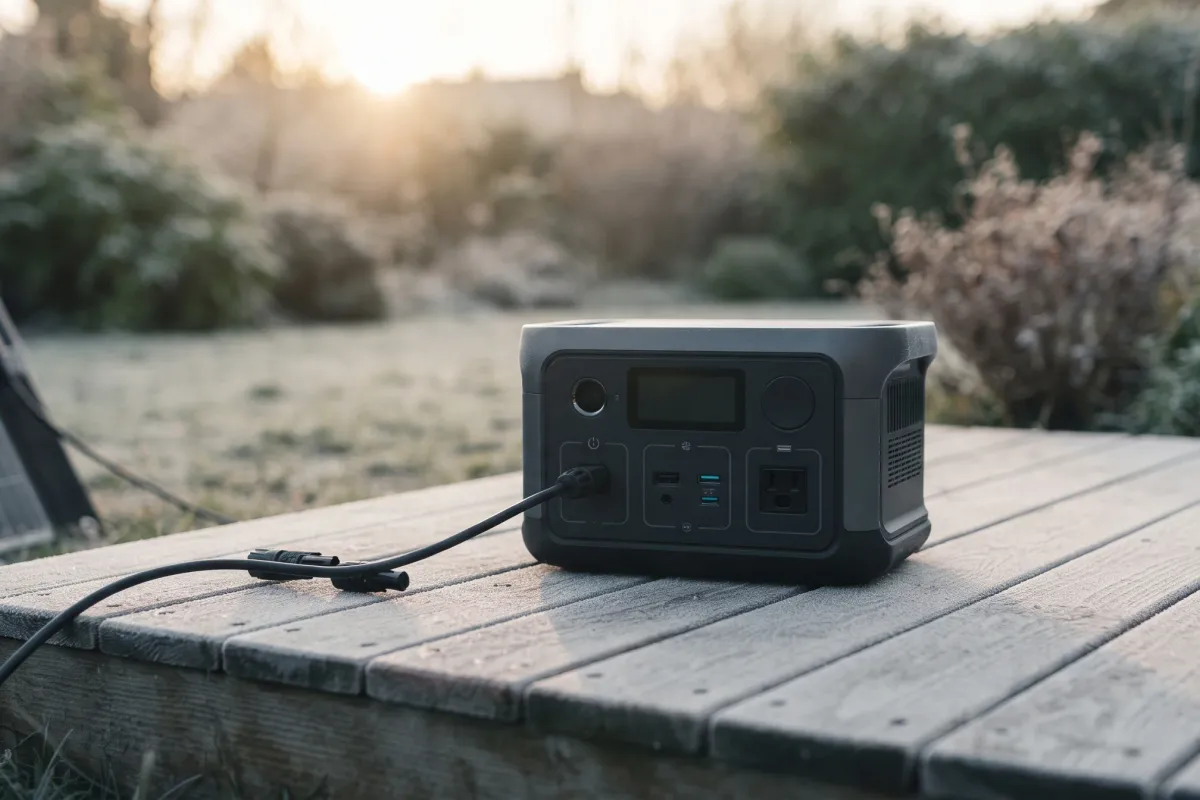
- Too cold: on a winter morning the panel may be making power while the station refuses it. Keep the station somewhere above freezing (a tent porch, a vehicle cab, indoors with the cable through a gap) and leave only the panel outside.
- Too hot: a station in direct sun on a summer day can overheat and slow or stop charging; EcoFlow says the BMS pauses charging to let a hot unit cool. Shade the station, not the panel.
- Full, or a charge limit: charging slows near 100% and stops when full. If you set a charge limit in the app (80%, say), solar stops there too. And if your devices draw more than the panel makes, EcoFlow notes the input may only hold the charge level steady.
More on cold-weather use is in how to charge a power station with solar.
Find the fault: test the panel, the port and the station
Swapping one part at a time shows whether the panel, the cable or the station's solar input is at fault.
If the quick fixes haven't worked, narrow it down, as Jackery's support steps suggest:
- Watch the display. With the panel connected in full sun, check whether the charging indicator lights and the screen shows a solar input figure. Note any error code and look it up in your station's manual.
- Charge from the car or the wall. If the station charges normally from those, Jackery points out that the panel or the station's solar charging circuit is the likely cause.
- Try the panel on another station or input, or another panel on this station, if you have one. That separates a panel fault from a station fault.
- Update the firmware in the maker's app; EcoFlow lists this among its charging fixes.
- Reset the station as its manual describes (often a long press of the power button, or a reset pinhole), then try again.
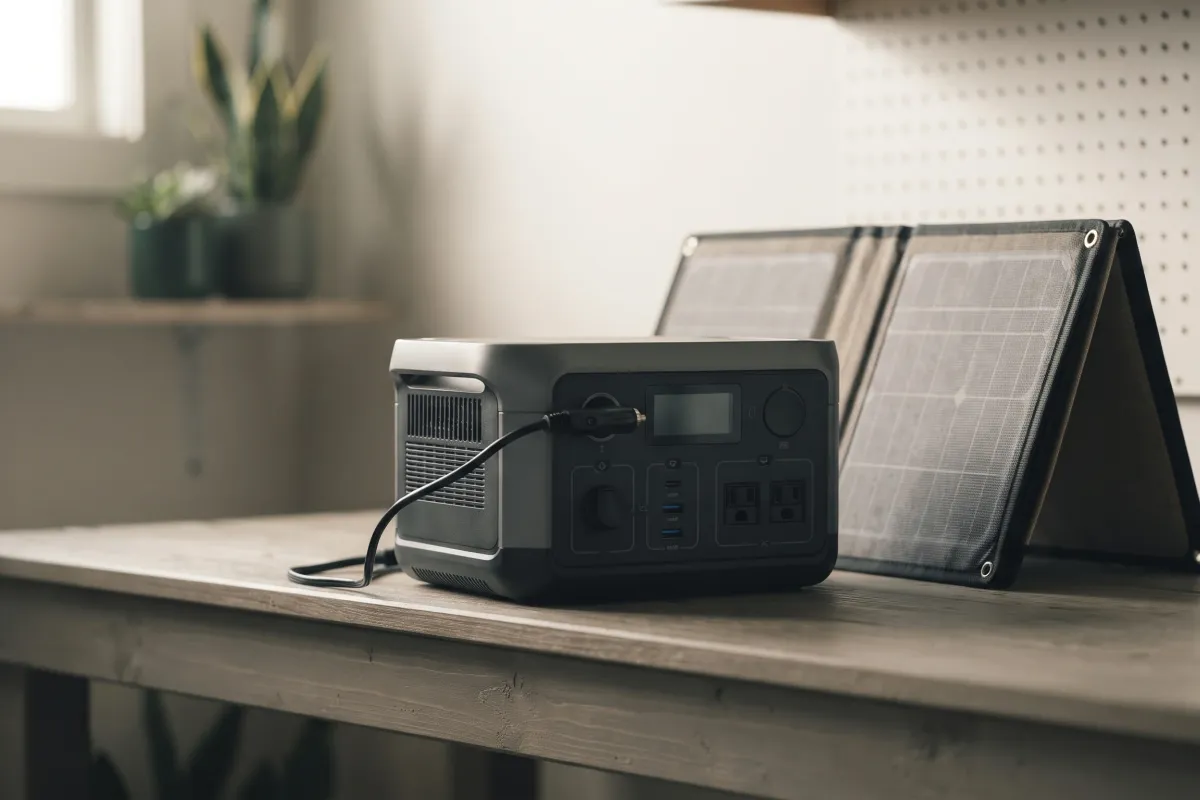
A note on the panel itself: a folding panel's cells can crack if it's been dropped or folded wrong, and its output falls slowly with age. If one panel underperforms and an identical one doesn't, the panel is the problem.
When to contact the maker: solar input faults and warranty
If a known-good panel and cable still give 0 W, the station's solar input needs the maker's support.
Contact the maker's support when:
- the station charges from the wall or car but not from a panel that works elsewhere;
- the same error code returns after a reset and a firmware update;
- the solar input reads far below what the same panel gives on another station in the same sun.
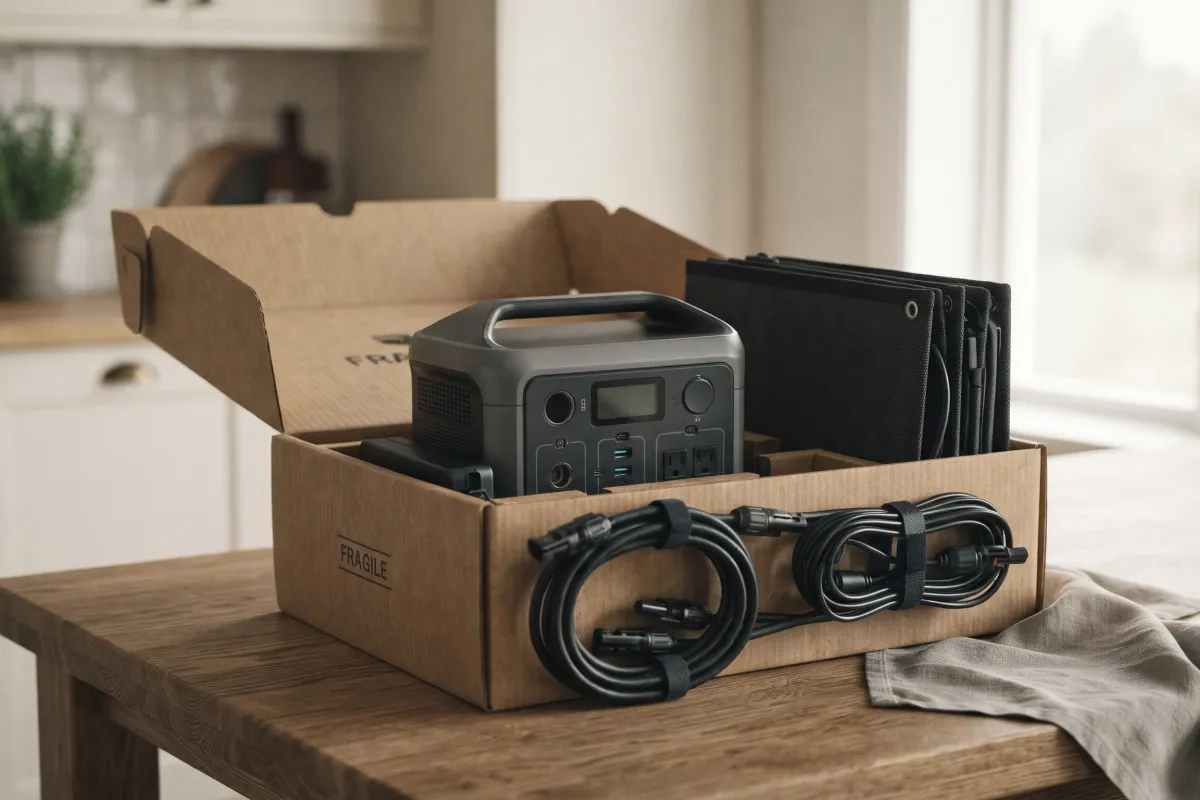
Jackery says in that case the internal charging circuit may need after-sales service. Have the serial number, the panel model and its Voc, a photo of the screen, and the error code ready. Warranties on the stations we review run from 1 to 5 years, and some makers add more when you register; check yours in the station's review before you buy a replacement panel. If the station won't charge from any source, start with portable power station not charging, and check the recall list for your model.
FAQ
Why solar charging shows 0 W, why it's slow, and what to try before calling the maker.
Why is my solar panel not charging my power station?
Usually the panel's voltage is outside the station's solar input range, a connector or adapter isn't seated, the panel is shaded or angled away from the sun, or the battery is too cold, too hot or full. Check them in that order.
Why is my Jackery not charging with solar?
The same causes apply. Jackery's own steps: make sure the connections are secure and the right cable is used, check that the screen shows the charging icon and an input figure, then test with the car charger. If the car charger works but solar doesn't, the panel or the solar circuit needs support. Jackery's support advice is to use the original cable supplied with the panel.
Why does my power station show 0 W from the solar panel?
The voltage is below the station's minimum (weak light, one small panel) or above its maximum (too many panels in series), a connection is open, or the station is blocking charging because of temperature or a charge limit.
Why is my solar panel charging so slowly?
Shade, angle, heat, cloud and glass all cut output, and a panel rarely gives its full rating. About 75% of the rating in good sun is normal by our estimate.
Can a solar panel be too big for a power station?
In watts, usually not: the station takes only up to its solar input rating. In voltage, yes: a panel or string above the station's maximum voltage is blocked, and the makers warn it can damage the input.
Why won't my solar panel charge a power bank?
Many small power banks stop charging when the input drops, as it does whenever a cloud passes, and don't restart on their own; unplug and reconnect. A power station's solar input is built to follow a panel's changing output.