 By
We may earn a commission if you buy through links on this page, at no extra cost to you. This never affects which products we recommend. How we make money.
On this page 6 sections
You can, and stations with a UPS mode are designed to stay plugged in. But Jackery and EcoFlow suggest unplugging once it's full if you don't need it on standby. If you do keep it plugged in, a charge limit below 100% is the best middle ground.
What the makers say
Unplug when full, for battery health
Jackery's support FAQ says: "To maintain and prolong the health of your power station, we do suggest unplugging the unit from the charging source after the battery has" finished charging. Jackery also notes that LiFePO4 float charging is "not universal permission to leave a battery plugged in."
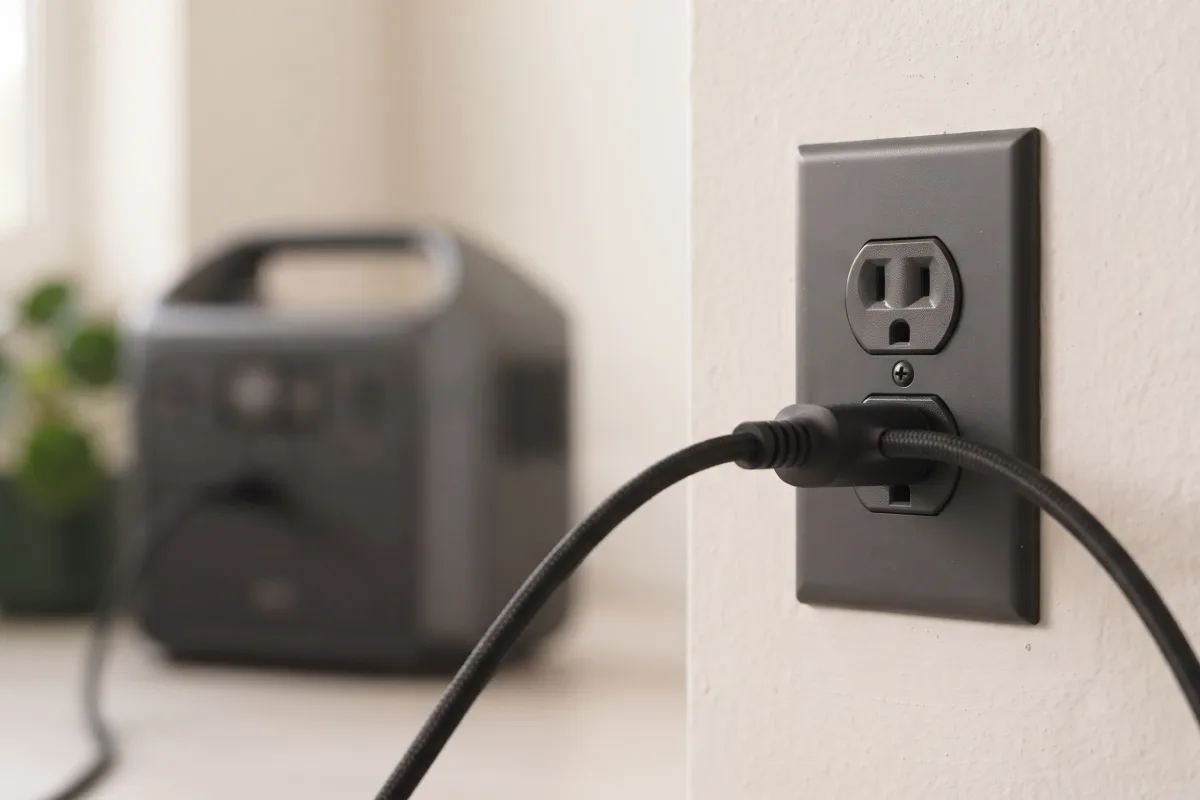
EcoFlow says that "keeping your power station plugged in for extended durations after it is fully charged can still cause cumulative wear." It suggests unplugging it once it's full if you won't use it soon. The NFPA gives the same general advice for lithium-ion devices: don't keep charging them after they're full.
When to keep it plugged in
When it's your backup
The exception is when the station is your backup. As a UPS for a computer, router, CPAP or fridge, it has to stay plugged in so it can take over the moment the grid drops. That's what UPS modes are for, and makers list switchover times for exactly that use.
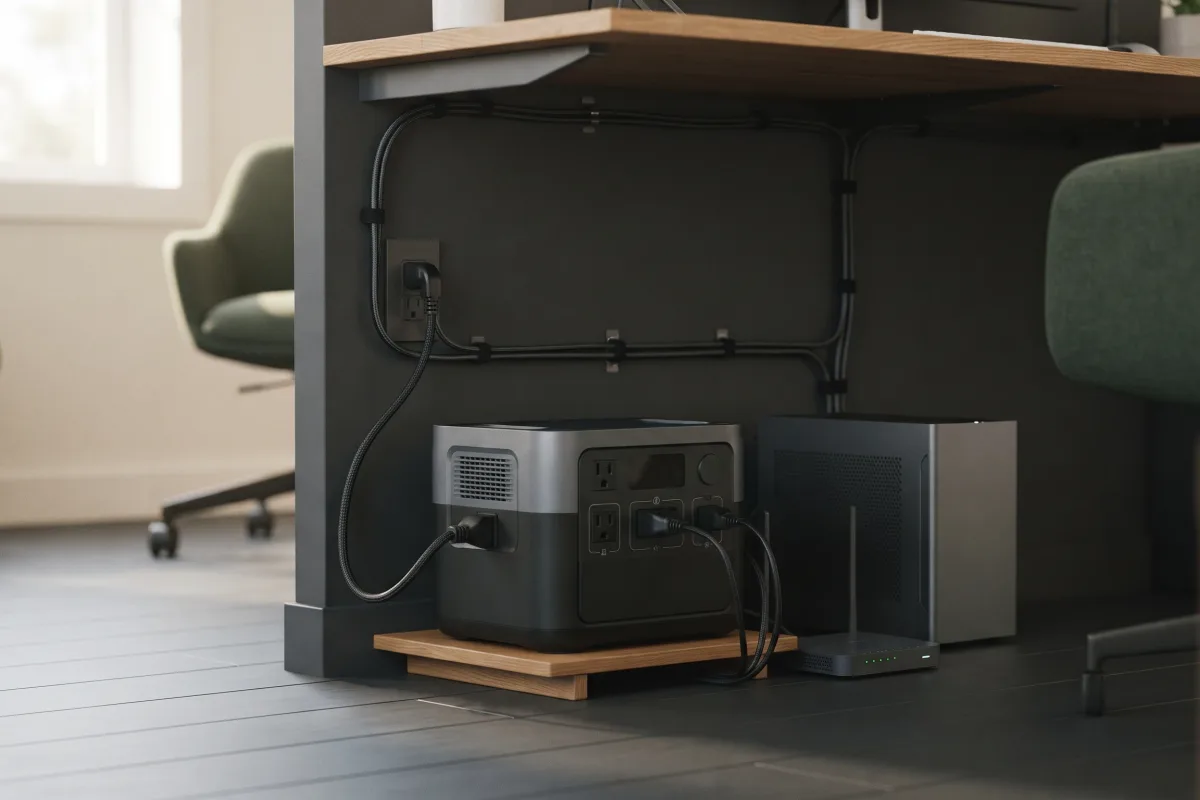
See using a power station as a UPS for which stations switch fast enough and how to set one up.
Use a charge limit if you have one
Standby without sitting at 100%
Some apps let you cap how far the battery charges. EcoFlow's Delta 3 Plus manual describes a charging limit you set in the EcoFlow app, and our Delta 3 Plus review covers its app. A cap below 100% lets the station stay plugged in as backup without sitting full all the time.
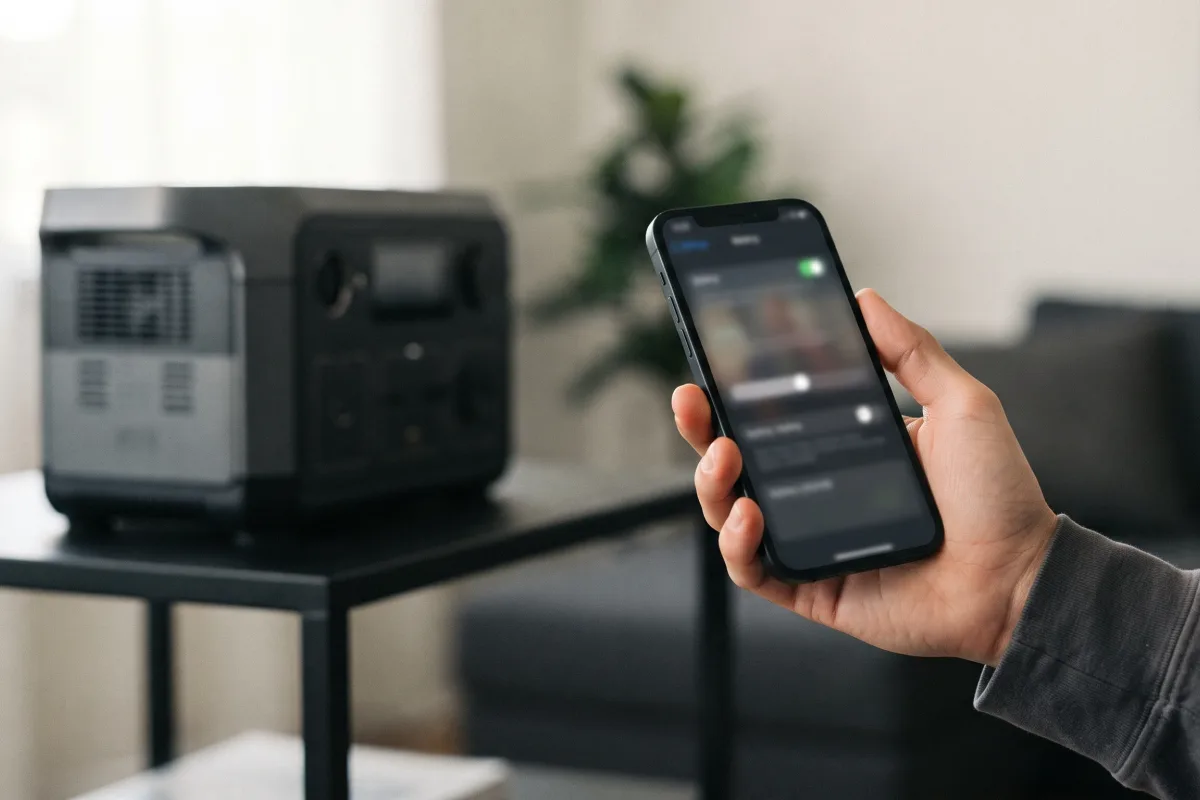
Not every model offers this, so check your app and manual. If yours doesn't, the makers' advice above still applies.
When to unplug it
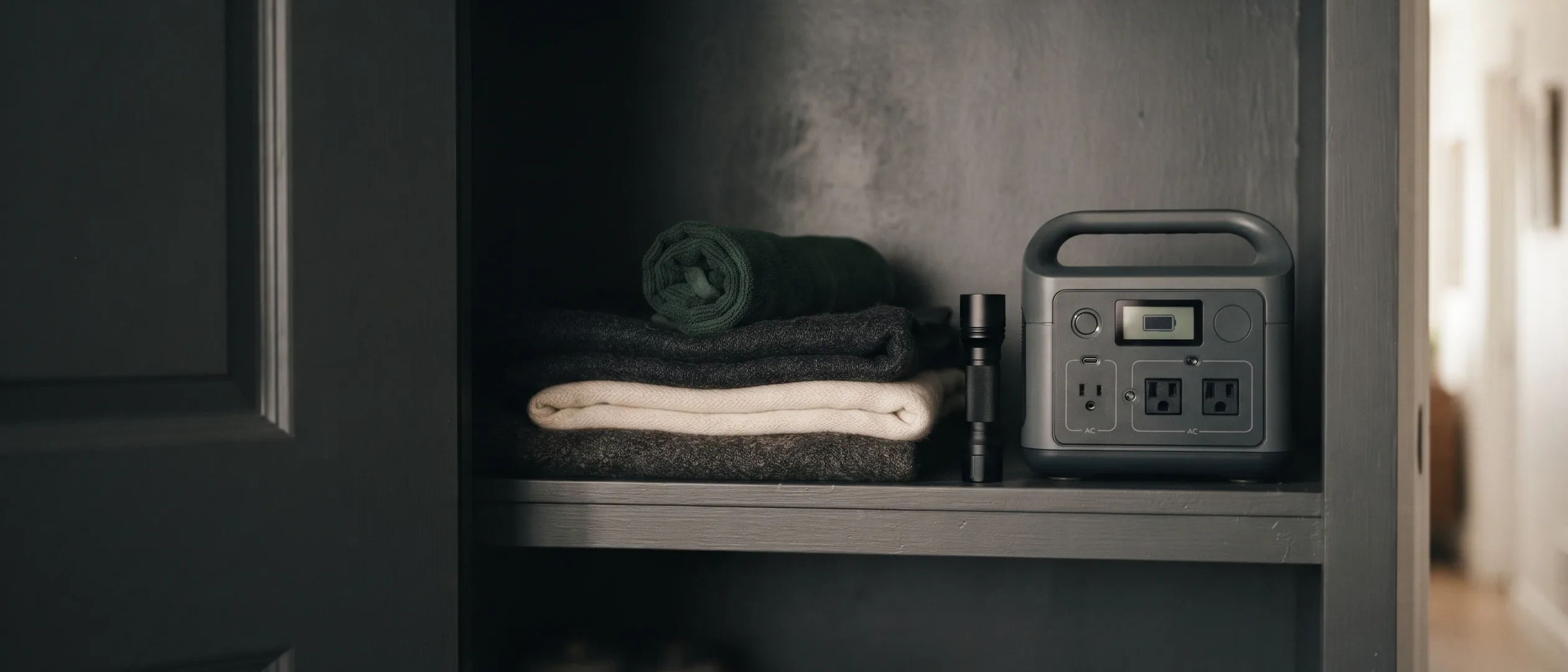
No standby needed? Unplug and store it
If you only use the station for trips or occasional outages, unplug it once it's charged; it helps the battery reach its rated lifespan. Keep it partly charged (about 50–80%) somewhere cool and dry. Top it up every three months; see how to store a portable power station.
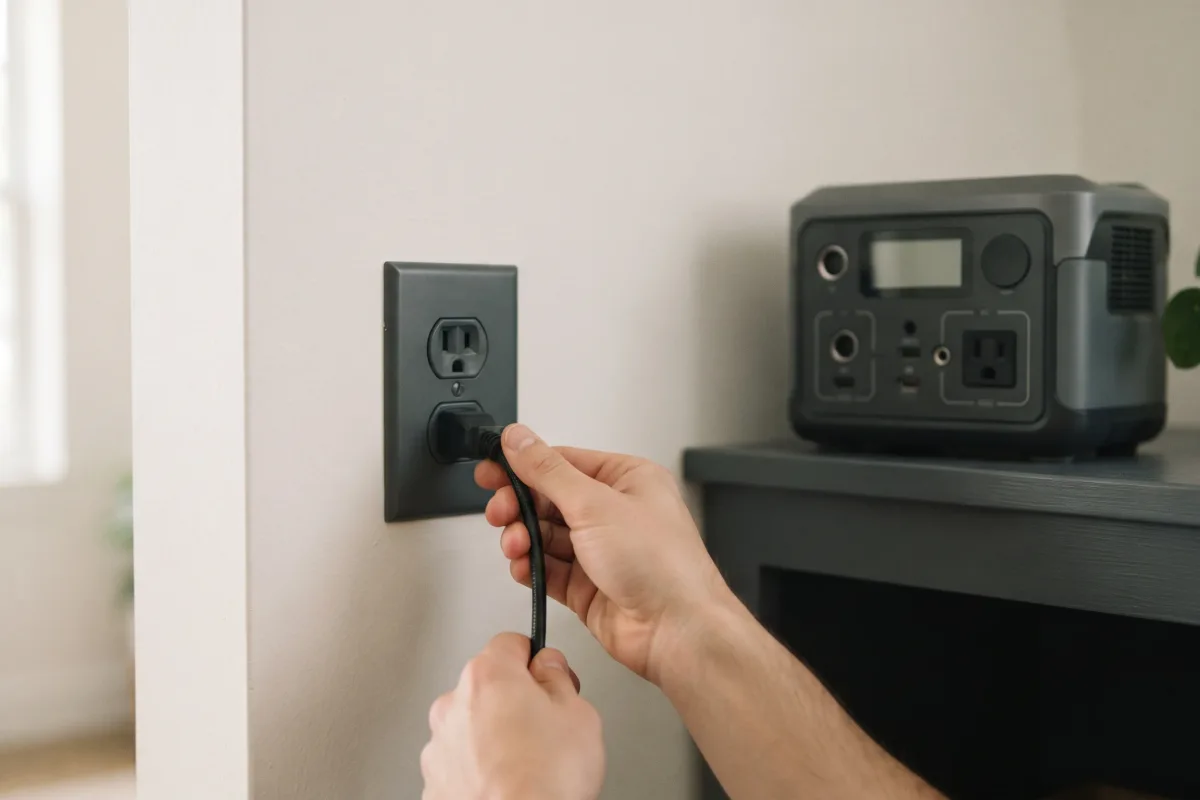
Plugged in vs unplugged at a glance
Match it to how you use it
| How you use it | Plugged in? | Tip |
|---|---|---|
| UPS for a computer or router | Yes | Use a charge limit if offered |
| Overnight CPAP backup | Yes | Check the switchover time |
| Outage kit in a closet | No | Store at 50–80%, top up every 3 months |
| Camping and trips | No | Charge fully before you leave |
To see how long a full charge will run your devices, try the runtime calculator.
Ready to choose a station? See Best Portable Power Stations for Home Backup.
FAQ
Quick answers to common questions
Can I leave my power station plugged in all the time?
You can if you use it as a UPS. Otherwise, Jackery and EcoFlow suggest unplugging once it's full.
Can I leave my Jackery plugged in?
Jackery suggests unplugging it from the charger after the battery is full, unless you need it on standby as backup.
Will it overcharge?
Follow your manual. The makers' advice is to unplug after a full charge when you don't need standby power, or to use a charge limit if your app has one.
Is it safe to leave plugged in?
Keep it on a hard surface away from anything that can burn; see are portable power stations safe indoors.
Should I keep it at 100% for emergencies?
If you need instant backup, keep it plugged in, ideally with a charge limit. If not, store it at 50–80% and charge it fully when a storm is forecast.