 By
We may earn a commission if you buy through links on this page, at no extra cost to you. This never affects which products we recommend. How we make money.
On this page 7 sections
Yes: most current portable power stations can work as a UPS for routers, lights and fridges. For a desktop PC, pick one that switches over in 10 ms or less. Slower switchover can make a computer restart when the power cuts out.
How UPS mode works
Plugged in, charged, ready
You plug the power station into a wall outlet and your devices into the station. While the grid is up, wall power runs your devices and keeps the battery charged (often called pass-through). When the grid drops, the station switches to its battery.
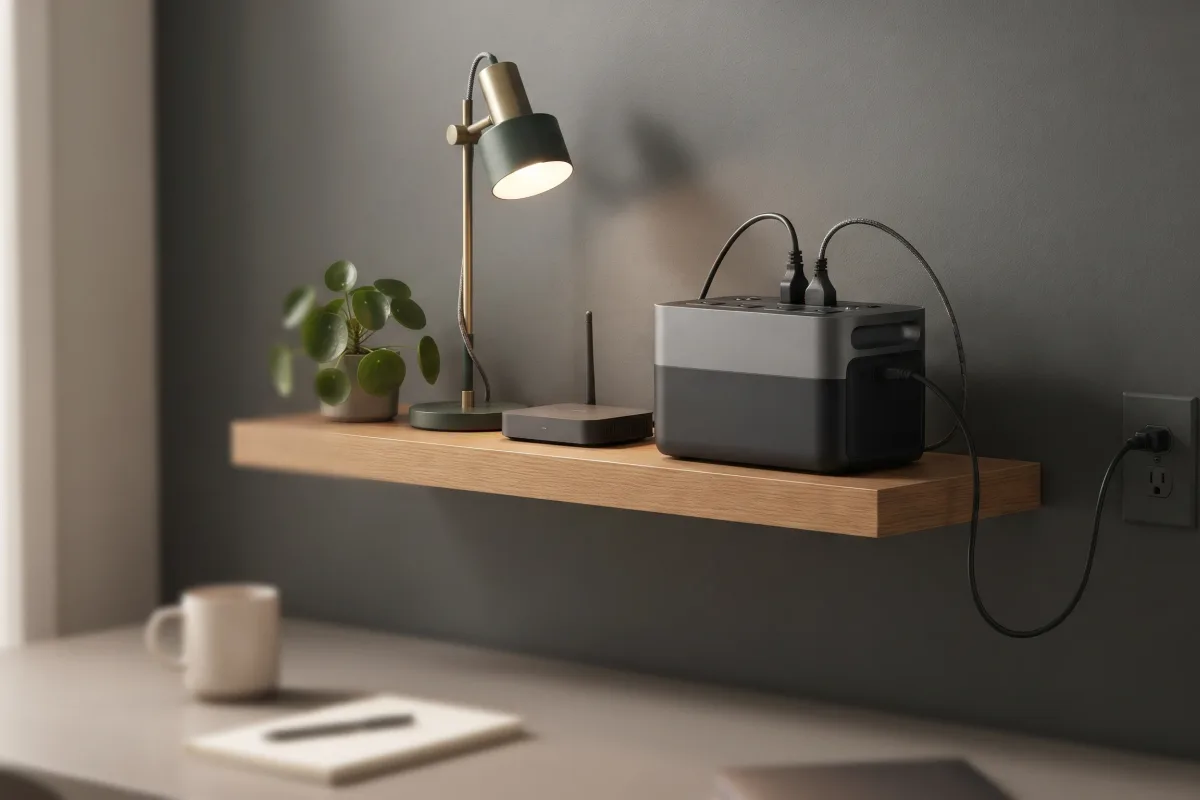
Brands call this UPS (uninterruptible power supply) or EPS (emergency power supply) mode. The name matters less than the switchover time the maker lists. Some stations only switch on certain outlets, so check which outlets are UPS-capable.
Switchover time: what's fast enough
Milliseconds decide whether a PC stays on
A dedicated UPS isn't instant either. APC lists its line-interactive units at 2–4 ms on the most sensitive setting and up to 8–10 ms on the least.
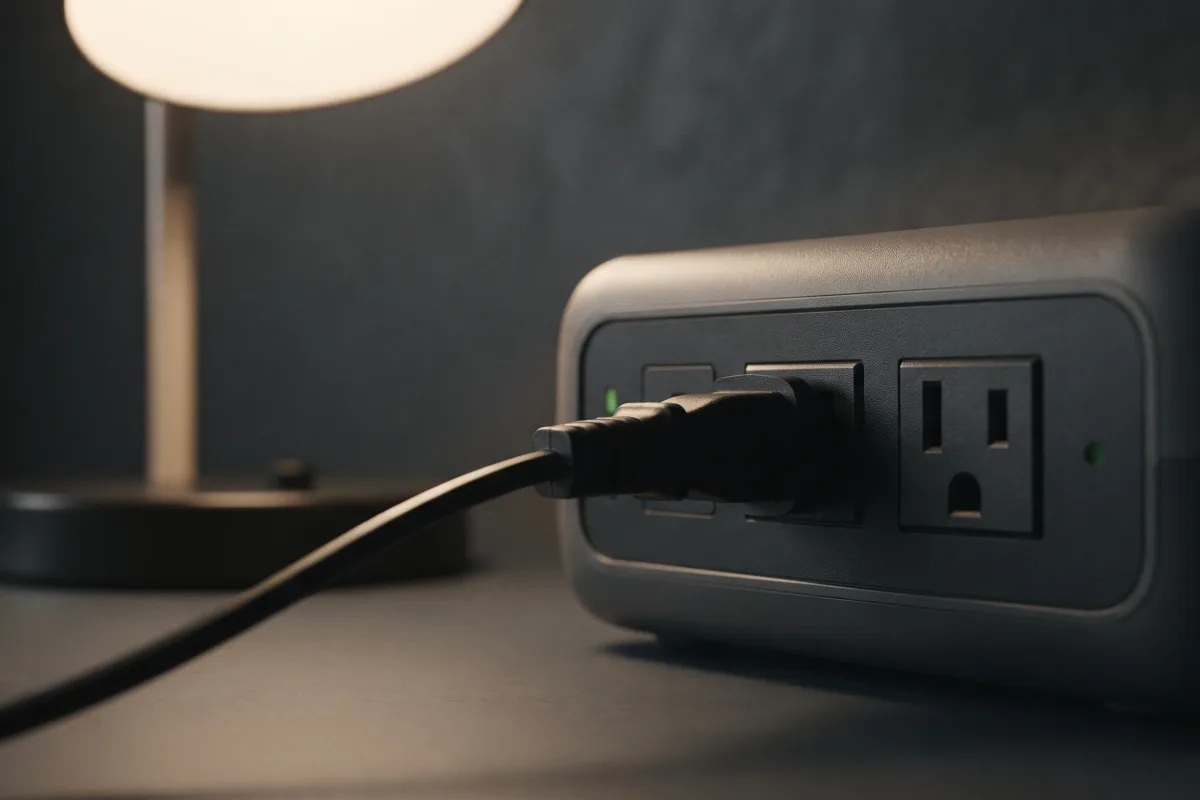
A computer's power supply can ride through a short gap on its own. Intel's ATX 3.0 design guide calls for at least 16 ms of hold-up at full load; the newer ATX 3.1 requires 11 ms and recommends 16 ms.
So a station that switches in 10 ms or less sits inside even the stricter limit and is the safe choice for desktop PCs. 15–20 ms is fine for routers, lights, fridges and most laptops (which have their own battery), but a desktop PC may restart.
Switchover times of stations we've reviewed
From the makers' specifications
| Station | Switchover | Capacity |
|---|---|---|
| EcoFlow Delta 3 / Delta 3 Plus | 10 ms or less | 1,024 Wh |
| Anker SOLIX C1000 Gen 2 | under 10 ms | 1,024 Wh |
| Jackery Explorer 1000 v2 | 10 ms | 1,024 Wh |
| EcoFlow River 3 Plus | under 10 ms | 286 Wh |
| Jackery Explorer 5000 Plus | 0 ms | 5,040 Wh |
| Bluetti Elite 30 V2 | 10 ms or less | 288 Wh |
| Anker SOLIX S2000 | 10 ms or less | 2,010 Wh |
| EcoFlow DELTA Pro 3 | 10 ms | 4,096 Wh |
| Anker SOLIX S5000 | 10 ms | 5,024 Wh |
| Bluetti Apex 300 | 0 or 20 ms, by mode | 2,765 Wh |
| Jackery HomePower 2000 Plus v2 | 10 ms | 2,048 Wh |
| Jackery HomePower 3600 Pro Max | under 10 ms | 3,584 Wh |
| Bluetti Elite 200 V2 | up to 15 ms | 2,074 Wh |
| Bluetti AC180 | 20 ms | 1,152 Wh |
| Anker SOLIX F3800 Plus | 20 ms | 3,840 Wh |
| Jackery Explorer 1000 Plus | not published (EPS) | 1,264 Wh |
| EcoFlow DELTA Pro | not published (EPS) | 3,600 Wh |
| Bluetti EB3A | not published (EPS) | 268 Wh |
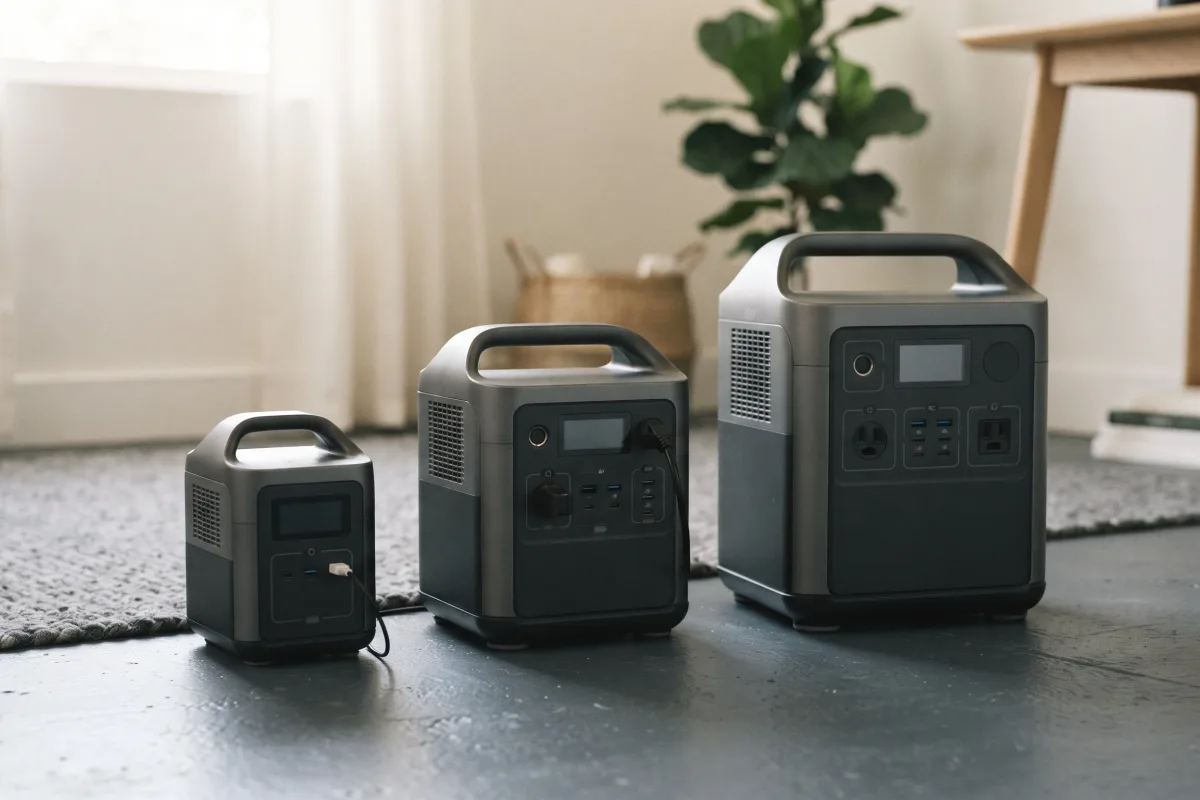
The Jackery Explorer 300 has no UPS rating, and the DC-only Anker SOLIX C300 DC has no AC outlets to back up. Each review covers the details.
Power station vs a dedicated UPS
Different strengths
| Feature | Power station | Dedicated UPS |
|---|---|---|
| Runtime | hours (about 1–4 kWh) | usually minutes |
| Switchover | about 10–20 ms | about 2–10 ms (APC) |
| Portability | carry it anywhere | stays at the desk |
| Solar charging | yes | no |
A dedicated UPS is built to bridge the gap long enough to save work and shut down. A power station keeps you running for hours, but check its switchover time first.
How to set it up
Four steps
- Plug the station into a wall outlet and let it charge fully.
- Plug your devices into its UPS-capable AC outlets and keep the total under its continuous output rating.
- Test it: with nothing important open, switch off the wall socket and check everything stays on.
- Leave it plugged in. Some apps let you set a charge limit; see each review for what your model offers, and can you leave a power station plugged in. For placement, see indoor safety.
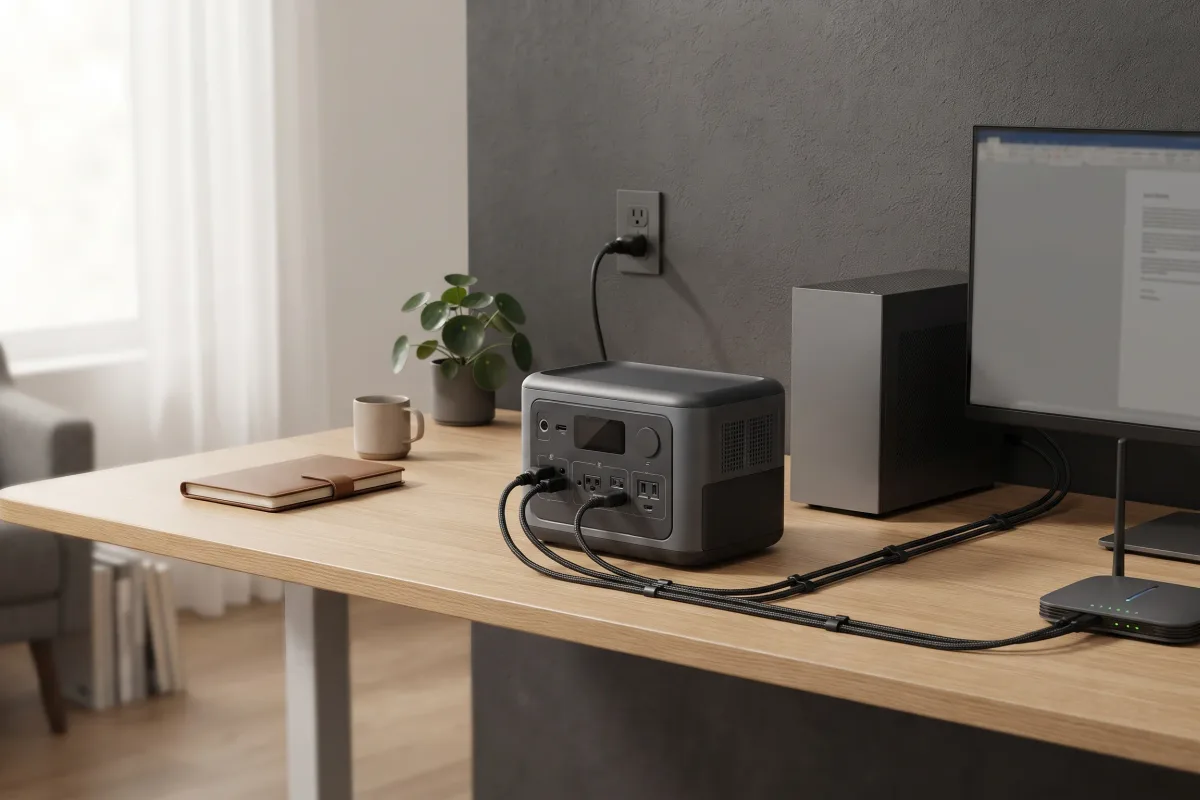
To see how long it will run your setup, try the runtime calculator.
What this means when buying
Pick by switchover first, then size
For a home office with a desktop PC, choose a station that lists 10 ms or less: the EcoFlow Delta 3 Plus, Anker SOLIX C1000 Gen 2 or Jackery Explorer 1000 v2 at 1 kWh, or the Jackery HomePower 2000 Plus v2 for longer runtimes. All use long-life LiFePO4 batteries.
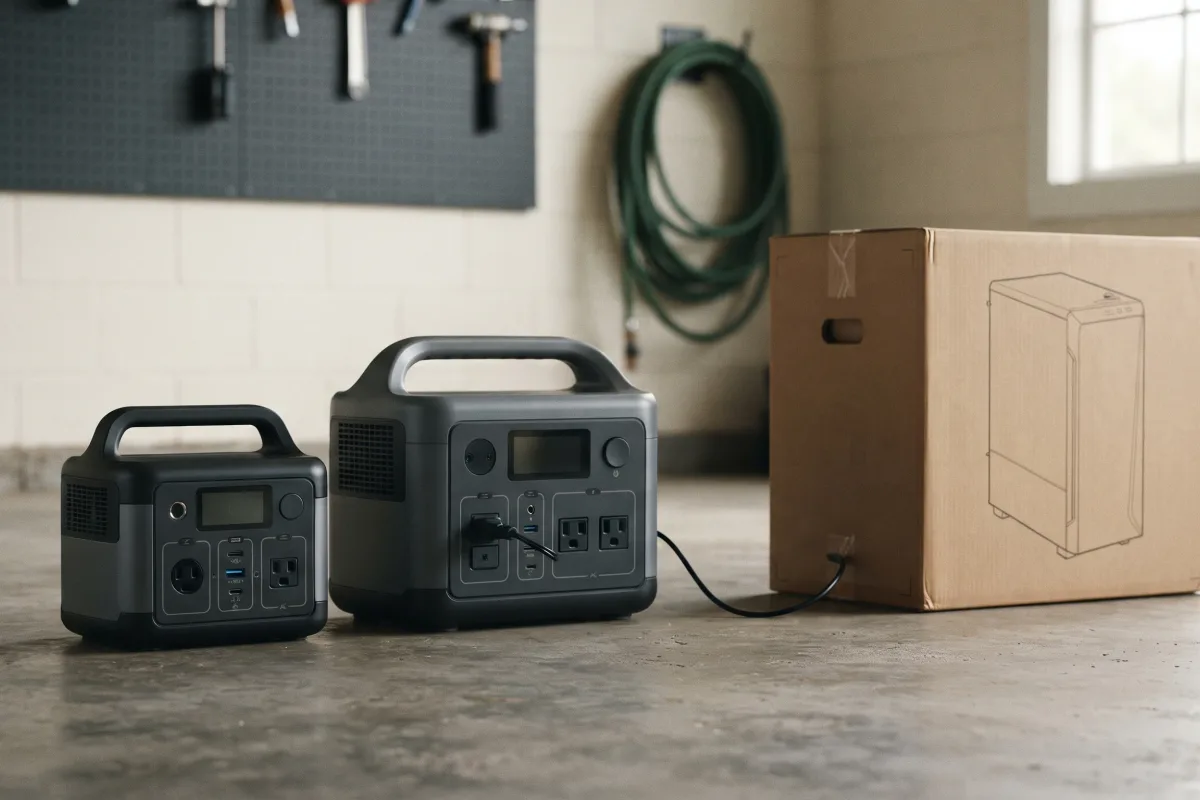
Ready to choose a station? See Best Portable Power Stations for Home Backup.
FAQ
Quick answers to common questions
Can I use a power station as a UPS for my PC?
Yes, if it switches over in 10 ms or less and its output covers your PC and monitor.
What's the difference between UPS and EPS?
They're brand names for the same idea. What matters is the switchover time the maker publishes; EPS modes often don't list one.
Is a power station better than a UPS?
For runtime, yes: hours instead of minutes. A dedicated UPS usually switches over faster.
How long will it run my computer?
About 5.5 hours for a 150 W computer and monitor on a 1,024 Wh station. Larger stations run proportionally longer.
Does leaving it plugged in hurt the battery?
All the stations in our table use LiFePO4 batteries rated for thousands of cycles. Some apps also let you set a charge limit; see each review.