 By
We may earn a commission if you buy through links on this page, at no extra cost to you. This never affects which products we recommend. How we make money.
On this page 9 sections
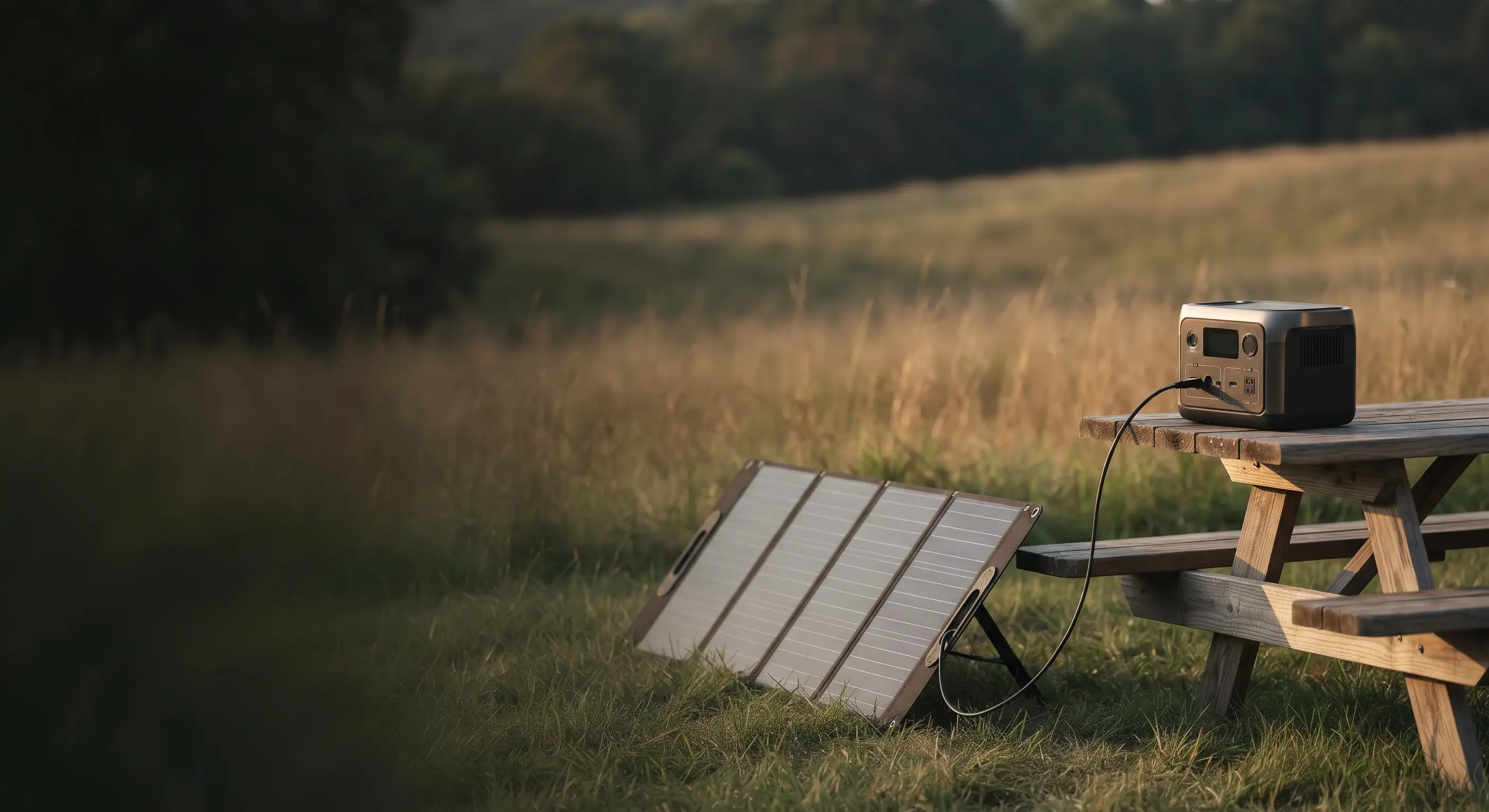
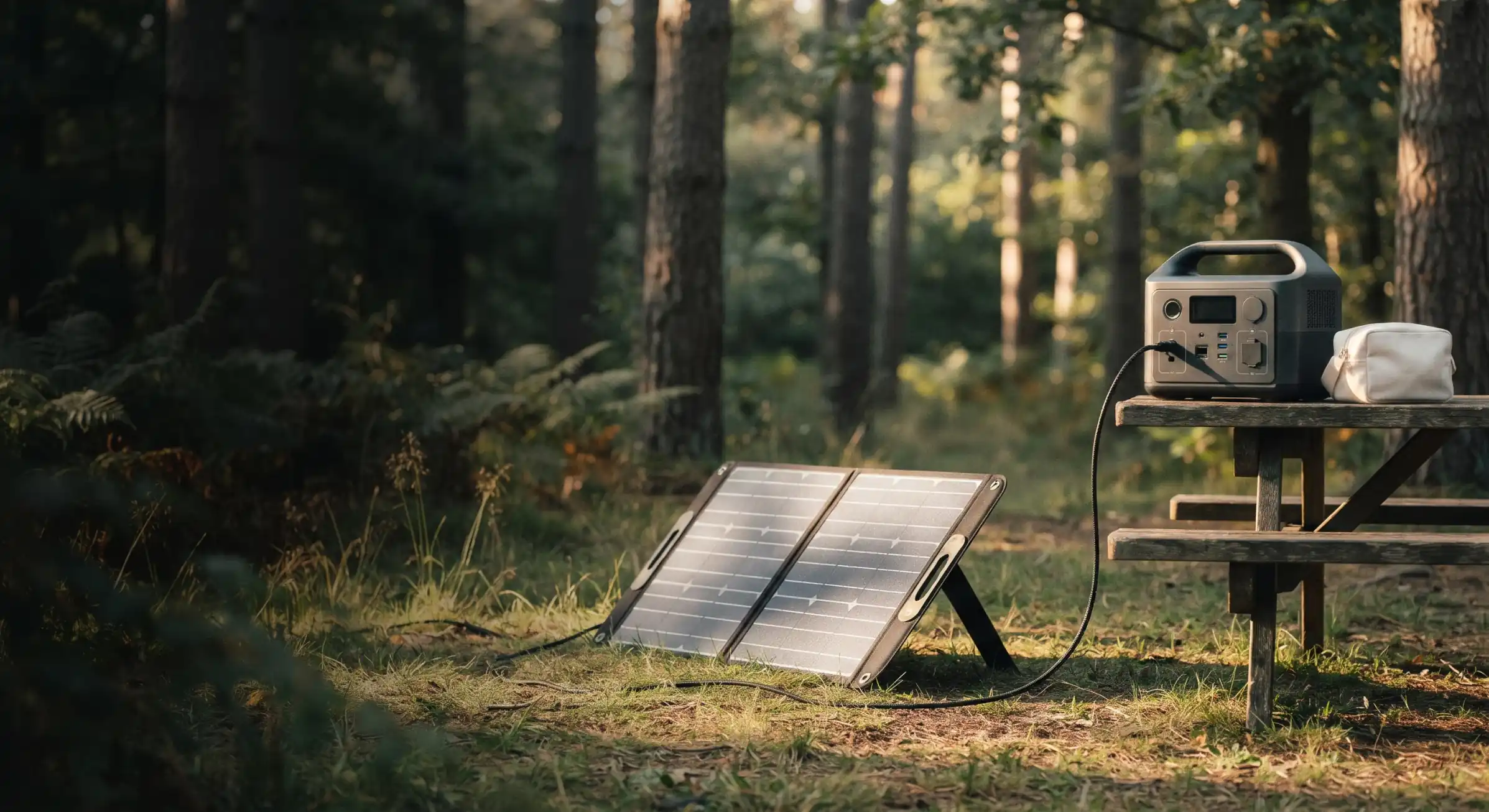
To charge a portable power station with solar, check its solar input limits, aim a compatible panel at the sun, and connect it to the station's solar input with the right adapter cable. The station's built-in charge controller does the rest; its screen shows the incoming watts.
What you need
A panel, a cable and the station
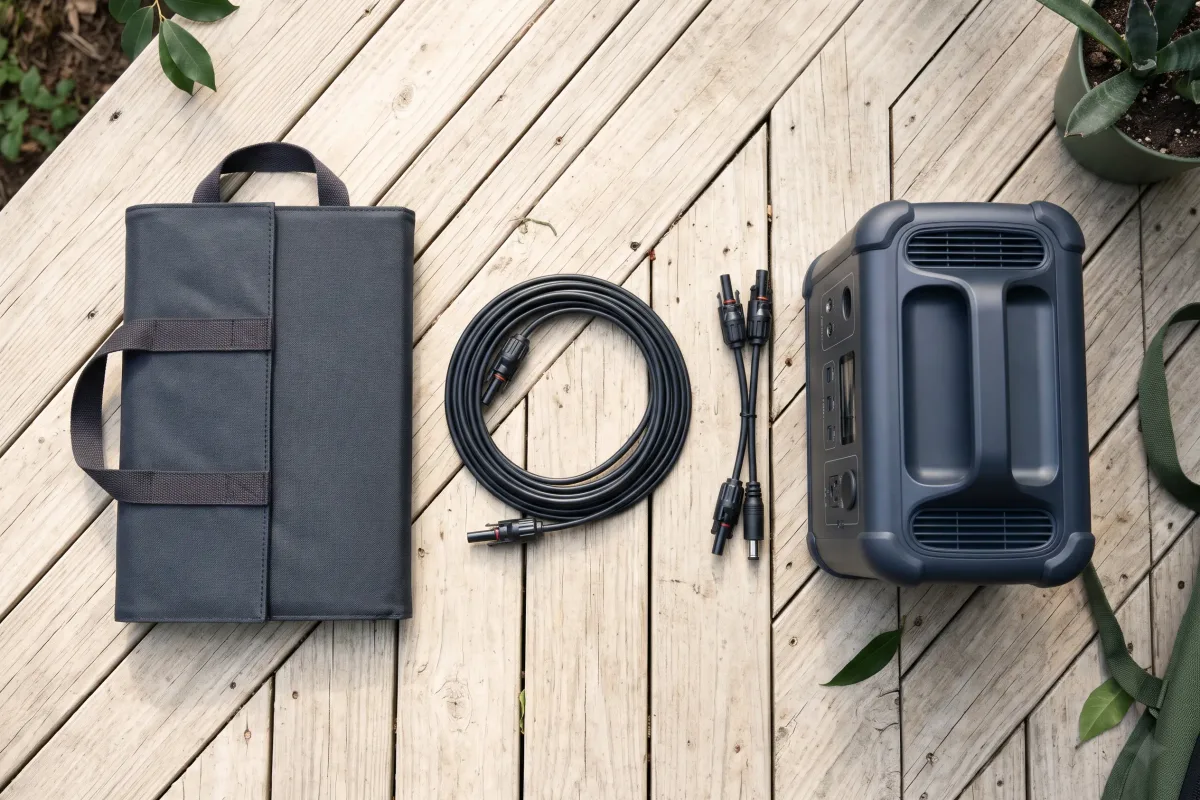
- A solar panel (or several) within your station's input limits. Folding portable panels are the easiest to set up; rigid panels work too. Bought a station and panels together? That bundle is what brands call a solar generator.
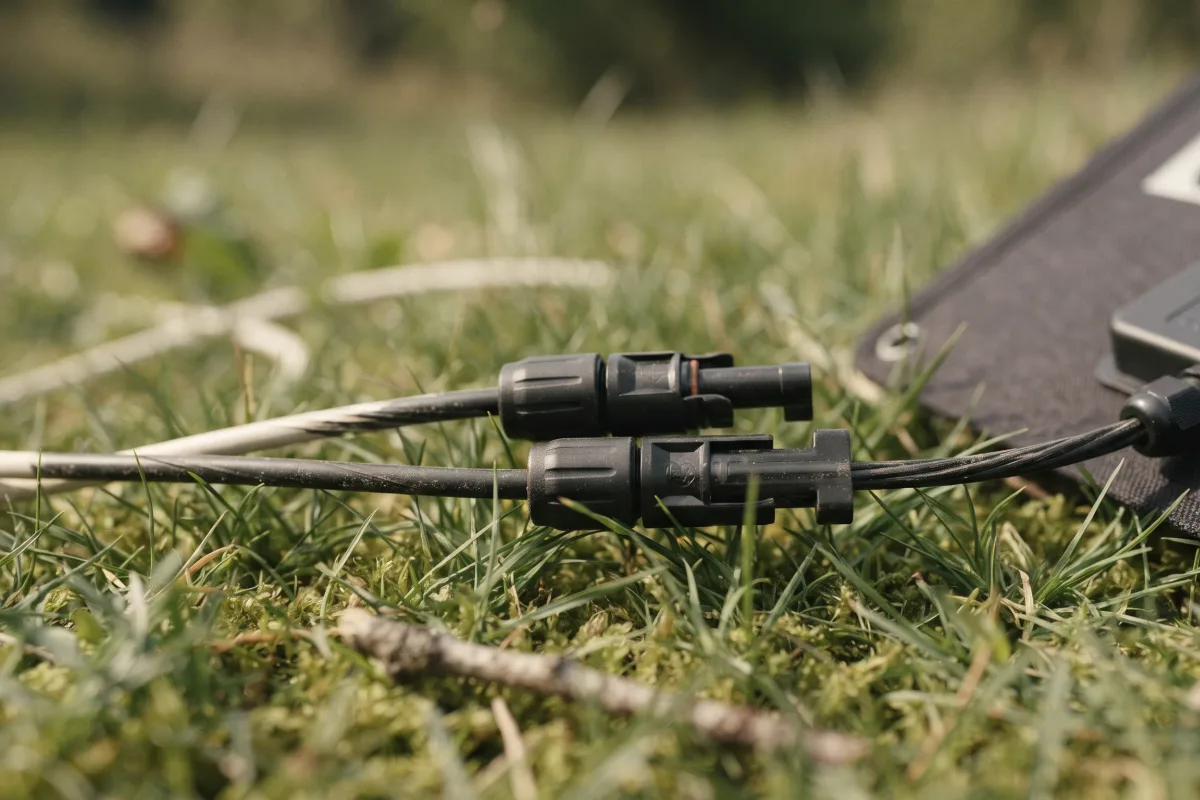
- An adapter cable that goes from the panel's MC4 connectors to your station's solar port. Common station ports are XT60, Anderson and DC7909/DC8020; check your manual.
- An extension cable (optional) if you want the station in the shade while the panel sits in the sun.
To choose a panel size, see what size solar panel you need; for what the W and Wh numbers mean, see watts vs watt-hours.
Step 1: Check your station's solar input limits
Volts, amps and watts
Find three numbers in your station's manual or spec sheet:
| Limit | What it means |
|---|---|
| Voltage range | Panel voltage must sit inside it |
| Max current | Limits panels joined in parallel |
| Max watts | Extra panel watts aren't used |
For example, the EcoFlow Delta 3 Plus takes 11–60 V and up to 1,000 W across two inputs. Compare them with the panel's open-circuit voltage (Voc) and short-circuit current (Isc), printed on its label. If you're joining panels, add up their Voc (in series) or current (in parallel) first.
Step 2: Set up and aim the panel
Face the sun, avoid shade
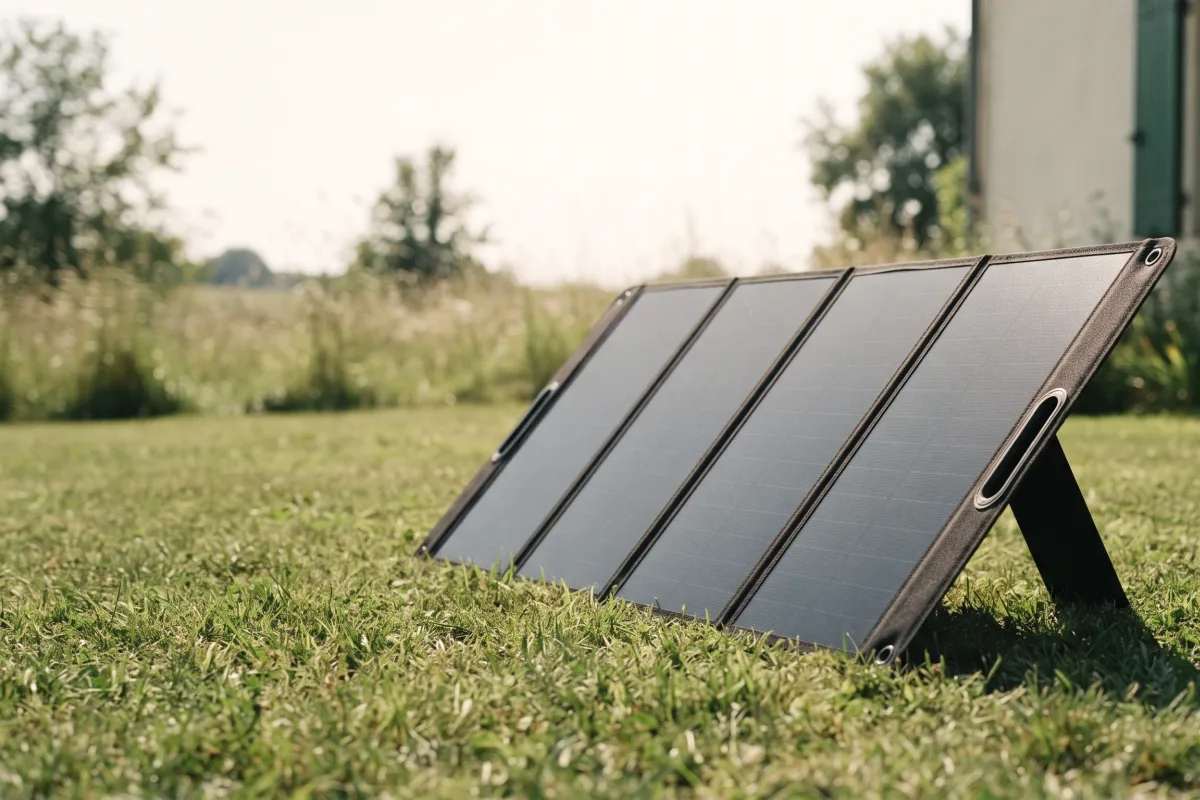
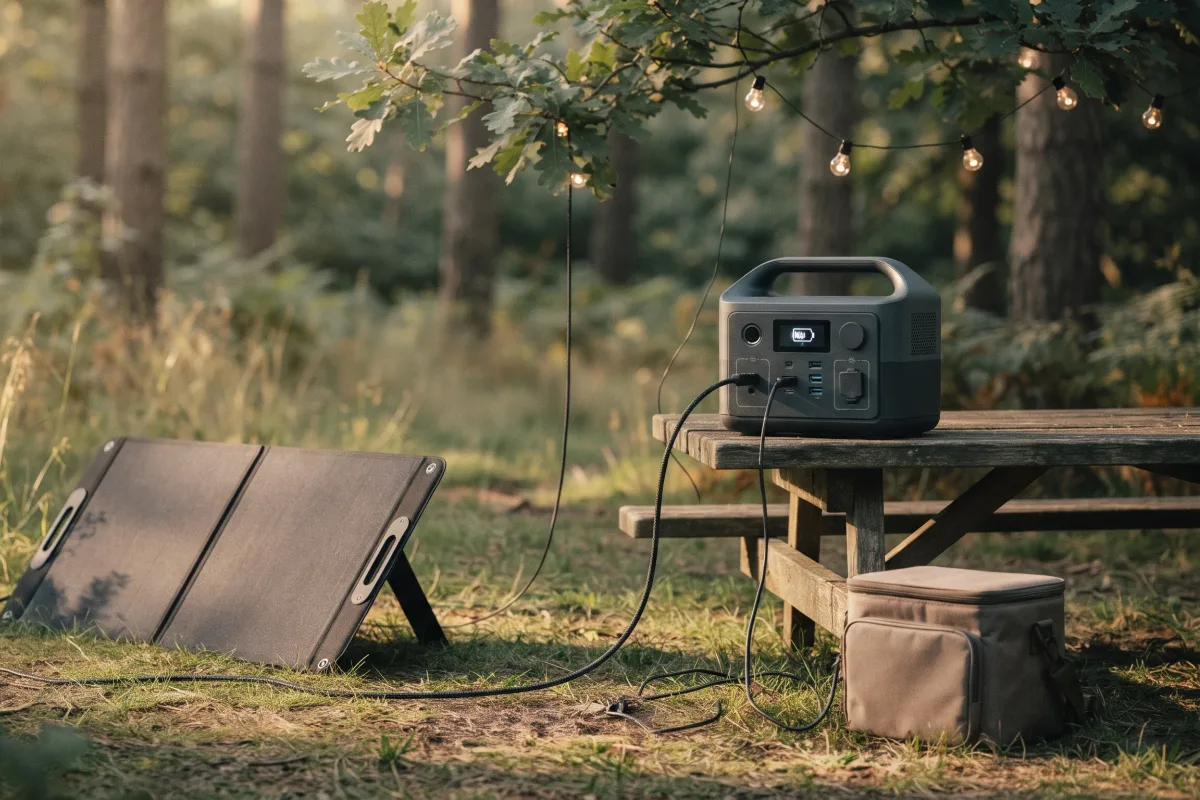
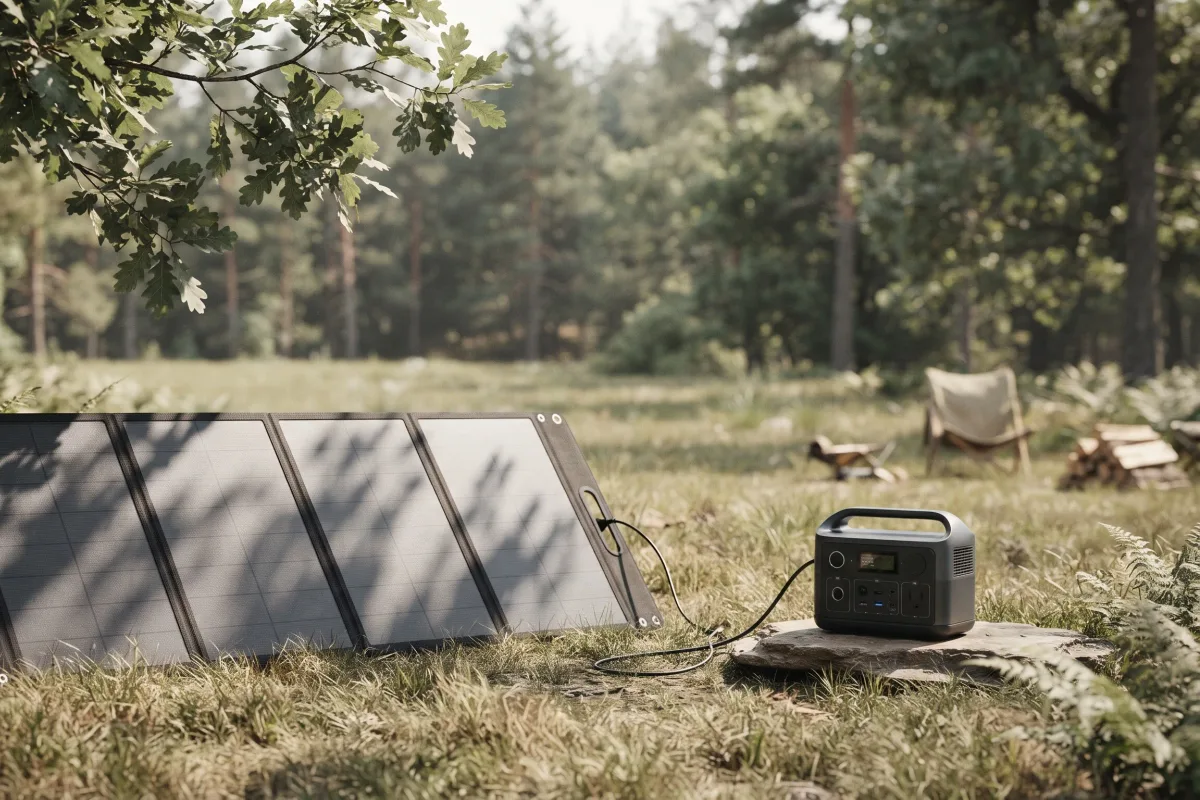
Unfold the panel on open ground, away from trees, buildings and anything that can cast a shadow during the day. Tilt it so it faces the sun directly: as a rule of thumb, an angle from flat about equal to your latitude (roughly 25–49° across the continental US), steeper in winter. Re-aim it every 2–3 hours as the sun moves.
Keep the station itself in the shade if you can; most charge more slowly when they're hot.
Step 3: Connect the panel
Panel to adapter to station
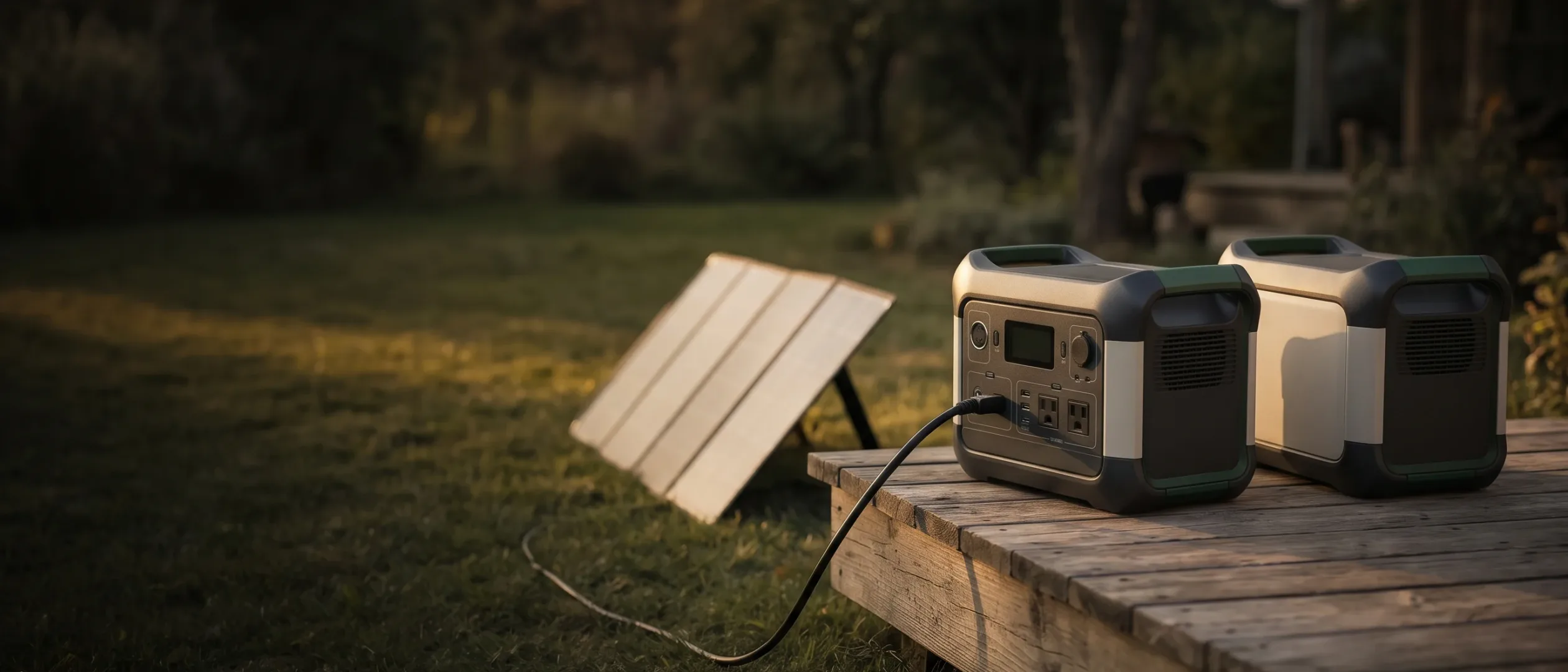
- Connect the panel's MC4 plugs to the adapter (red/positive to positive, black/negative to negative; MC4 connectors only fit one way).
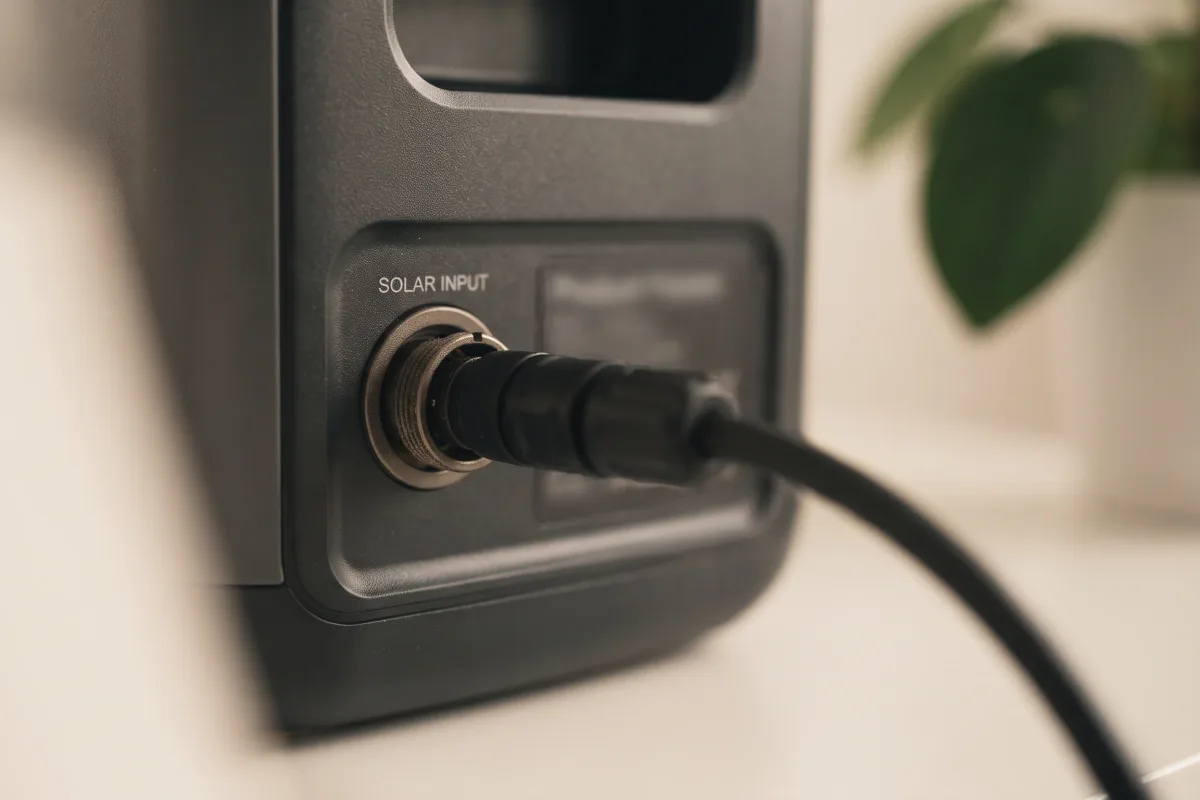
- Plug the adapter into the station's solar input.
- If you're using two panels, join them first (in series or in parallel) and check the totals against the limits from Step 1.
Never connect a panel whose Voc is above the station's maximum.
Step 4: Confirm it's charging
Read the input watts
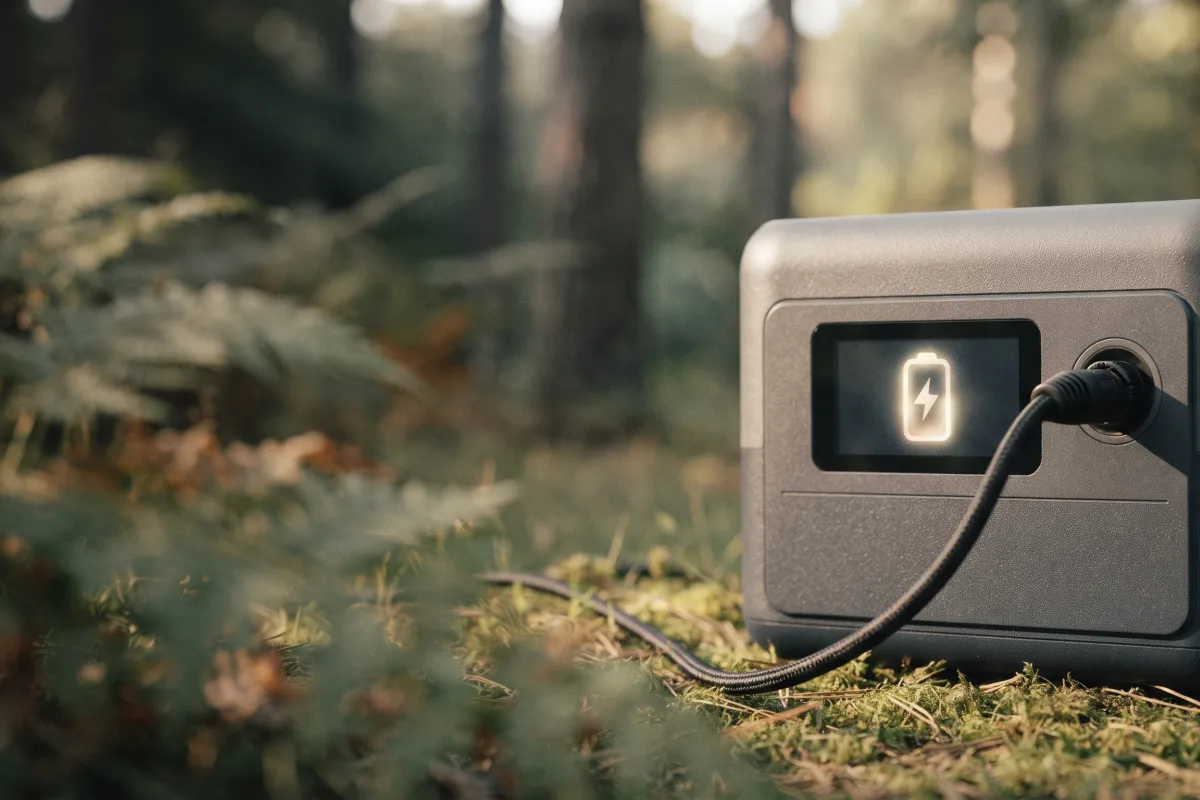
The station's screen or app shows the solar input in watts. On a clear day with the panel aimed well, expect roughly 70–80% of the panel's rated watts. Much less than that usually means shade, a poor angle or a loose connection.
Many stations also let you choose the input type (solar, car or AC) or set a solar charging mode in the app; set it to solar if yours asks.
Charging and using power at the same time
Pass-through charging
Most stations can charge from solar while powering your devices. The panel's watts go to your devices first, and anything left over charges the battery. If your devices use more than the panel provides, the battery still drains, just more slowly.
To see how long your devices will run, use the runtime calculator.
Solar charging in cold and heat
Temperature changes both voltage and speed
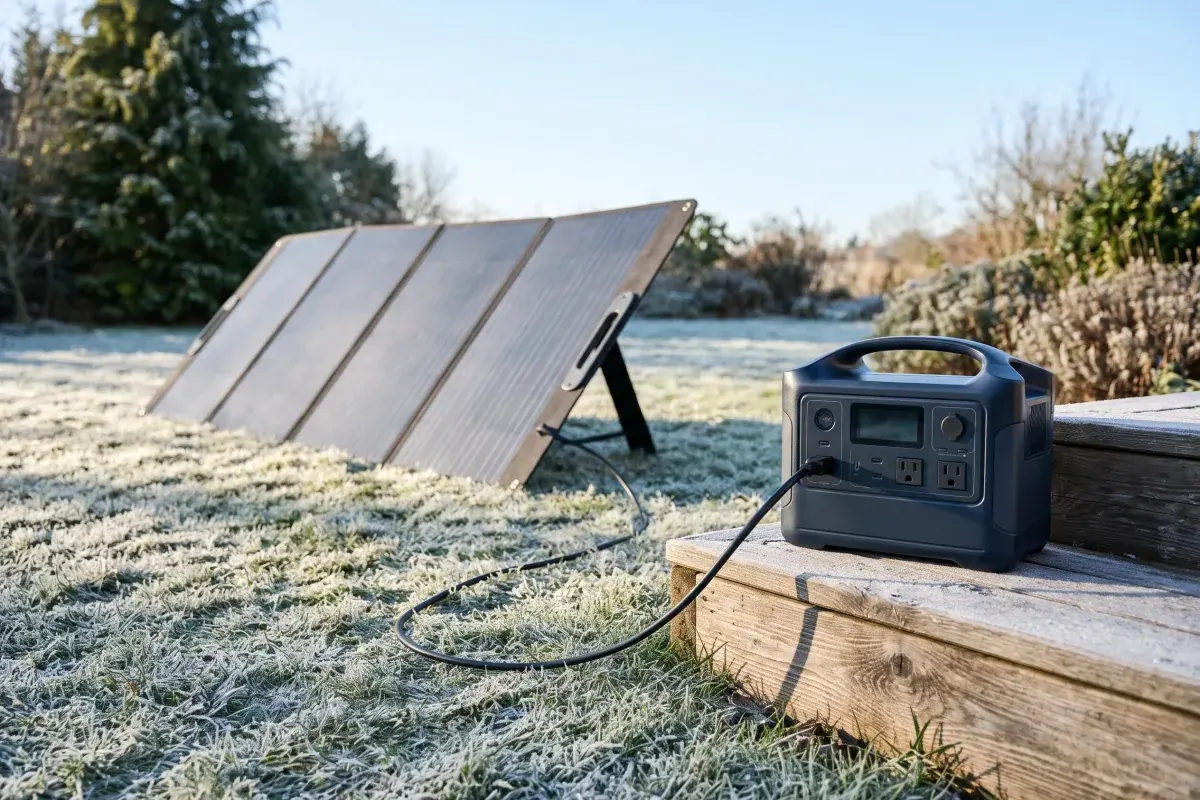
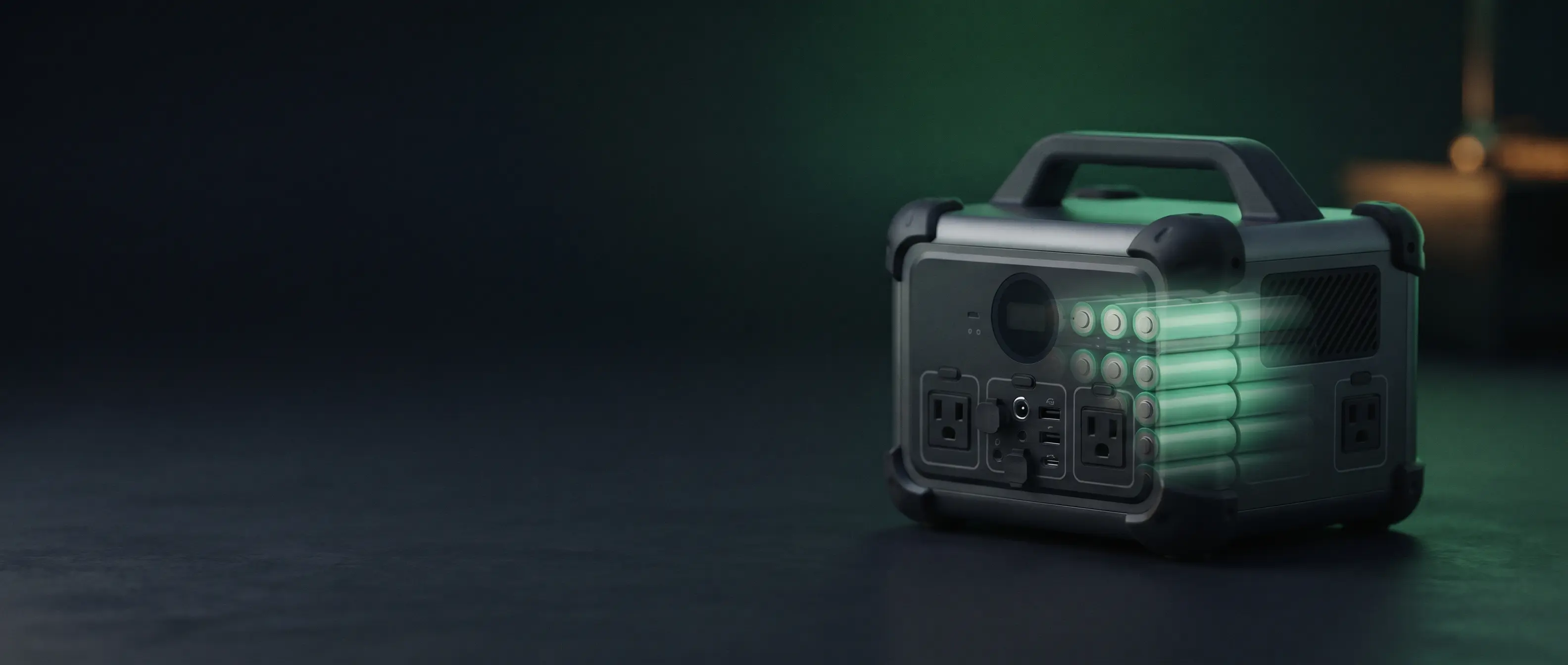
Many LiFePO4 stations also won't charge below about 32 °F; some slow down or stop until the battery warms up. In summer heat, panels lose output and the station may cut its charging rate to protect the battery. Keep the station shaded and ventilated.
Troubleshooting slow solar charging
Check these in order
- Shade: even a small shadow across part of the panel can cut output sharply.
- Angle: a panel lying flat or facing away from the sun collects much less.
- Connections: reseat the MC4 and adapter plugs.
- Voltage too low: a single small panel may sit below the station's minimum input voltage.
- Battery full or hot: charging slows near 100% and when the station is warm.
- Glass: charging through a window or windshield cuts output noticeably.
If it won't charge at all, see portable power station not charging.
Ready to choose a station? See Best Portable Power Stations for Camping.
FAQ
Quick answers to common questions
Do I need a charge controller to charge a power station with solar?
No. Portable power stations have a built-in MPPT charge controller.
Can I use solar panels from a different brand?
Usually, yes, if the panel's voltage and current fit inside the station's input limits and you have the right adapter cable.
Can I leave the solar panel connected all day?
Yes. The station stops charging when the battery is full.
How long does solar charging take?
It depends on panel size and sun. Roughly, hours of good sun ≈ battery Wh ÷ (panel W × 0.75). See what size solar panel you need.