 By
We may earn a commission if you buy through links on this page, at no extra cost to you. This never affects which products we recommend. How we make money.
On this page 9 sections
When a portable power station won't charge, the cause is usually the power source, the temperature or a setting. Check them in that order. Stopping at 98–99% is normal, not a fault.
Stop first if something seems wrong
Safety before troubleshooting
The NFPA lists the signs of a battery problem: an odd smell, a change in color, too much heat, a change in shape, leaking or odd noises. If you notice any of them, unplug it and stop using it. If it's only warm to the touch, EcoFlow advises unplugging it and letting it cool before charging again.
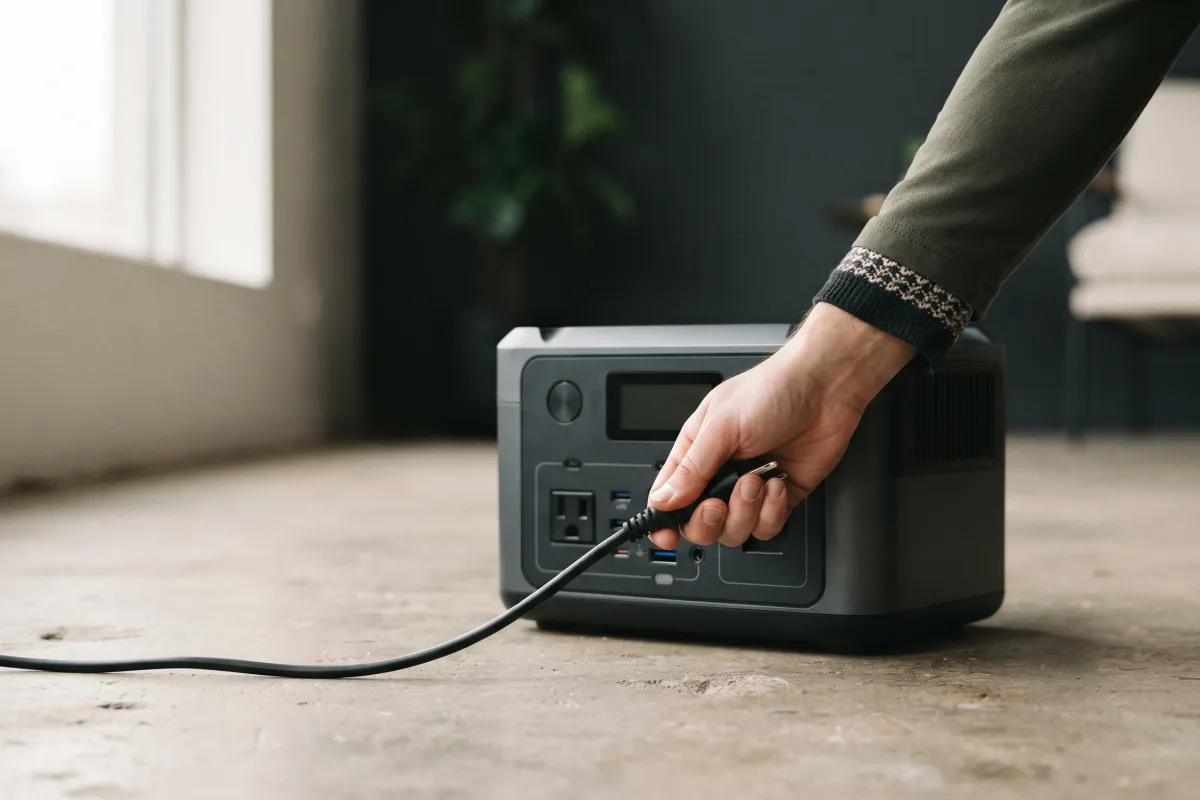
Never open the case to look for a fuse or loose wire; contact the maker instead. Check your model against the power station recalls list too.
Quick fixes, most likely first
Five checks that solve most problems
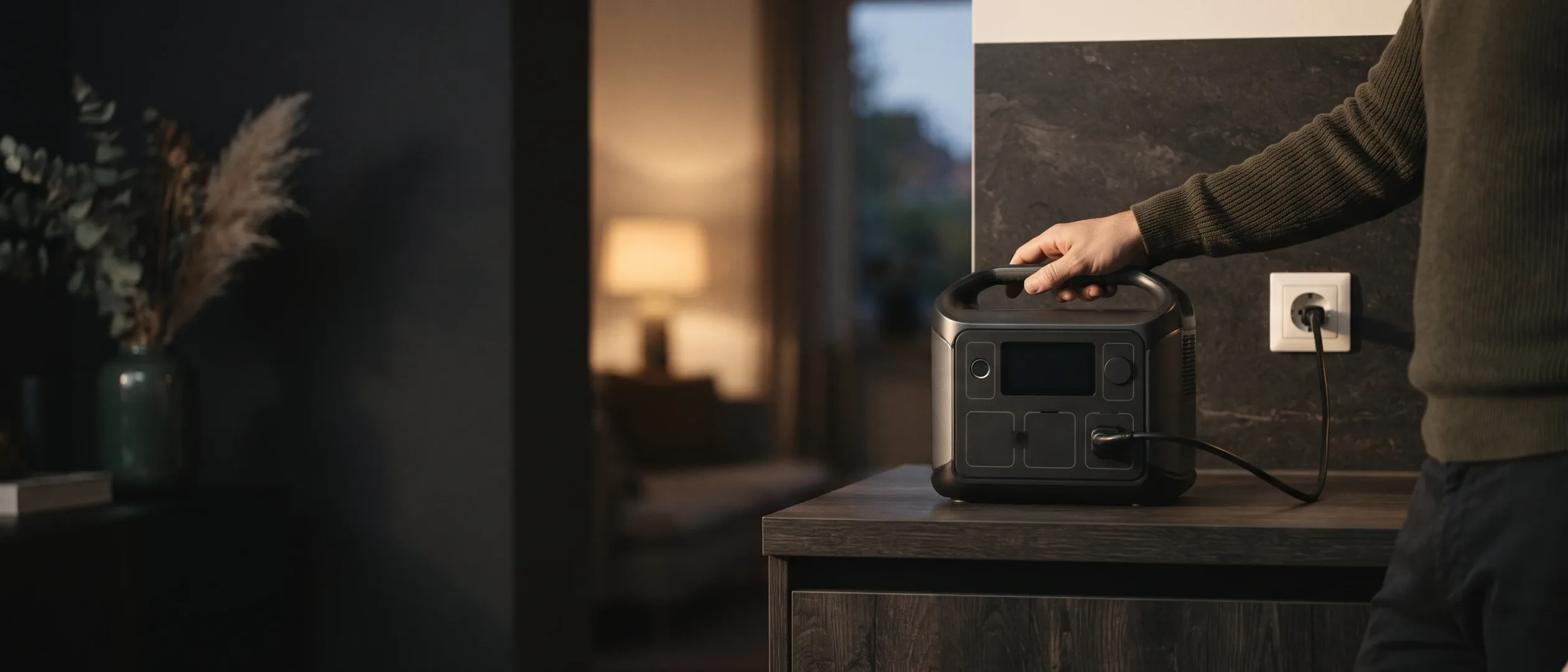
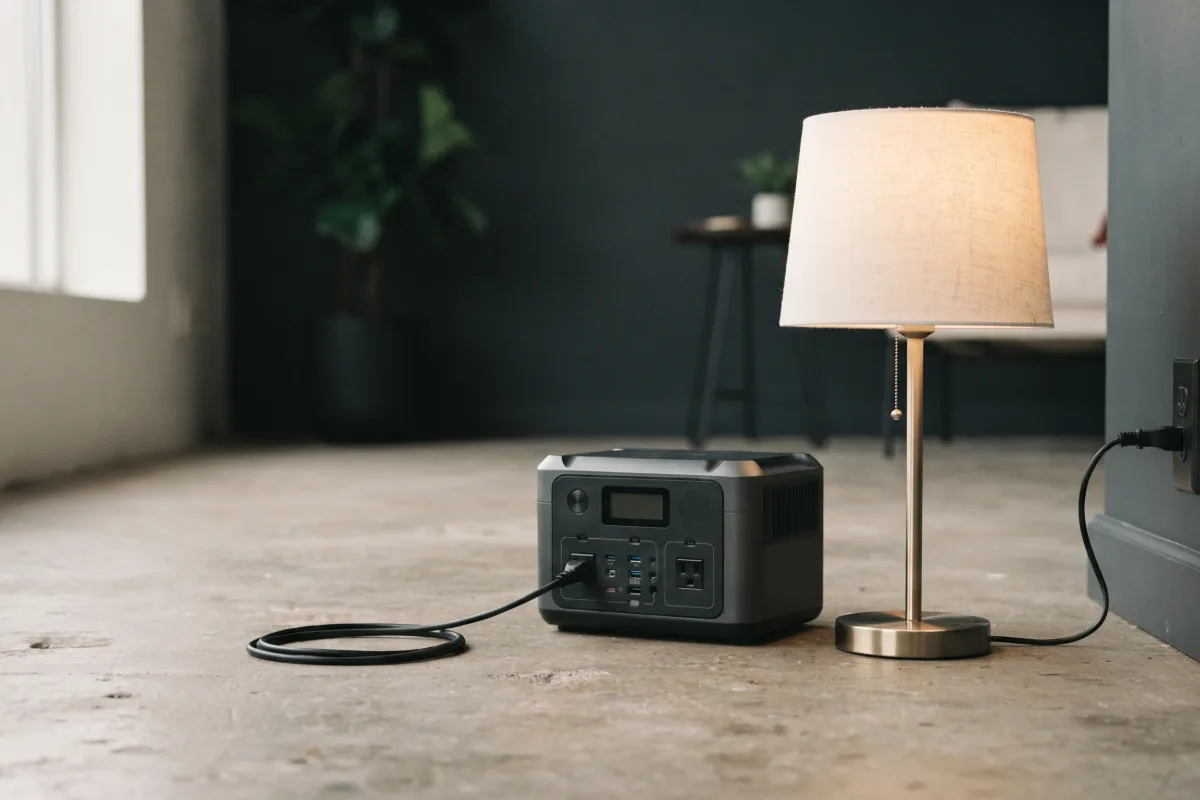
- Test the outlet. Plug a lamp into it. If it's dead, check the breaker or try another outlet.
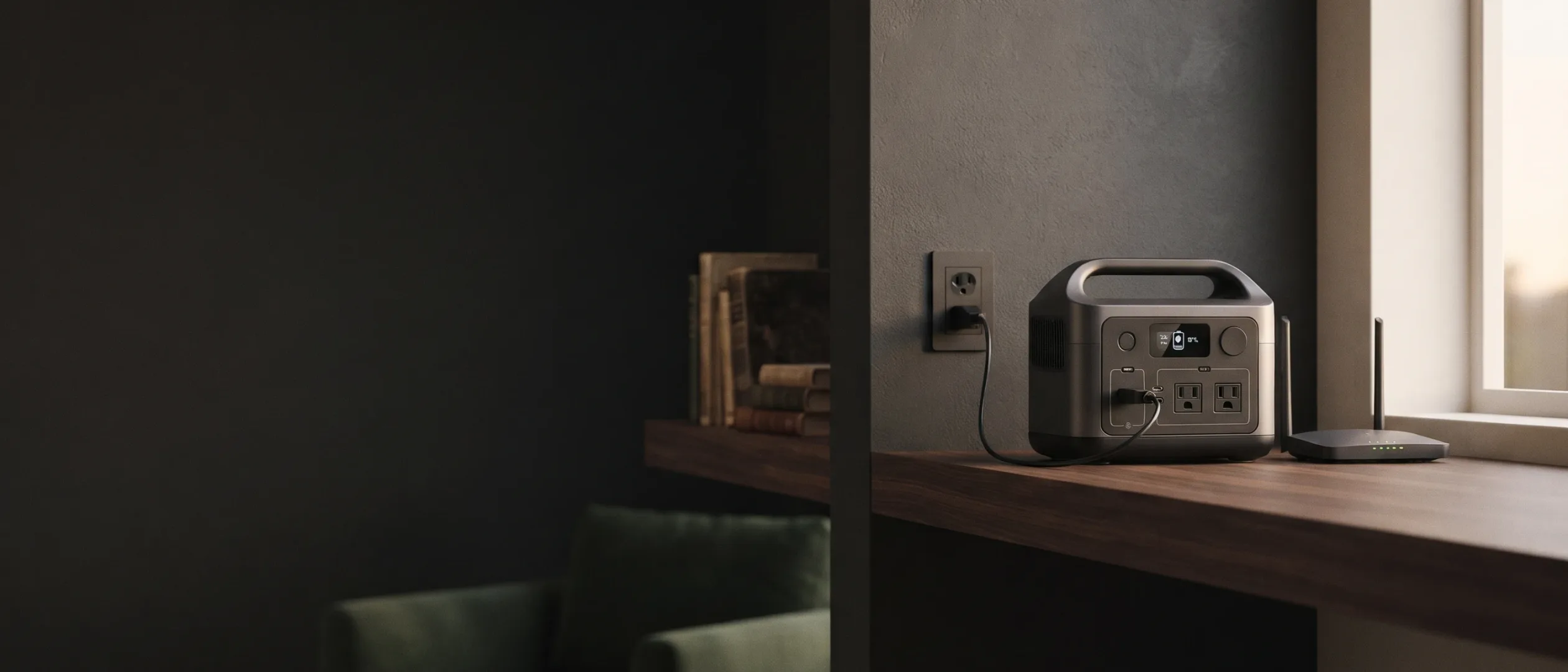
- Plug straight into the wall. EcoFlow warns that an overloaded extension cord or a power strip not rated for the station's wattage can stop charging early.
- Check the cable. Make sure both ends are seated, look for damage and try another cable if you have one. Jackery's wall-charger checklist also starts with the cable connections and the charging indicator.
- Check the temperature. EcoFlow's battery system blocks charging below 32°F and pauses it when the unit is too hot; it charges best at 68–86°F. Bring it indoors and let it warm up or cool down.
- Check the app. Some apps let you set a charge limit; if it's set to 80%, the station stops there. EcoFlow's Delta 3 Plus manual describes this setting. Install any firmware update while you're there.
Not charging from solar
Sun, angle and voltage
Solar charging drops sharply with shade, cloud, a low morning or evening sun, or a panel facing the wrong way. Clean the panel, aim it at the sun and keep every cell out of shade.
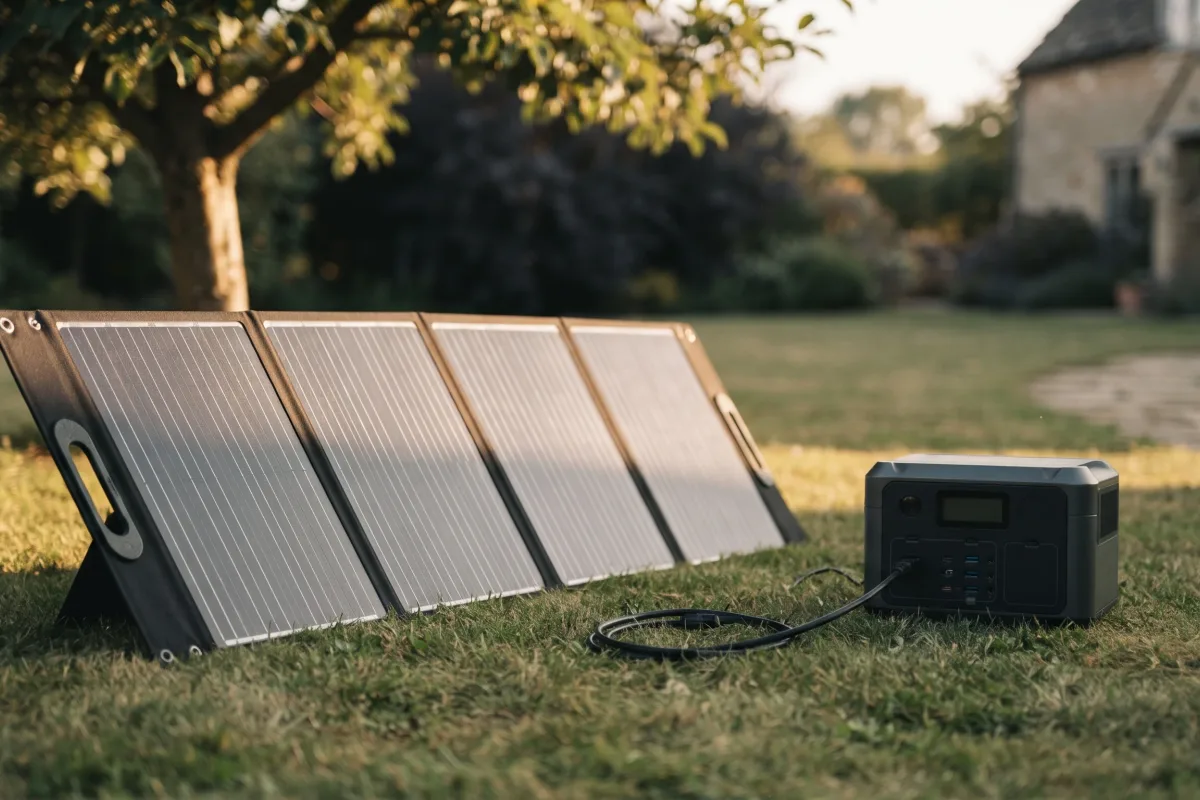
If it doesn't charge at all, check the voltage. Every station has a solar input range, such as 12–60 V on the Jackery Explorer 1000 v2. Panels below the minimum may not start charging, and the makers warn against exceeding the maximum: Bluetti's manuals say not to use panels above the open-circuit voltage limit. See how to charge with solar.
Not charging from a car
Slow by design
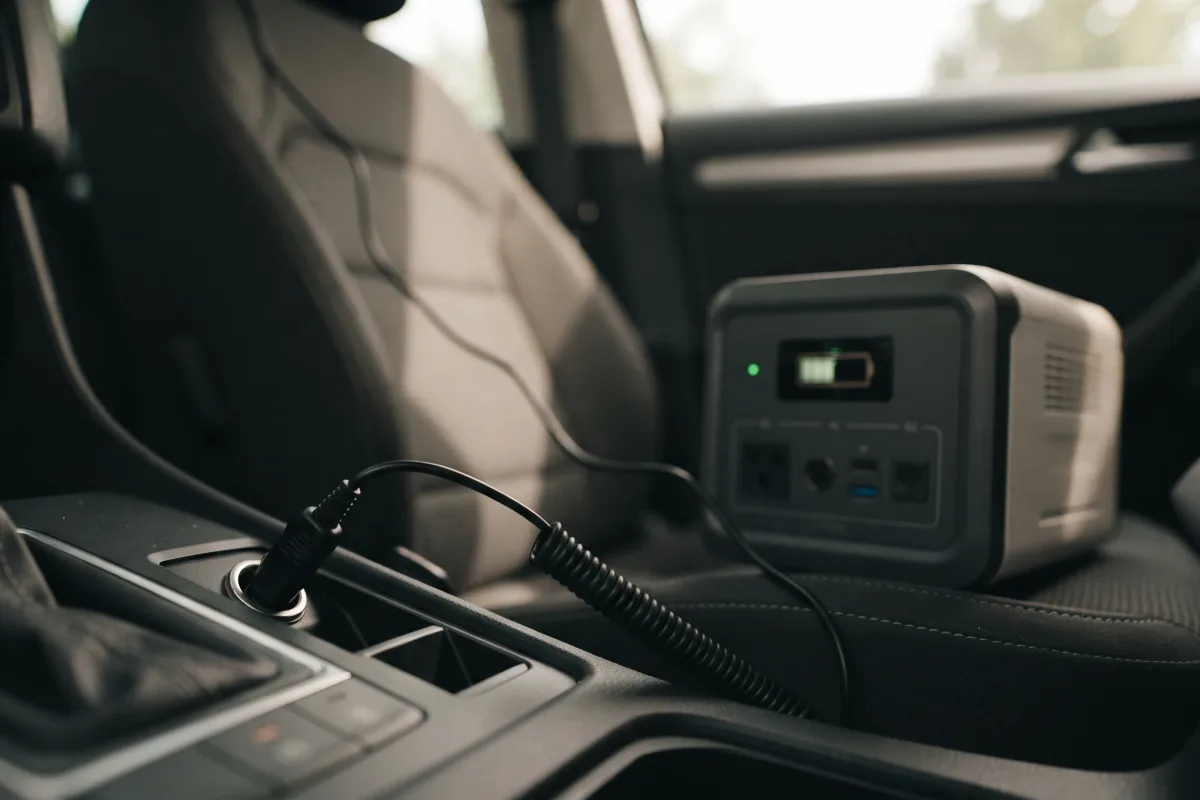
Car outlets usually supply only about 100–120 W, according to EcoFlow, so charging from a car is slow, especially near full. Charge with the engine running, and make sure the plug is firmly seated in the socket.
Stuck at 98–99% or slow at the end
Usually the battery protecting itself
EcoFlow explains that the battery management system stops just short of the true limit as a protective buffer, and balances the cells between about 90% and 100%, which can pause charging. If yours always stops at 98% or 99%, it's most likely working as designed.
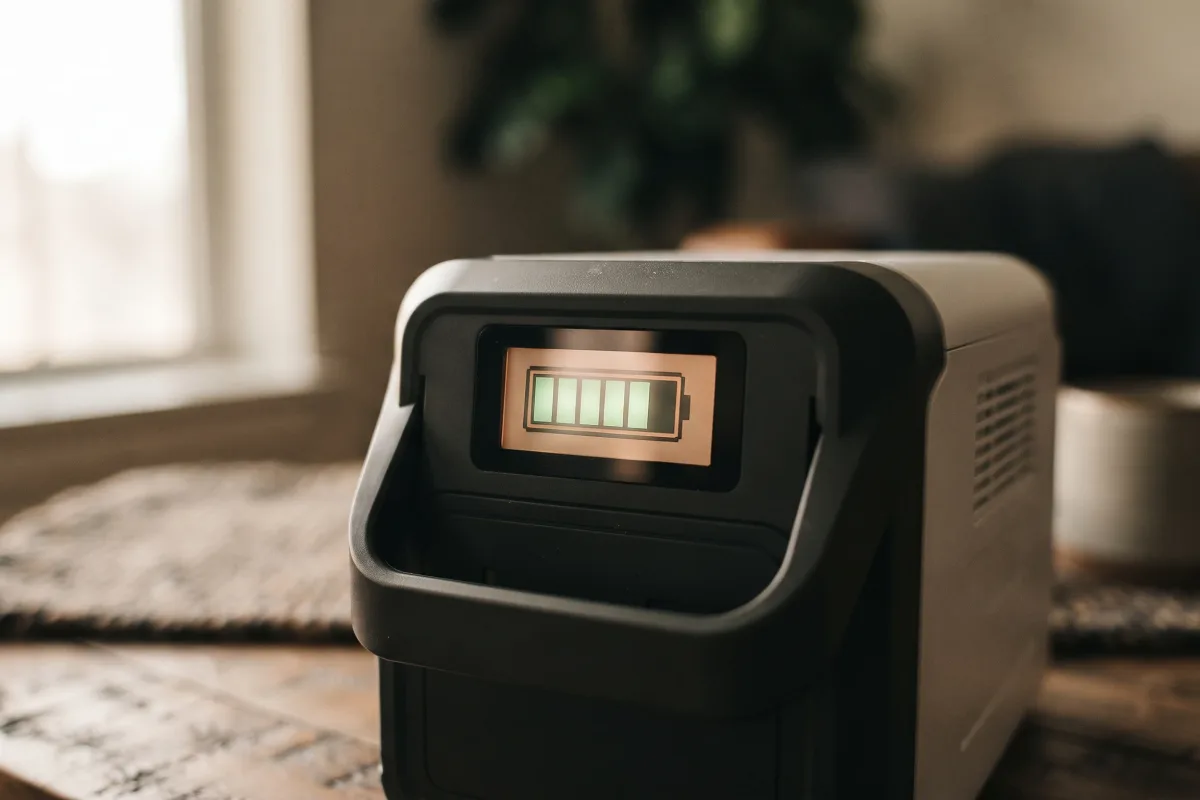
If the percentage seems wrong, EcoFlow suggests recalibrating: run it down until it shuts off, then charge it to 100% without interruption from a wall outlet. A good way to run it down is to power your usual devices; the runtime calculator shows how long that takes.
Steps from the makers
Each brand's support and app
Each maker publishes troubleshooting steps and error codes in its manual, and firmware updates through its app:
- EcoFlow: manuals.ecoflow.com and the EcoFlow app (firmware, charge limit).
- Jackery: faq.jackery.com, with separate checklists for wall and car charging.
- Anker SOLIX: support.ankersolix.com user guides.
- Bluetti: the user manual for your model, including its solar voltage limits.
Our reviews link each model's details, such as the EcoFlow Delta 3 Plus.
When it's a warranty issue
Contact the maker
If the outlet, cable, temperature, settings and firmware all check out and it still won't charge, contact the maker. Most current stations carry warranties of 3 to 5 years; see the table in how long do portable power stations last. Have your model, serial number and proof of purchase ready.
Prevent it happening again
Habits that keep it charging
Store it partly charged somewhere cool and top it up every three months; see how to store a portable power station. Don't leave it on the charger when you don't need it on standby; see can you leave a power station plugged in.
Ready to choose a station? See The Best Portable Power Stations.
FAQ
Quick answers to common questions
Why won't my power station charge?
Usually the outlet, cable, temperature or a charge limit in the app. Check them in that order.
How do I reset a power station?
It varies by model, so follow your manual. A firmware update through the app can also fix software problems.
Why does it stop at 99%?
The battery management system keeps a small buffer and balances the cells near full. That's normal.
Why is solar charging so slow?
Shade, cloud, a low sun or a badly angled panel cut output sharply. Check the panel's voltage against the station's solar input range too.
Can I charge it in the cold?
Not below 32°F. The battery system blocks charging to protect the cells; warm it up indoors first.