 By
We may earn a commission if you buy through links on this page, at no extra cost to you. This never affects which products we recommend. How we make money.
On this page 10 sections
Yes: any portable power station can run a Wi-Fi router. A typical router uses about 12 W, so a 300 Wh station keeps it online for about a day on its 12 V DC port, and a 1 kWh station for about three days. Add a separate modem and the time roughly halves; run everything from the AC outlets instead of DC and it drops by about another third.
Wi-Fi router and modem watts: about 12 W for a router, 23 W with a modem
An adapter's label is a ceiling, not the draw: eero lists 4.4 to 7.7 W for its Wi-Fi 6 routers, and Xfinity lists 17 to 29 W for its all-in-one gateways.
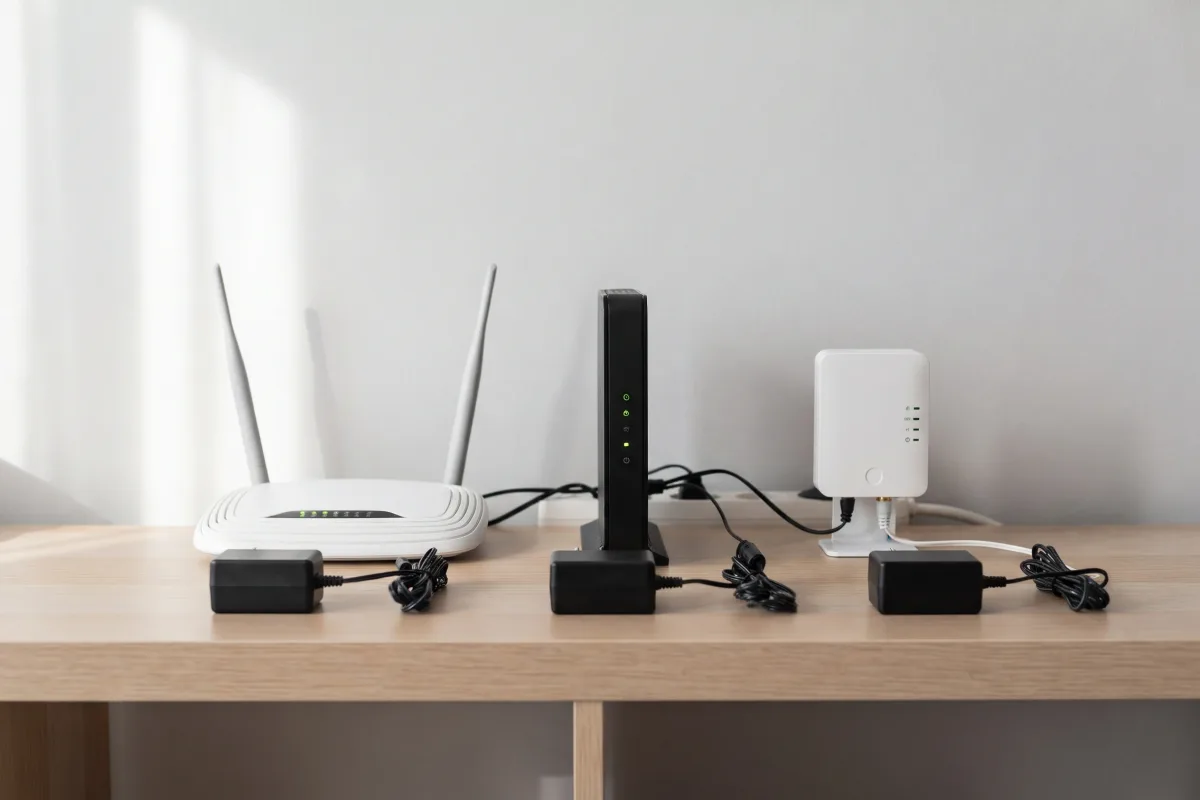
The label on a router's power adapter (for example 12 V 2 A, or 24 W) is the most it can supply, not what the router uses. Makers and internet providers that publish measured figures show the gap:
| Device | Typical draw | Source of the figure |
|---|---|---|
| eero 6 / eero 6+ mesh router | 4.4 / 4.5 W | eero, typical use |
| eero Pro 6 / Pro 6E | 7.7 / 7.5 W | eero, typical use |
| eero 7 / Pro 7 | 7 W (15 / 27 W max) | eero |
| Stand-alone cable modem (Technicolor TC4400) | 11 W | Xfinity, ready state |
| Xfinity XB7 / XB8 gateway | 17 / 18 W | Xfinity, ready state |
| Xfinity XB10 gateway | 29 W | Xfinity, ready state |
| AT&T BGW320 fiber gateway | 10.7–13.6 W | AT&T, idle |
| Nokia indoor fiber terminal (ONT) | 4.7 W idle | Nokia product guide |
Adapter ratings for other popular routers: the TP-Link Archer AX55 Pro ships with a 12 V 2 A adapter (24 W) in the US, the Netgear Nighthawk RAX50 12 V 2.5 A (30 W), and the ASUS RT-AX88U Pro a 19 V adapter of about 45 W. Expect each to use less than that.
For planning, we use 12 W for a router and 23 W for a router plus a separate modem (12 W + 11 W), the same router figure as our home backup guide. If you have one all-in-one gateway from your provider, plan on about 18 W. Mesh satellites add a few watts each, but in an outage you can unplug the ones you don't need.
Your setup: router, modem, ONT or gateway
What needs backup depends on how the internet reaches you:
- Cable: a modem plus a router, or one gateway that does both. Both boxes need power.
- Fiber: an optical terminal (ONT) on the wall plus a router or gateway. The ONT needs power too; some providers fit their own battery unit to it.
- 5G home internet: one gateway. T-Mobile's G4AR takes a 15 V 3 A (45 W) USB-C supply.
- Satellite: Starlink; see the section below.
The power station only keeps your end alive. If the outage also takes down your provider's local equipment, the Wi-Fi stays on but the internet doesn't. Cable networks often need mains power along the street; fiber and 5G tend to stay up longer.
Router runtime by power station size: about 22 hours per 300 Wh on DC
On the 12 V DC port, a 1 kWh station runs a 12 W router for about 79 hours, and router plus modem for about 41.
Runtime is battery capacity × efficiency ÷ load. On a DC port we allow 92% of rated capacity; on AC, we divide the load by 0.85 and add about 10 W for the inverter itself (the method in our runtime calculator). These are our estimates:
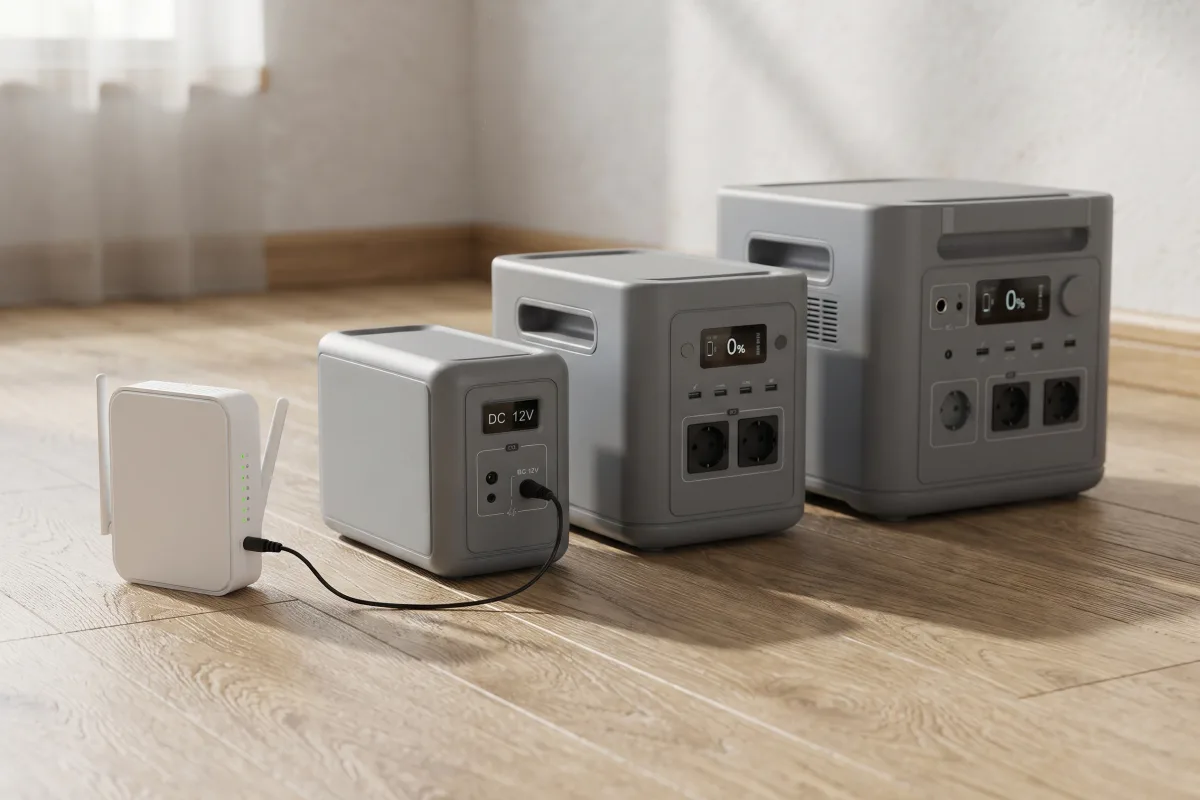
| Capacity | Router (12 W), DC | Router + modem (23 W), DC | Router + modem, AC |
|---|---|---|---|
| 245 Wh | ~19 h | ~10 h | ~6.6 h |
| 288 Wh | ~22 h | ~11.5 h | ~7.8 h |
| 1,024 Wh | ~79 h (3.3 days) | ~41 h | ~28 h |
| 2,048 Wh | ~157 h (6.5 days) | ~82 h (3.4 days) | ~55 h |
Wi-Fi router and modem on a 1,024 Wh station
- Router only (12 W), DC3.3 days
- Router + modem (23 W), DC41 h
- Router only, AC43 h
- Router + modem, AC28 h
Real time can be shorter: a router works harder with many devices streaming, a cold room cuts battery capacity, and many owners set a reserve so the station never runs flat. Treat these as upper figures and plug your own numbers into the calculator.
Router runtime on the stations we've reviewed: about 22 hours to 6.5 days
Compact 286–293 Wh stations give about a day for a router on DC; the 2,048 Wh HomePower 2000 Plus v2 about 6.5 days.
These are our estimates for a 12 W router, and a 23 W router plus modem, on each station's 12 V car outlet at 92% efficiency:
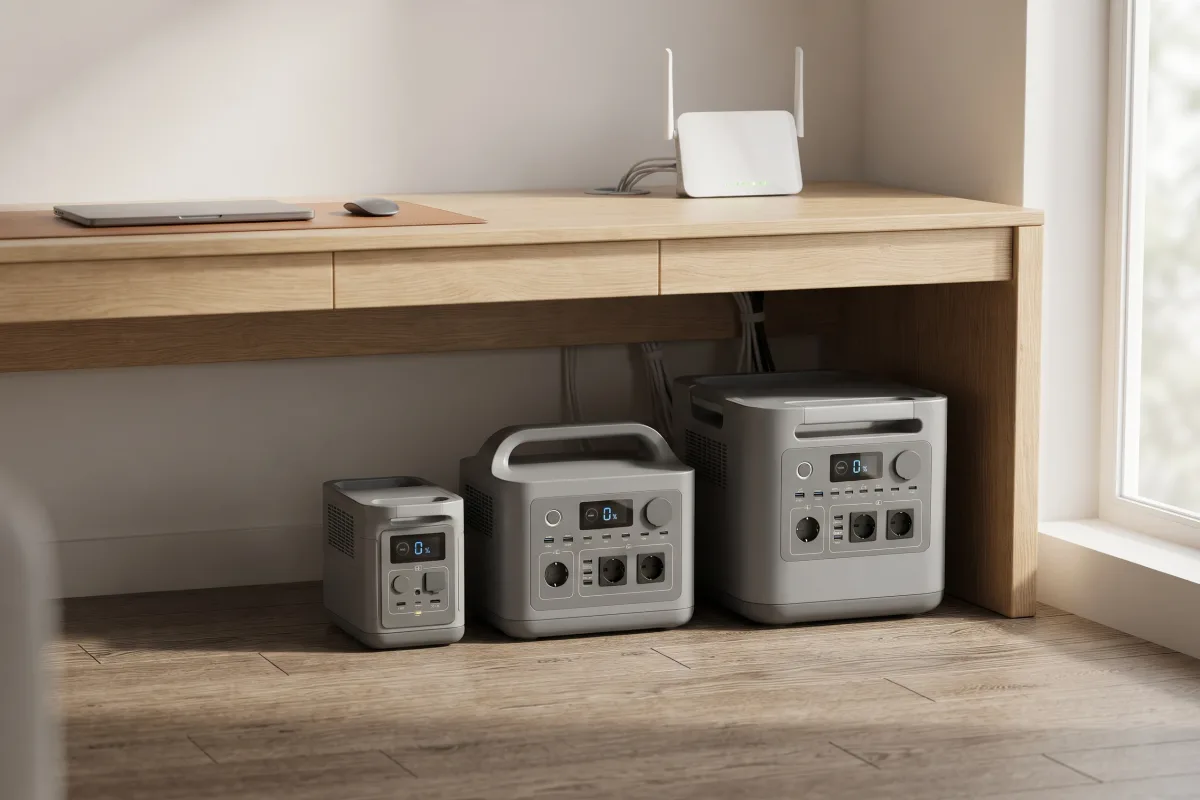
| Station (capacity) | Router, DC | Router + modem, DC |
|---|---|---|
| EcoFlow River 3 Plus (286 Wh) | ~22 h | ~11.4 h |
| Bluetti Elite 30 V2 (288 Wh) | ~22 h | ~11.5 h |
| Anker SOLIX C300 DC (288 Wh) | ~22 h | ~11.5 h |
| Jackery Explorer 300 (293 Wh) | ~22.5 h | ~11.7 h |
| EcoFlow Delta 3 Plus (1,024 Wh) | ~79 h | ~41 h |
| Anker SOLIX C1000 Gen 2 (1,024 Wh) | ~79 h | ~41 h |
| Bluetti AC180 (1,152 Wh) | ~88 h | ~46 h |
| Jackery HomePower 2000 Plus v2 (2,048 Wh) | ~157 h | ~82 h |
The Anker SOLIX S2000 (2,010 Wh) has no 12 V outlet, so a router runs from its AC outlets. With its 6 W idle draw, that's about 100 hours for a router and about 61 for router plus modem.
Our picks for a router. For a router for about a day, or a router and modem overnight, the Bluetti Elite 30 V2 is our compact pick: two 12 V 5 A DC5521 ports for the router and modem, and a UPS switchover of 10 ms or less. For multi-day outages, the EcoFlow Delta 3 Plus gives about three days for a router on DC, switches over in under 10 ms, and has DC5521 ports too. If the station must also run a fridge, the Jackery HomePower 2000 Plus v2 doubles the capacity with a 10 ms switchover: about 18 hours for a fridge, router and modem on AC, by our estimate.
For a router alone, a compact station is plenty for an overnight outage. For a multi-day outage, or if the same station also has to keep a fridge cold, step up: our best home backup power stations start at 1 kWh, and the best small portable power stations cover the compact end.
DC vs AC for a router: the DC port gives up to twice the runtime
On a 1,024 Wh station a 12 W router runs about 79 hours from DC and about 42 from AC, because the inverter alone draws about 10 W.
A router's own adapter turns 120 V AC back into low-voltage DC. Plugging it into the station's AC outlet means the battery's DC is converted to AC by the inverter and then back to DC by the adapter, losing energy twice, while the inverter uses about 10 W of its own. For a 12 W load, that overhead nearly doubles the drain.
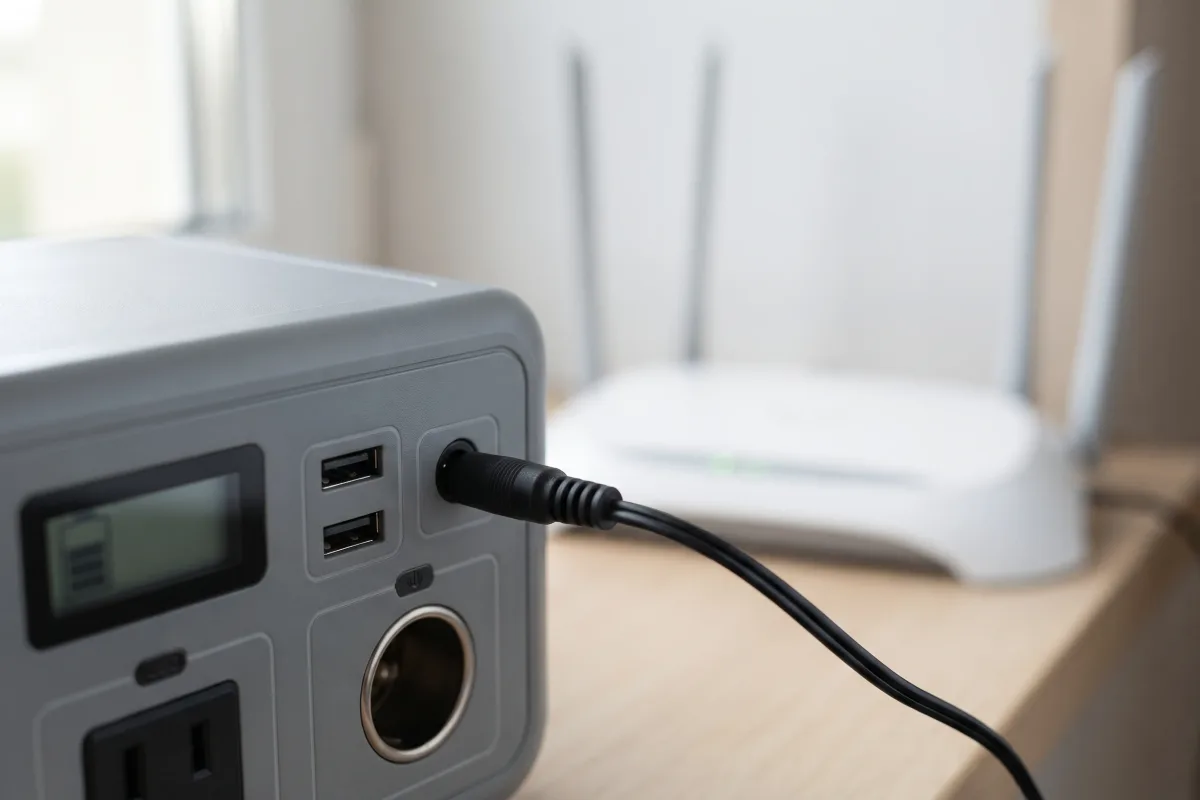
| Setup | DC | AC |
|---|---|---|
| Router (12 W), 1,024 Wh | ~79 h | ~42 h |
| Router + modem (23 W), 1,024 Wh | ~41 h | ~28 h |
| Router (12 W), 288 Wh | ~22 h | ~12 h |
Running a router from a DC port safely
- Read the router's adapter label first. It gives the voltage, the current and the plug polarity. Many routers take 12 V, but not all: the ASUS RT-AX88U Pro takes 19 V, the Google Nest Wifi Pro 10 V, and the T-Mobile G4AR gateway 15 V over USB-C.
- 12 V routers: a cable from the station's DC5521 port (a 5.5 × 2.1 mm barrel) or its car outlet to the router's barrel plug. Match the plug size (some routers use 5.5 × 2.5 mm) and polarity. The EcoFlow Delta 3 Plus has two DC5521 ports at 12.6 V 3 A; the Bluetti Elite 30 V2 has two at 12 V 5 A.
- Other voltages: use a USB-C PD cable if the router or gateway charges over USB-C (the station's USB-C port must offer the voltage and wattage on the label), or a DC step-up cable made for that voltage. If in doubt, use the AC outlet and the router's own adapter. A wrong voltage can damage a router.
- Check the current limit. A router never comes close to a 12 V 10 A (120 W) car outlet, but a small barrel port may be limited to 3 A (36 W), still plenty for a router and modem.
UPS mode for a router: plug in and the internet doesn't drop
Stations that switch in 10 ms or less, such as the Delta 3 Plus, C1000 Gen 2 and HomePower 2000 Plus v2, keep a router online through a cut.
In UPS mode the station stays plugged into the wall, your devices run from it, and the battery takes over when the grid fails. A router or modem that loses power for even a moment reboots and can take a few minutes to reconnect, so for video calls or a home office the switchover matters more than the runtime.
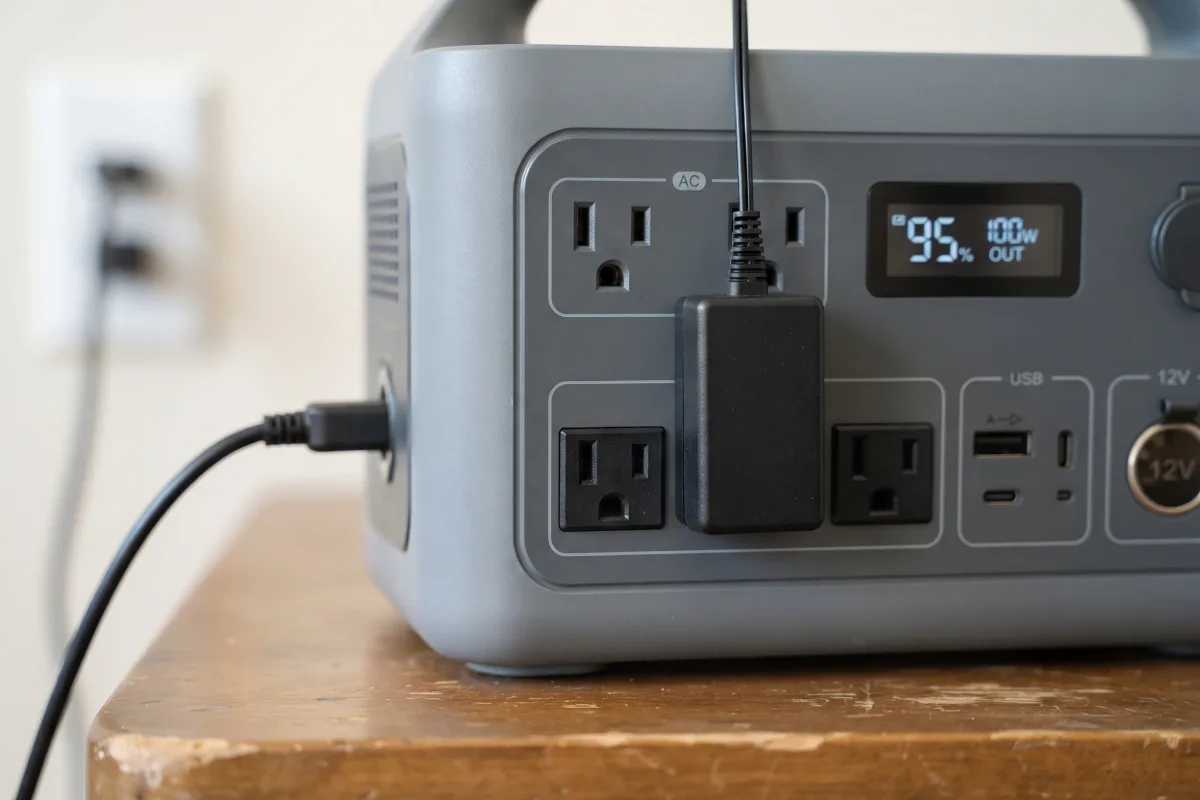
- Listed UPS switchover: the EcoFlow Delta 3 Plus (under 10 ms), Bluetti Elite 30 V2 (10 ms or less), Anker SOLIX C1000 Gen 2 and Jackery HomePower 2000 Plus v2 (10 ms), and the Jackery Explorer 1000 v2 and Bluetti AC180 (20 ms) all list a UPS switchover. A 10 ms switchover is the safer choice for a router; at 20 ms most routers ride through, but a few may reboot.
- The trade-off: automatic switchover works through the AC outlets, so you get the shorter AC runtime. If the outage drags on, you can move the router to a DC port to stretch the battery, accepting one short reboot.
- No switchover listed: on a station without UPS mode, plug the router in by hand when the power goes out.
Which outlets switch over, and how fast, is covered in our guide to using a power station as a UPS.
Power station vs a router UPS or mini battery
A small router UPS or 12 V mini battery is cheaper and fits on the shelf; a power station runs longer and powers other things too.
Dedicated router backups (a small UPS, or a 12 V DC mini battery that sits between the adapter and the router) switch over instantly and cost far less than a power station. Their batteries are small, though, so they typically cover a few hours, and they can't run anything else.
A portable power station costs more but gives a day or more of internet even at 300 Wh, and also charges phones and laptops, runs lights, a CPAP or, at 1 kWh and up, a fridge. It can be recharged from solar or a car in a long outage. If internet for a short cut is all you need, a router UPS is enough; if you want to ride out a storm, a station is the better buy. Phone-sized power banks are a different class again: they hold far less energy, and most need a USB-to-12 V or USB-C PD cable to feed a router.
Phone service over the internet
If your home phone runs through your internet box, the FCC requires providers of that kind of phone service to offer customers a backup power option for at least 8 hours, and one for 24 hours. A power station on the modem or gateway does the same job, for as long as its battery lasts.
Starlink and 5G home internet: the heaviest internet loads
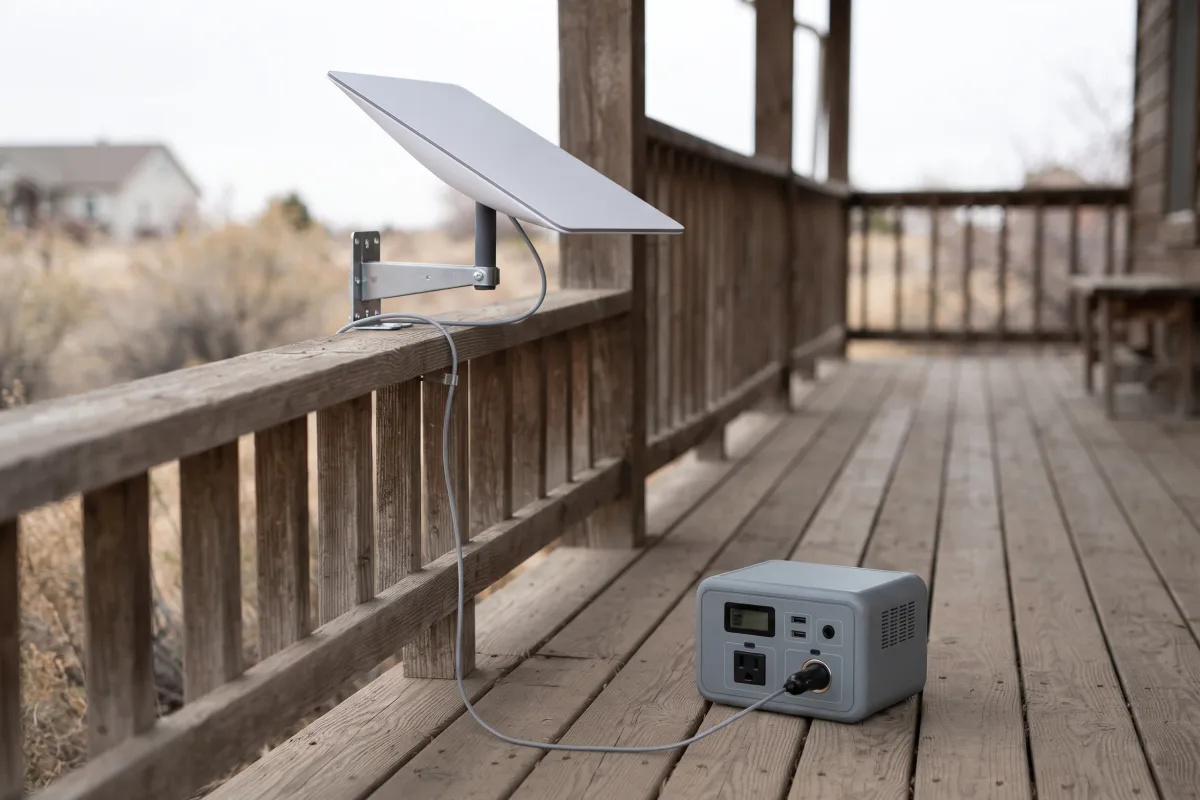
Starlink lists 25 to 40 W on average for the Starlink Mini, so a 1 kWh station runs it about a day on DC.
Satellite and 5G gateways draw more than a home router:
- Starlink Mini: Starlink lists an average of 25–40 W and a 12–48 V, 60 W DC input, so it runs from a station's 12 V car outlet or a USB-C PD cable rated for it. At about 32.5 W, a 1,024 Wh station gives about 29 hours on DC and a 288 Wh station about 8 hours.
- Starlink Standard: the dish heats itself to melt snow and draws several times more than a router. Check the average figure on Starlink's spec sheet for your kit and run it through the calculator; it uses AC.
- T-Mobile 5G Gateway G4AR: a 15 V 3 A (45 W) USB-C supply, the most it can take, not what it uses. A station's USB-C PD port rated 45 W or more can supply 15 V 3 A, which skips the AC adapter's loss.
Sizing a station for your router: hours × watts ÷ 0.92
A full day of router plus modem on DC takes about 600 Wh; three days takes about 1,800 Wh.
To pick a size, multiply the hours you want by the watts, then divide by 0.92 for DC (for AC, divide the watts by 0.85 and add 10 W for the inverter before multiplying):
| Backup time | Router (12 W), DC | Router + modem (23 W), DC | Router + modem, AC |
|---|---|---|---|
| 8 hours (overnight) | ~104 Wh | ~200 Wh | ~296 Wh |
| 24 hours | ~313 Wh | ~600 Wh | ~889 Wh |
| 3 days | ~939 Wh | ~1,800 Wh | ~2,668 Wh |
Add a margin of 20% or so for battery aging and a reserve. If the same station must also run a fridge (about 67 W on average) or other devices, add them in the runtime calculator, or see what a power station can run in an outage. Choosing by capacity, outlets and weight is covered in how to choose a portable power station.
Setting up and testing router backup power
Test it before the storm: switch the wall power off and time how long the router stays online.
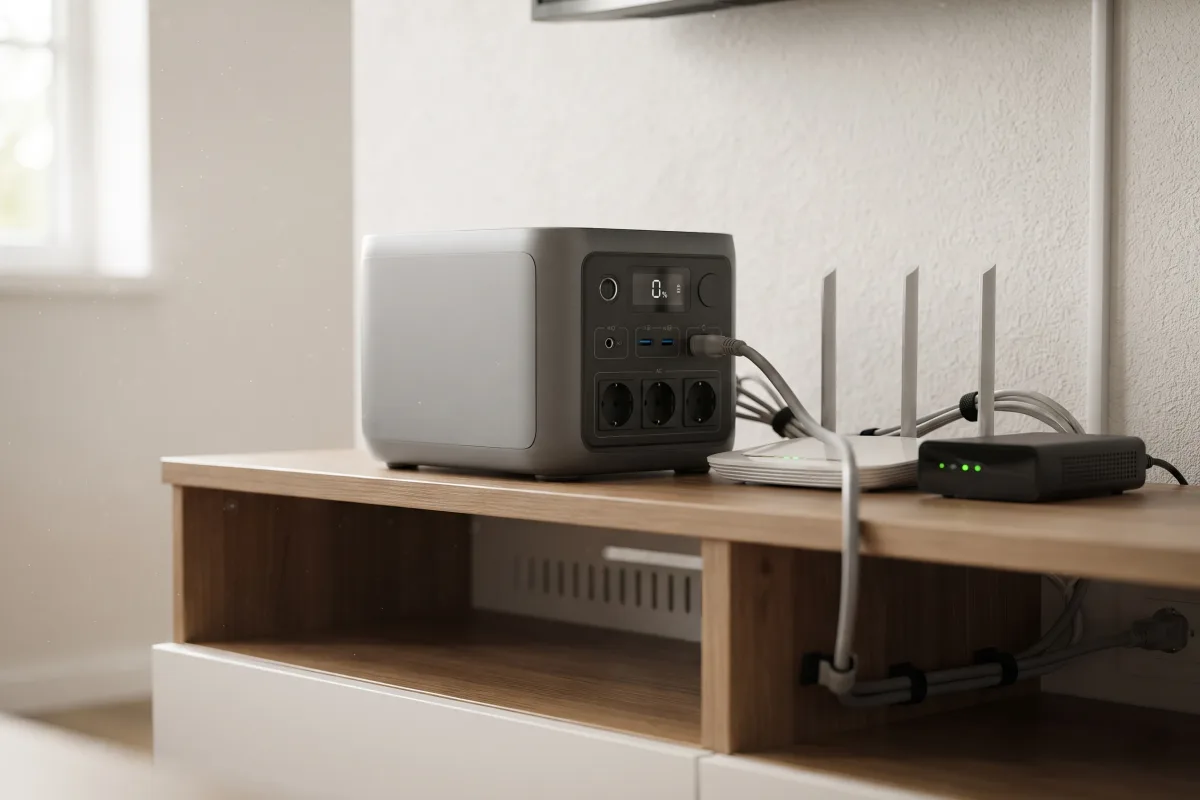
- Find every box that needs power: modem, router, ONT, mesh satellites, and any network switch between them.
- Read each adapter label and decide DC or AC for each (DC only where the voltage and plug match).
- Charge the station fully, and for UPS use leave it plugged into the wall. Lithium iron phosphate (LiFePO4) stations handle being kept on charge; see can you leave a power station plugged in.
- Test: switch off the wall outlet or breaker feeding the station, check the internet stays up, and note the station's displayed remaining time.
- Keep it indoors and ventilated, away from water; a power station is safe indoors, unlike a generator (are portable power stations safe indoors).
FAQ
Watts, runtime, power banks and UPS questions for keeping your Wi-Fi on in an outage.
How many watts does a Wi-Fi router use?
Usually about 4 to 12 W. eero lists 4.4 W for the eero 6 and 7.7 W for the eero Pro 6. A separate cable modem adds about 11 W, and an all-in-one cable gateway uses about 17 to 29 W.
How long will a power station run a Wi-Fi router?
About 22 hours per 300 Wh for a 12 W router on DC, by our estimate: about 79 hours on a 1,024 Wh station and about 6.5 days on 2,048 Wh. With a modem, roughly half that; on AC, less again.
What size power station do I need for a router?
About 300 Wh covers a router for a day on DC, or a router and modem overnight. For several days, choose 1 kWh or more; a fridge alone needs about 2 kWh a day on AC.
Can I plug my router into the power station's DC port?
Yes, if the router's adapter is 12 V and the plug and polarity match the station's DC5521 or car outlet cable. Routers that take 10, 15 or 19 V need a matching USB-C PD or step-up cable, or the AC outlet.
Is a UPS better than a power station for a router?
A small router UPS switches over instantly and costs less, but lasts a few hours. A power station with a 10 ms switchover keeps a router online just as well and runs it for a day or more.
What is the best power backup for a Wi-Fi router?
For a few hours, a small router UPS. For a day or more, a power station with a DC5521 port and a switchover of 10 ms or less: a compact one such as the Bluetti Elite 30 V2 for about a day, or a 1 kWh station such as the EcoFlow Delta 3 Plus for about three days on DC.
Can a power bank run a Wi-Fi router?
Some can, through a USB-to-12 V cable or USB-C PD, but a phone power bank holds far less energy than a power station, so expect hours rather than days. Pick one only if it offers your router's voltage (a 12 V output or USB-C PD at the label voltage); for anything over a few hours, use a station.
Will my internet work during a power outage with battery backup?
Your Wi-Fi will. The internet works only if your provider's network is still powered; cable networks often go down with the grid, fiber and 5G less often.
Is it safe to leave a router on a power station all the time?
Yes. Running a router in UPS mode is what the mode is for; keep the station ventilated and away from heat and water.