 By
We may earn a commission if you buy through links on this page, at no extra cost to you. This never affects which products we recommend. How we make money.
On this page 9 sections
Yes: a portable power station can run a computer. A 1 kWh station runs a typical desktop and monitor (about 150 W) for about 5.5 hours, keeps a 65 W laptop going for about 14 hours over USB-C, and runs a 600 W gaming PC for about 1.4 hours. Our picks: the EcoFlow River 3 Plus for a laptop, the EcoFlow Delta 3 Plus for a desktop, and the Jackery HomePower 2000 Plus v2 for a full day or a gaming PC (details below). For a desktop, also check two things: the station's AC output must exceed the PC's peak draw, and for an outage it should switch over in 10 ms or less.
Computer power draw: 4 W idle to 600 W gaming
A Mac mini idles at 4 W and peaks at 65 W; a gaming PC with an RTX 5090 is built around a 1,000 W power supply.
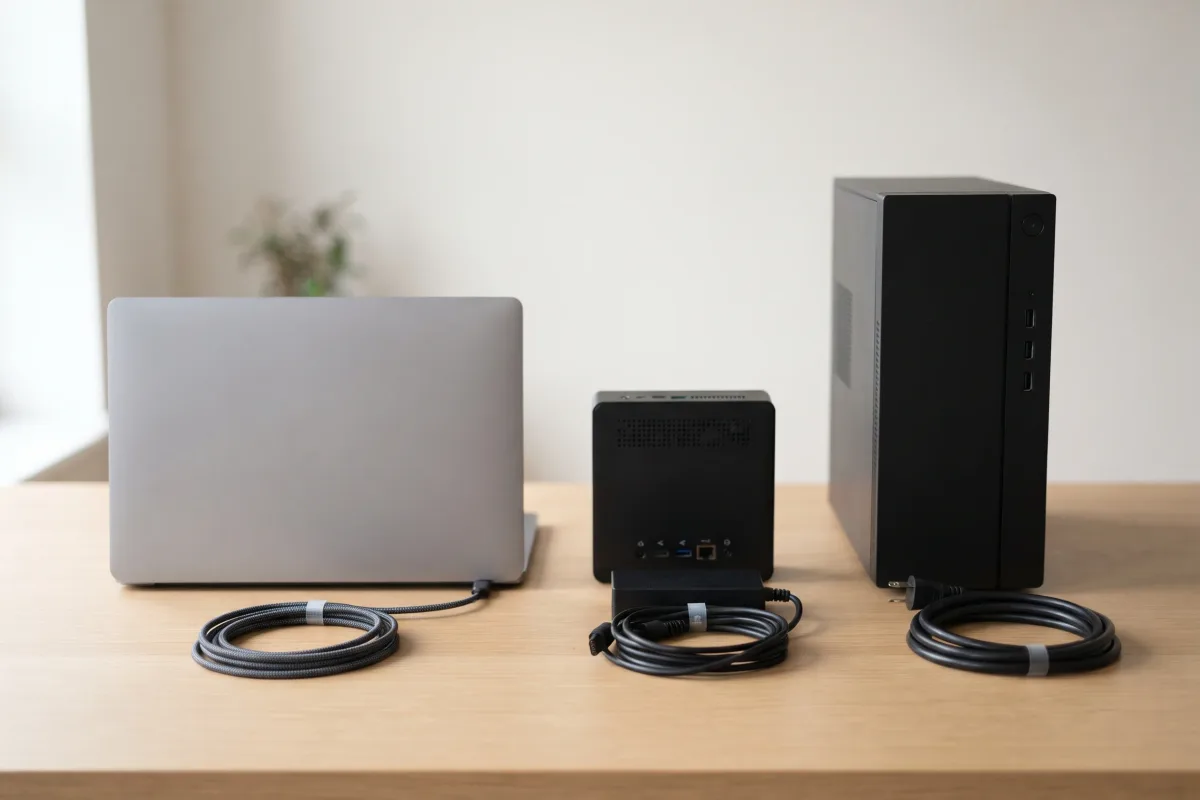
What a computer draws depends on what it's doing. Makers publish idle and maximum figures, or the rating of the charger or power supply that the machine needs:
| Device | Power figure | Kind of figure |
|---|---|---|
| Apple Mac mini (M4) | 4 W idle, 65 W max | Apple, measured |
| Apple Mac mini (M4 Pro) | 5 W idle, 140 W max | Apple, measured |
| Apple Mac Studio (M4 Max) | 6 W idle, 145 W max | Apple, measured |
| Dell 27 Monitor P2725H | 15.8 W on, 74 W max | Dell datasheet |
| MacBook Air 13 (M4) | 30 W or 35 W charger | Apple, included adapter |
| MacBook Pro 14 (M4 family) | 70 W or 96 W charger | Apple, included adapter |
| Lenovo ThinkPad T14 Gen 5 | 65 W USB-C charger | Lenovo |
| Lenovo Legion Pro 7 (gaming laptop) | 400 W charger | Lenovo |
A charger's rating is the most the laptop can pull while working hard and charging at once; most of the time it uses less. For gaming desktops, the graphics card sets the scale:
| Graphics card | Card power | System power supply NVIDIA asks for |
|---|---|---|
| NVIDIA RTX 5070 | 250 W | 650 W |
| NVIDIA RTX 5070 Ti | 300 W | 750 W |
| NVIDIA RTX 5080 | 360 W | 850 W |
| NVIDIA RTX 5090 | 575 W | 1,000 W |
Add the processor: Intel lists the Core Ultra 9 285K at 125 W base and up to 250 W turbo power. A gaming PC under load can therefore draw 600 W or more at the wall, which is the figure we plan with, the same as our UPS guide.
For planning we use four loads (our assumptions, built from the figures above): a 65 W laptop (charger rating), a Mac mini and monitor at about 81 W (65 W + 15.8 W), a desktop and monitor at about 150 W, and a gaming PC at about 600 W. Your own number is on the power supply's label or the maker's spec page; a plug-in watt meter shows what it really uses.
Computer runtime by power station size: about 5.5 hours per kWh for a desktop
A 1,024 Wh station runs a 150 W desktop and monitor for about 5.5 hours on AC, and a 600 W gaming PC for about 1.4 hours.
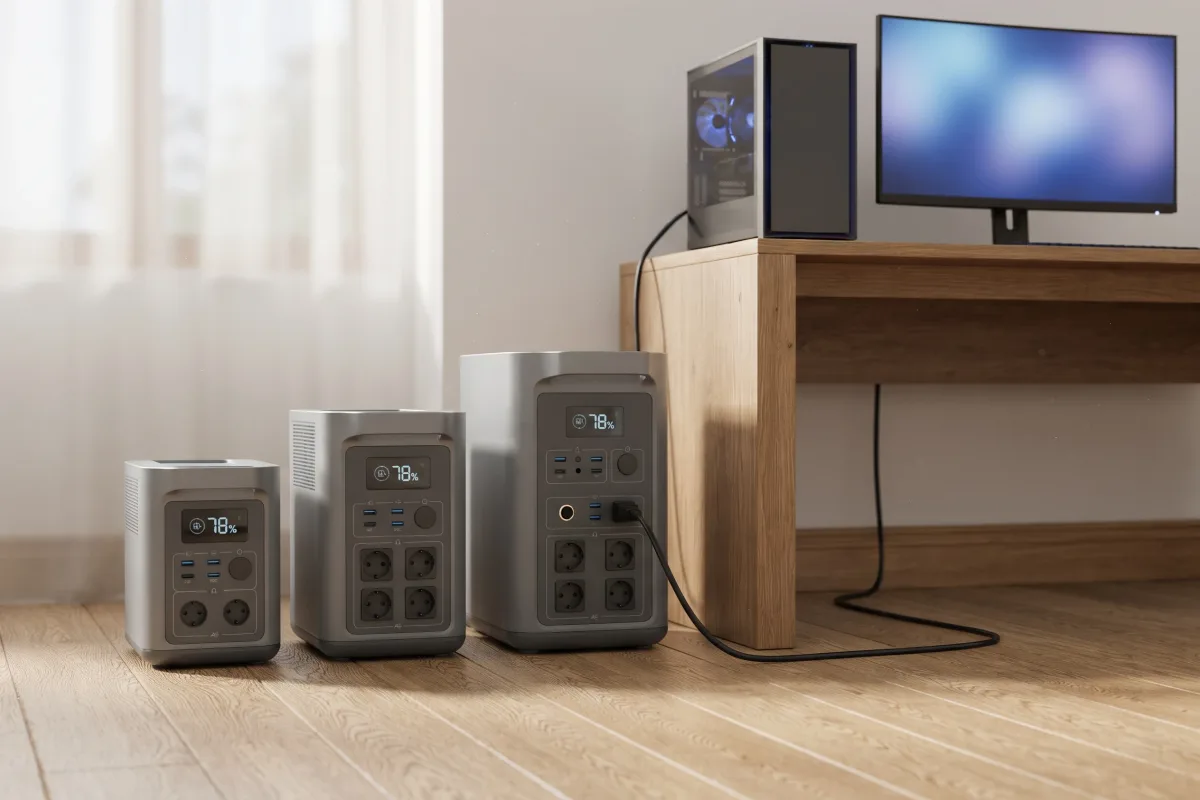
On AC we divide the load by 0.85 for inverter loss and add about 10 W for the inverter itself; over USB-C we allow 92% of rated capacity. This is the method in our runtime calculator. These are our estimates:
| Capacity | Laptop 65 W (USB-C) | Desktop + monitor 150 W (AC) | Gaming PC 600 W (AC) |
|---|---|---|---|
| 288 Wh | ~4.1 h | ~1.5 h | can't run it |
| 1,024 Wh | ~14.5 h | ~5.5 h | ~1.4 h |
| 2,048 Wh | ~29 h | ~11 h | ~2.9 h |
Computers on a 1,024 Wh station
- Laptop 65 W, USB-C15 h
- Laptop 65 W, AC charger12 h
- Mac mini + monitor 81 W, AC9.7 h
- Desktop + monitor 150 W, AC5.5 h
- Gaming PC 600 W, AC1.4 h
A 288 Wh station's AC outlets are rated 600 W at most (the EcoFlow River 3 Plus and Bluetti Elite 30 V2), so a gaming PC at full load would trip it, and even if it didn't, the battery would last about 25 minutes. Real runtimes depend on the work: a laptop that's mostly idle on a document lasts far longer than these charger-rating figures, while video export or a game holds a desktop near its peak.
Computer runtime on the stations we've reviewed: 1.5 to 11 hours for a desktop
Compact 286–288 Wh stations run a desktop for about an hour and a half; 2 kWh stations for about 11 hours.
Our estimates for a 150 W desktop and monitor and a 600 W gaming PC on AC, and a 65 W laptop over USB-C:
| Station (capacity, AC output) | Laptop, USB-C | Desktop + monitor | Gaming PC |
|---|---|---|---|
| EcoFlow River 3 Plus (286 Wh, 600 W) | ~4 h | ~1.5 h | over its limit |
| Bluetti Elite 30 V2 (288 Wh, 600 W) | ~4.1 h | ~1.5 h | over its limit |
| EcoFlow Delta 3 Plus (1,024 Wh, 1,800 W) | ~14.5 h | ~5.5 h | ~1.4 h |
| Anker SOLIX C1000 Gen 2 (1,024 Wh, 2,000 W) | ~14.5 h | ~5.5 h | ~1.4 h |
| Jackery Explorer 1000 v2 (1,024 Wh, 1,500 W) | ~14.5 h | ~5.5 h | ~1.4 h |
| Bluetti AC180 (1,152 Wh, 1,800 W) | ~16.3 h | ~6.2 h | ~1.6 h |
| Jackery Explorer 1000 Plus (1,264 Wh, 2,000 W) | ~17.9 h | ~6.8 h | ~1.8 h |
| Jackery HomePower 2000 Plus v2 (2,048 Wh, 2,400 W) | ~29 h | ~11 h | ~2.9 h |
The Anker SOLIX S2000 (2,010 Wh, 1,500 W) has a lower 6 W idle draw: about 11 hours for the desktop and about 2.8 for the gaming PC.
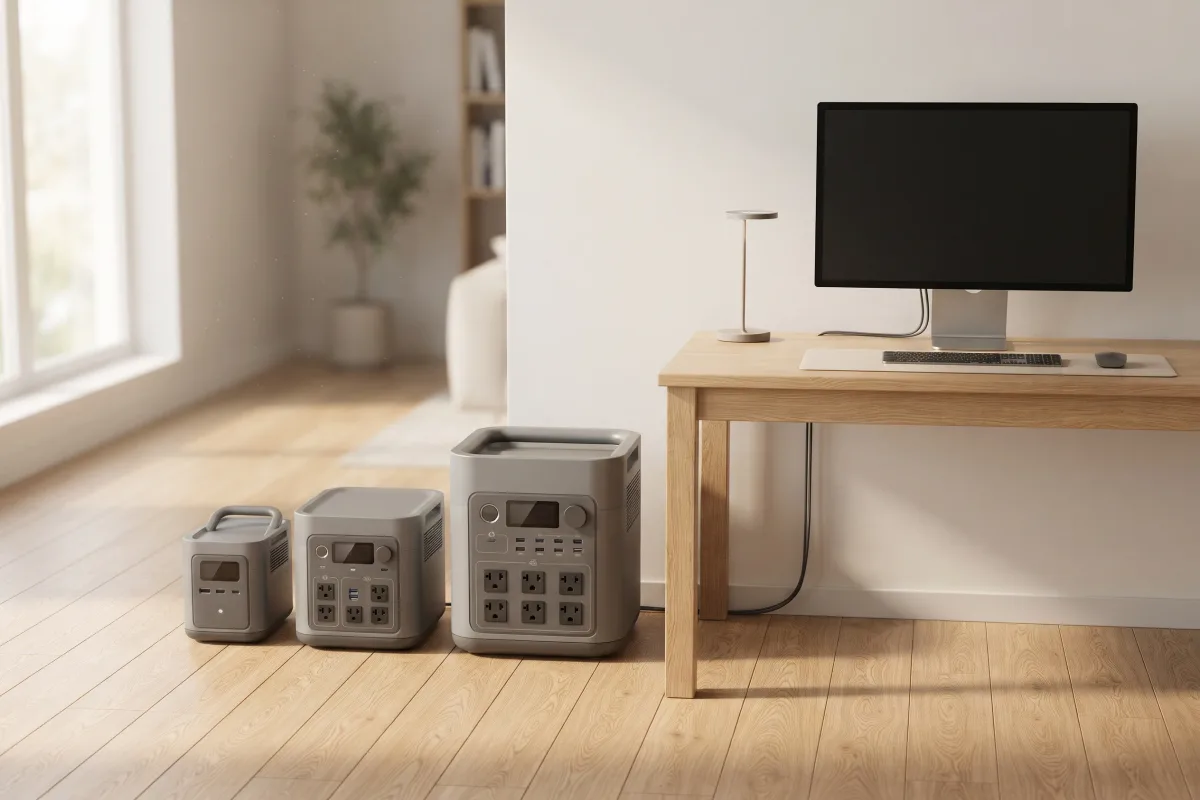
Our picks for a computer. For a laptop, the EcoFlow River 3 Plus is the compact choice: a 100 W USB-C port and a switchover under 10 ms, about four hours of a 65 W laptop working hard. For a desktop, the EcoFlow Delta 3 Plus switches over in under 10 ms, has two 140 W USB-C ports for laptops, and EcoFlow lists NAS support through its Power Manager software. For a full working day on a desktop, or a gaming PC, the Jackery HomePower 2000 Plus v2 doubles the capacity with a 10 ms switchover. The best home backup power stations and best portable power stations compare them with every other model we've reviewed.
Laptops: USB-C power delivery beats the AC charger
Charging a 65 W laptop over USB-C gives about 14.5 hours on a 1,024 Wh station against about 11.8 through its AC charger.
A laptop charger plugged into a station's AC outlet converts the battery's DC to AC and back to DC, and keeps the inverter running. Plugging the laptop straight into a USB-C Power Delivery (PD) port skips both, so about a fifth more of the battery reaches the laptop.
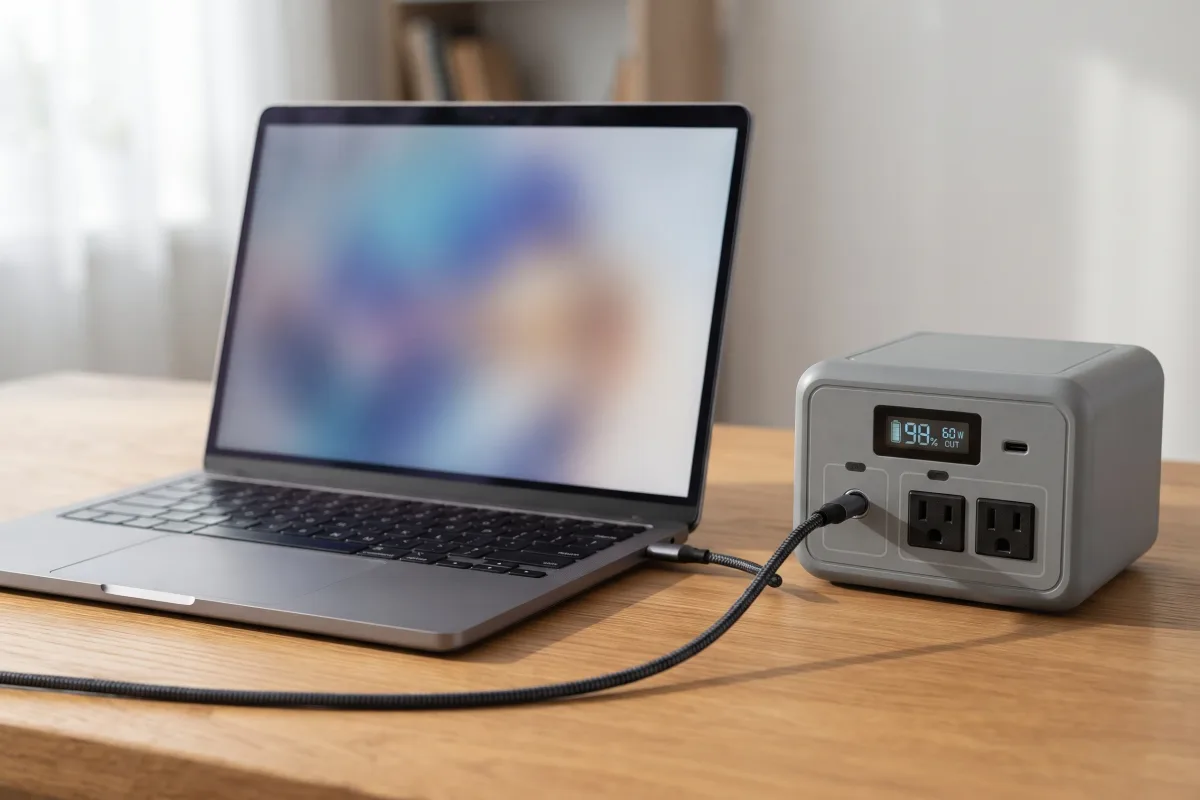
- What USB-C can carry: USB PD in standard power range delivers up to 100 W (20 V × 5 A); PD 3.1's extended power range goes up to 240 W at 48 V, with 140 W at 28 V.
- Match the port to the laptop: a 65 W ThinkPad or a 30–35 W MacBook Air charges at full speed from any 100 W port. A MacBook Pro 14 with the 96 W adapter is happiest on a 100 W or 140 W port; the Delta 3 Plus, the Anker SOLIX C1000 Gen 2 and the HomePower 2000 Plus v2 each have 140 W ports, and the Bluetti Elite 30 V2 one 140 W port (PD 3.1, up to 28 V).
- Use a cable rated for the wattage: a 100 W port needs a 5 A cable; 140 W needs a PD 3.1 (240 W) cable.
- Gaming laptops with large barrel chargers (400 W on the Lenovo Legion Pro 7) need the AC outlet; USB-C charging, where offered, is slower and usually can't keep up with a game.
A laptop's own battery also makes it the easiest computer to back up: it bridges any switchover gap, so UPS timing doesn't matter.
Desktops and gaming PCs: check AC output before capacity
The station's continuous AC rating must exceed the PC's peak draw; 1,800 W covers even an RTX 5090 build.
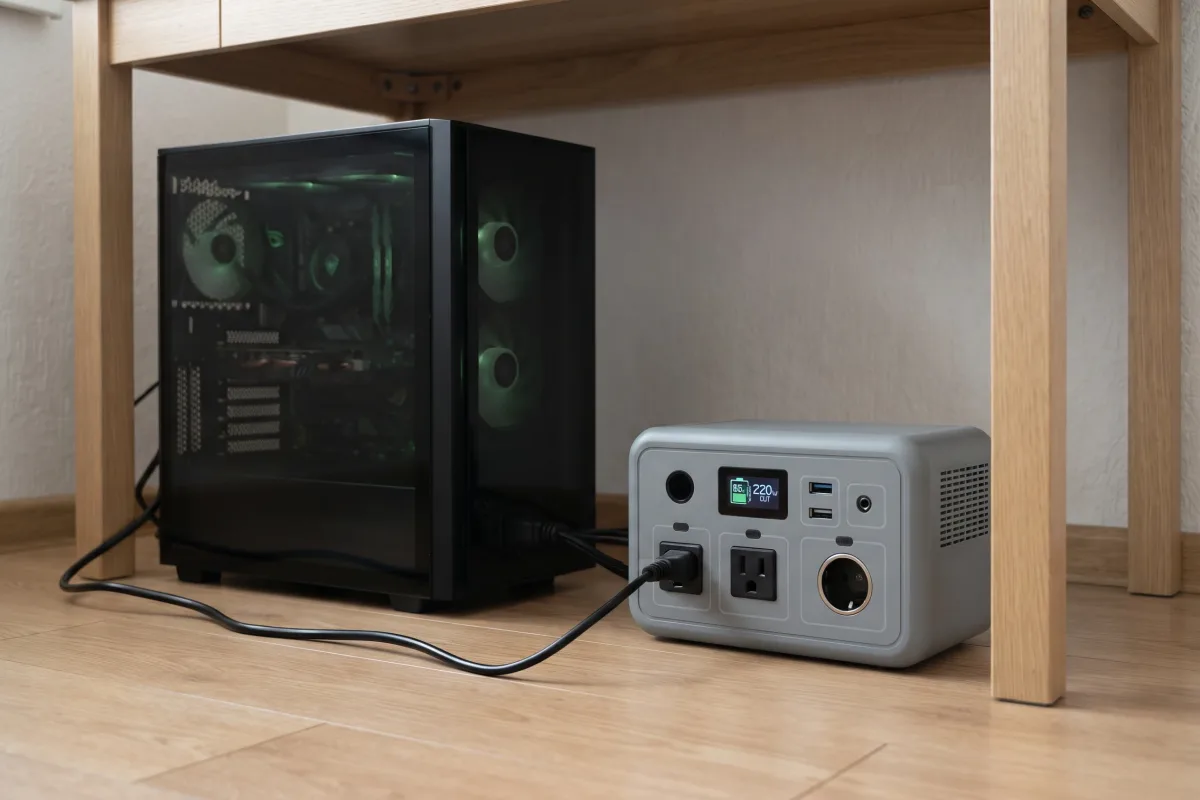
A desktop runs from the AC outlets, so the inverter's continuous output must cover everything plugged in at its peak: the PC, monitors and speakers. A gaming PC that averages 300 W can spike higher when a game loads, so compare the station's rating with the PC's power supply rating, not its average:
| PC | Power supply | Station AC output to look for |
|---|---|---|
| Office desktop or Mac mini | about 150 W with a monitor | 600 W or more |
| Mid-range gaming (RTX 5070) | 650 W | 1,000 W or more |
| High-end gaming (RTX 5080) | 850 W | 1,500 W or more |
| Top-end gaming (RTX 5090) | 1,000 W | 1,800 W or more |
These are our margins (power supply rating plus monitors and headroom), not maker requirements. Every 1 kWh station we've reviewed lists 1,500 W or more continuous output, enough for a high-end gaming PC; for an RTX 5090 build, pick one with 1,800 W or more, such as the Delta 3 Plus or C1000 Gen 2. The battery is the tighter limit, at about 1.4 hours.
Pure sine wave AC. Modern PC power supplies with active power factor correction are designed for a smooth mains waveform. Check that the station's spec sheet lists pure sine wave AC output before you plug in a desktop. Learn more in surge vs continuous watts.
UPS switchover for a desktop: 10 ms or less keeps it running
A PC power supply only has to ride through 11 ms under the ATX 3.1 rule, so a slower switchover can restart it.
If the power cuts while the PC is plugged into a station in UPS mode, the station has to switch to battery before the power supply's stored energy runs out. Intel's ATX 3.1 guide requires 11 ms of hold-up at full load. A station that switches in 10 ms or less stays inside that; at 20 ms a desktop may restart, losing unsaved work.
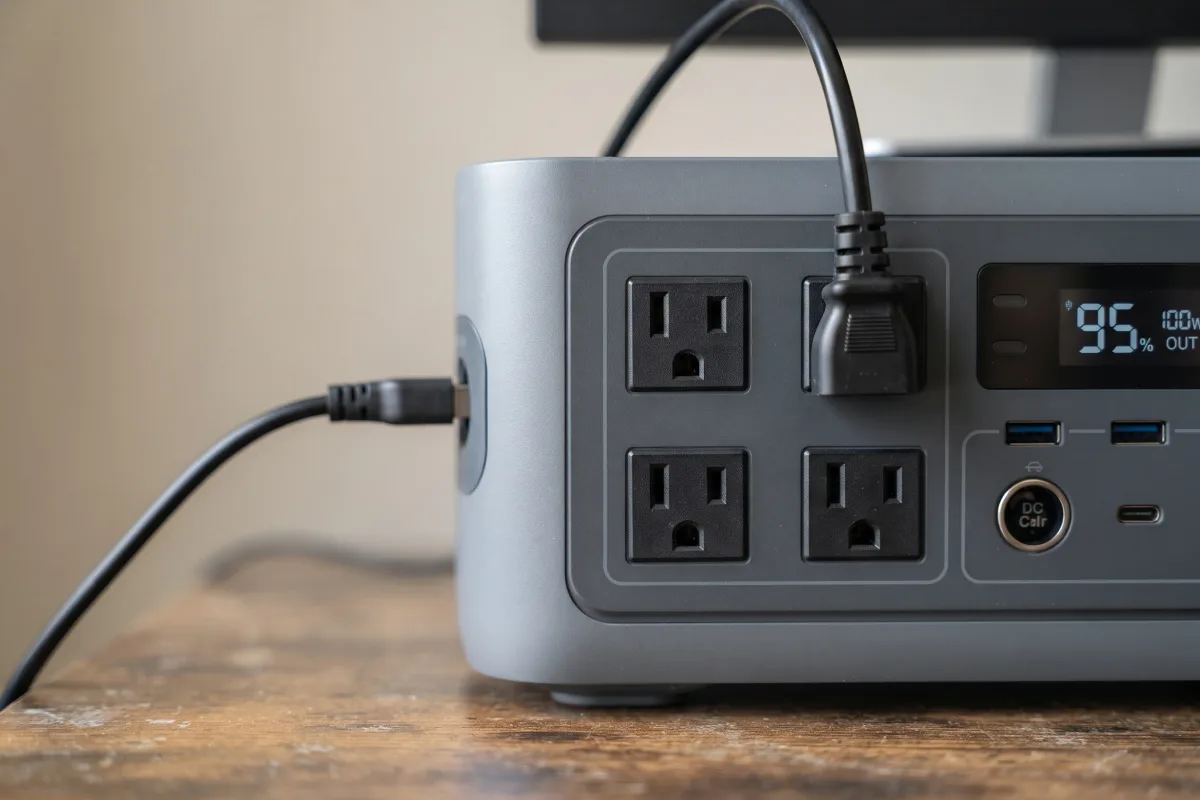
- 10 ms or less: the EcoFlow River 3 Plus and Delta 3 Plus (under 10 ms), the Bluetti Elite 30 V2 (10 ms or less), and the Anker SOLIX C1000 Gen 2, Anker SOLIX S2000 and Jackery HomePower 2000 Plus v2 (10 ms).
- 20 ms: the Jackery Explorer 1000 v2, Jackery Explorer 1000 Plus and Bluetti AC180 are fine for a laptop, a router or a fridge, but not the safe pick for a desktop.
- Shutdown before the battery runs out: most stations can't tell a PC or a NAS (network storage drive) to shut down cleanly. EcoFlow lists it for the River 3 Plus and Delta 3 Plus through a USB link and Power Manager software; a NAS without that signal risks a hard power cut when the battery empties.
How switchover, bypass limits and automatic shutdown work is covered in full in our guide to using a power station as a UPS.
Monitors, router and accessories: what else to add
A 27-inch monitor adds about 16 W and a router about 12 W; a second monitor or speakers add more.
A computer rarely runs alone. Dell lists its P2725H 27-inch monitor at 15.8 W in normal use, though up to 74 W at maximum brightness with USB devices charging. Your internet also has to stay up: a router uses about 12 W, and a router plus modem about 23 W; see how long a power station runs a Wi-Fi router.
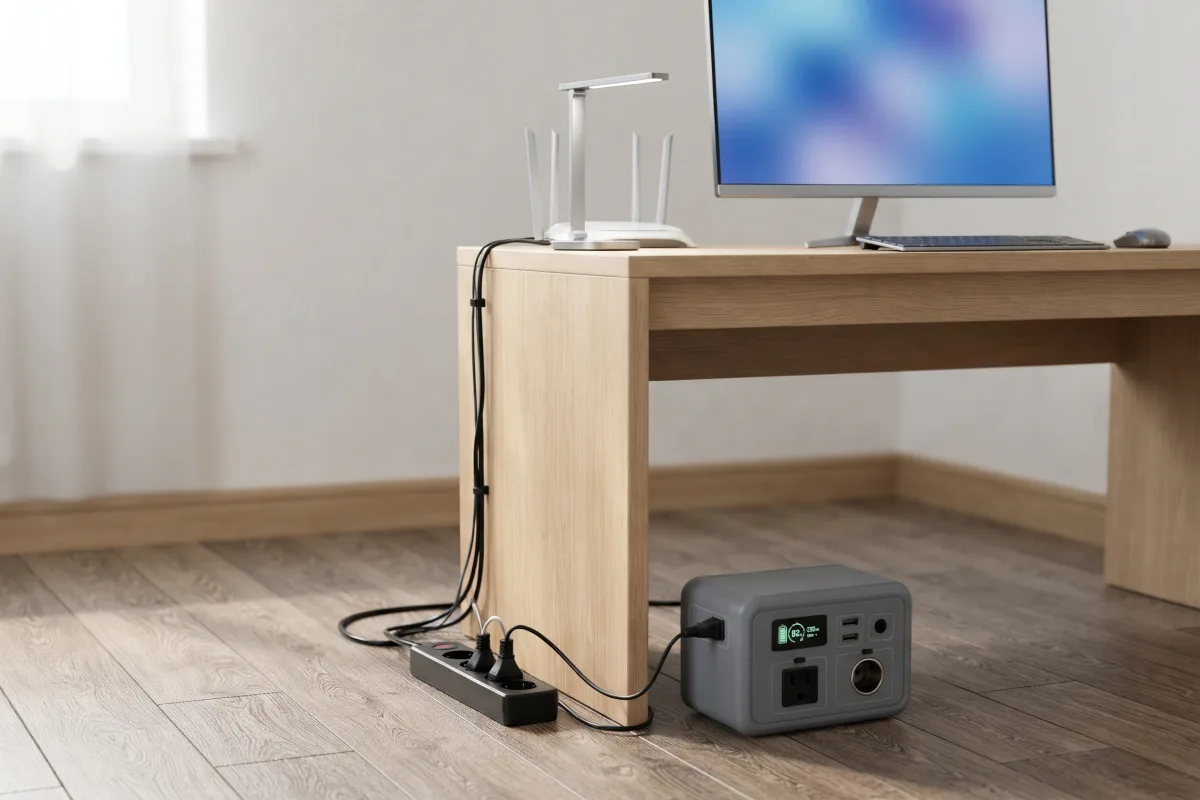
A home office of desktop, monitor, router and a 10 W LED lamp (our assumption) comes to about 172 W, about 4.8 hours on a 1,024 Wh station by our estimate. Turning down monitor brightness, letting the PC sleep when idle, and running the router from a DC port (it skips the inverter) all add time.
Sizing a station for your computer: hours × watts
Four hours of desktop work takes about 750 Wh from the battery; a full eight-hour day about 1,500 Wh.
Multiply the hours you need by the watts, adjusted for the outlet you use: for AC, divide the watts by 0.85 and add 10 W first; for USB-C, divide by 0.92.
| Hours | Laptop 65 W (USB-C) | Mac mini + monitor 81 W (AC) | Desktop + monitor 150 W (AC) | Gaming PC 600 W (AC) |
|---|---|---|---|---|
| 1 | ~71 Wh | ~105 Wh | ~186 Wh | ~716 Wh |
| 4 | ~283 Wh | ~421 Wh | ~746 Wh | ~2,864 Wh |
| 8 | ~565 Wh | ~842 Wh | ~1,492 Wh | ~5,727 Wh |
Add about 20% for battery aging and a reserve. Off the grid, solar refills the battery: a 4-hour desktop day (about 750 Wh) takes about 2.5 hours of full sun on 400 W of panels, by our estimate at 75% of the panels' rating; see solar panel sizing for a power station. A full day of desktop work needs a 2 kWh station; a gaming session of more than a couple of hours needs an expandable whole-home unit or solar recharging. To size with all your devices at once, use the runtime calculator; for capacity, outlets and weight together, see how to choose a portable power station. Watts and watt-hours are explained in watts vs watt-hours.
FAQ
Laptops, desktops, gaming PCs and power banks: computer questions answered with the numbers above.
Can a portable power station run a PC?
Yes. A 1 kWh station runs a desktop and monitor (about 150 W) for about 5.5 hours and a 600 W gaming PC for about 1.4 hours, by our estimate. Its continuous AC output must exceed the PC's peak draw.
What size power station do I need to run a laptop?
A 286–288 Wh station gives a 65 W laptop working hard about 4 hours over USB-C; a 1 kWh station about 14.5 hours. A lightly used laptop lasts much longer.
How long will a power station run a gaming PC?
About 1.4 hours on 1,024 Wh and 2.9 hours on 2,048 Wh at 600 W. Compact 300 Wh stations can't run a gaming PC at full load.
Can you run a PC on a power bank?
A laptop, yes: a USB-C PD power bank of 65–100 W charges most laptops. A desktop, no: it needs a 120 V AC outlet, which only a power station (or an inverter) gives.
What is the best power bank for computers?
For a laptop, one with a USB-C PD port that matches the laptop's charger (65 W for most, 100 W or more for a MacBook Pro 14). For more than a few hours, or for a desktop, a power station is the better buy.
Is a power station safe for a computer?
Yes, if its AC output is pure sine wave and rated above the PC's peak draw. For outages, a switchover of 10 ms or less keeps a desktop from restarting.
Can I use a power station as a UPS for my computer?
Yes, if it lists a UPS switchover of 10 ms or less. See our UPS guide for which stations qualify and how to set it up.
Will a power station run two monitors?
Easily: a second 27-inch monitor like the Dell P2725H adds about 16 W in normal use. That cuts a 1 kWh station's desktop time from about 5.5 to about 5 hours.