 By
We may earn a commission if you buy through links on this page, at no extra cost to you. This never affects which products we recommend. How we make money.
On this page 9 sections
When a portable power station won't hold its charge, the usual cause is an output left on: the AC inverter alone can use a big share of the battery each day. Next come slow self-discharge in storage, a battery percentage that needs recalibrating, and a battery left at 0% too long. Real capacity loss from age is the least likely cause on a station that's a few years old or less.
Quick checks when a power station won't hold its charge
An AC output left on is the first thing to rule out; four more checks take a minute each.
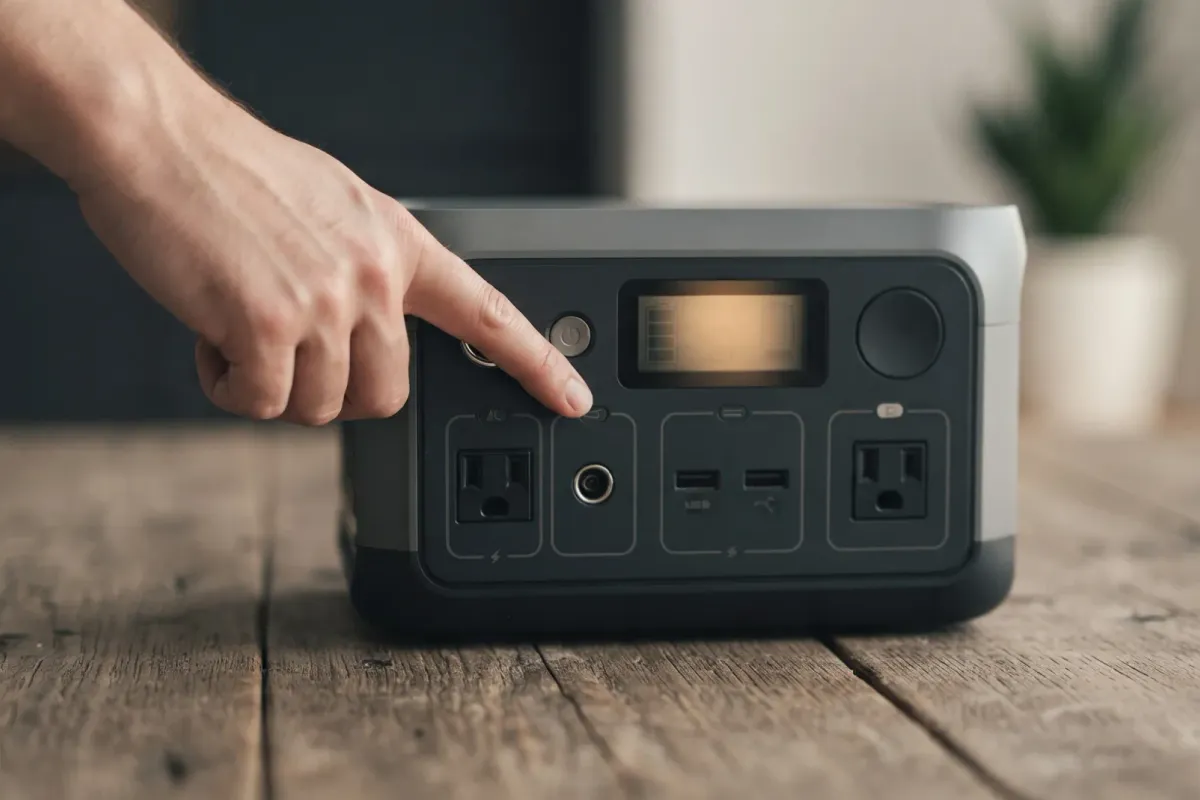
- Is an output on? Look at the screen or app for the AC, DC or USB output. Turn off anything you're not using, especially AC.
- Is something still plugged in? Devices left connected can draw power even when they're switched off. Unplug them.
- Has it been sitting for weeks? Some loss in storage is normal; top it up and note the level.
- Does the percentage jump? If it drops from 20% to 0% or leaps to 100% at the end of a charge, calibrate it (below).
- Is the firmware current? Update it in the maker's app; EcoFlow lists firmware updates among its fixes for discharge issues.
If none of that explains it, work through the causes below. For a station that won't charge at all, see power station not charging instead.
Drains while idle: the AC inverter and standby draw
With AC on and nothing plugged in, the inverter alone can use 15 to 20% of a big station's charge every day.
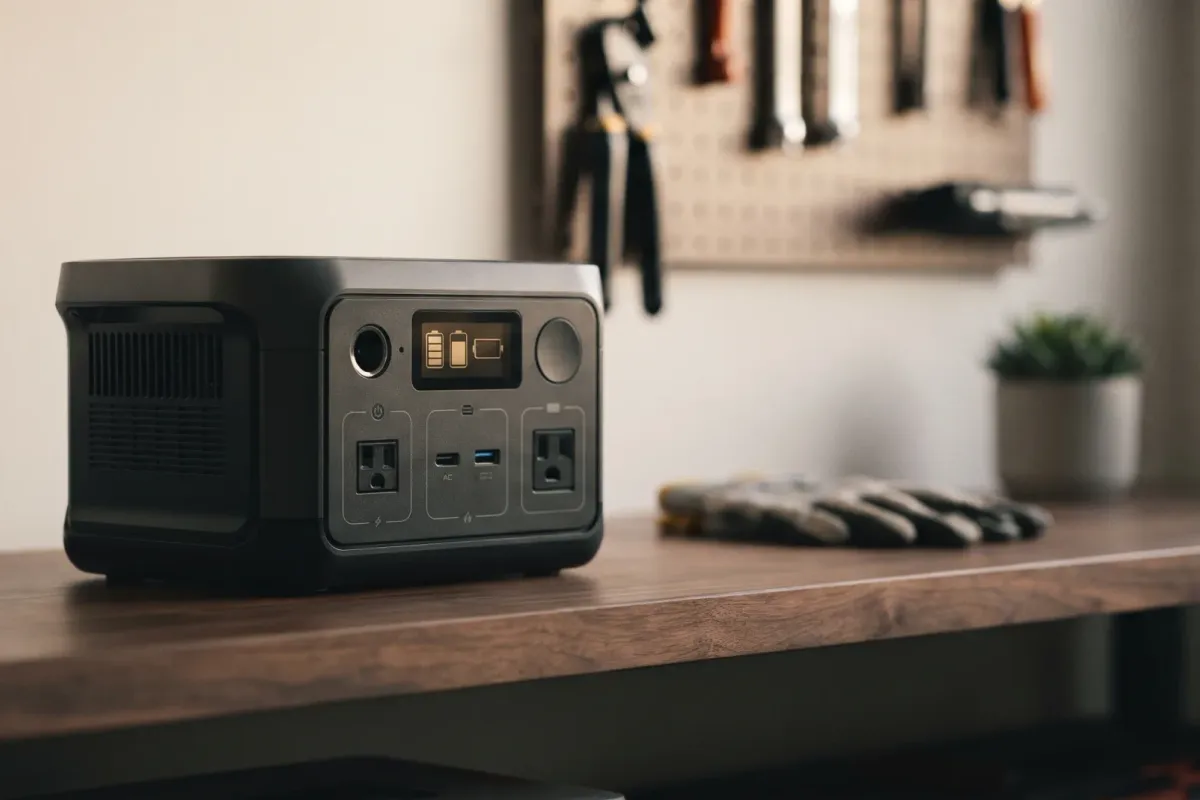
A station's AC outlets are fed by an inverter that turns the battery's DC into household AC. While it's switched on, it uses power even with nothing connected. That figure is small per hour but adds up over a day, and it's the most common reason people think their station is "losing" charge.
Here's what the makers' own idle figures mean over 24 hours:
| Station | Idle draw (maker figure) | Used per day | Share of a full charge |
|---|---|---|---|
| EcoFlow Delta Pro | about 30 W, AC on | about 720 Wh | about 20% |
| Jackery HomePower 3600 Pro Max | 25 W, no load | about 600 Wh | about 17% |
| Bluetti Apex 300 | about 20 W | about 480 Wh | about 17% |
| Anker SOLIX S2000 | 6 W active idle | about 144 Wh | about 7% |
| Bluetti Elite 30 V2 | about 9 W | about 216 Wh | about 75% |
Our estimate: idle watts × 24 hours, as a share of rated capacity.
The last row shows why it matters most on small stations: the Elite 30 V2's 288 Wh battery would be most of the way empty after a day of idling. Anker's S2000 drops to 2 W in standby, which is why some stations last much longer when left alone.
What helps:
- Turn AC off when you don't need it, and use the USB or 12 V outlets for small devices; they skip the inverter.
- Use the auto-off timers. EcoFlow, Jackery and DJI stations switch AC off after a set time with no load: EcoFlow's DELTA 2 manual says after 12 hours, Jackery's Energy Saving Mode turns outputs off after 12 hours with no device (or a very small load), and DJI's Power 1000 shuts AC off when nothing draws from it. Check the setting in your app.
- Know when not to. For a fridge or medical device, auto-off can cut power when the load briefly drops; EcoFlow suggests setting AC to "Always on" in the app for those, and accepting the idle draw.
Our runtime calculator adds a 10 W idle allowance to every AC estimate for the same reason.
Loses charge in storage: self-discharge and the BMS
A station switched off still loses a little charge every month, so store it part-charged and top it up every few months.
Even switched off, a lithium battery slowly self-discharges, and the battery management system (BMS) uses a little power to watch the cells. So a station stored at 100% in spring won't be at 100% in autumn. That's normal.
What the makers advise:
- Jackery: store at about 60 to 80% (Explorer 1000 Plus manual), or 50% for storage over three months, and recharge a fully drained unit within 30 days.
- EcoFlow: for long storage, cycle the battery every three months; its DELTA 2 manual warns the warranty doesn't cover a unit not charged or discharged for more than six months.
- Bluetti: charge to 40 to 60%, power off, disconnect everything, and fully cycle it every three months.
- DJI: store at about 60%, and charge and discharge it roughly every six months.
The full storage routine is in how to store a portable power station, and whether to leave it plugged in instead is in can you leave a power station plugged in.
Percentage jumps or drops suddenly: calibrate the battery reading
A full discharge followed by an uninterrupted full charge resets the station's battery percentage.
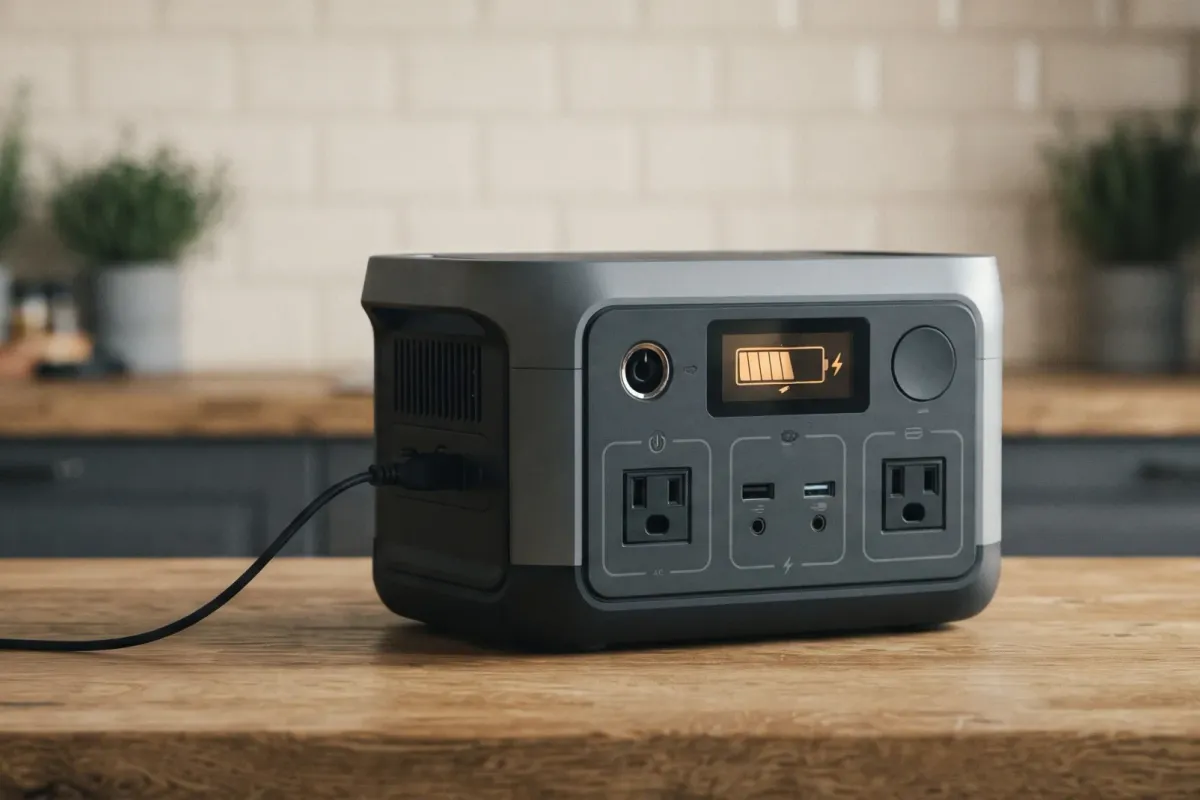
The percentage on the screen is the BMS's estimate, not a direct measurement. After months of short top-ups that never reach empty or full, the estimate can drift. EcoFlow says a miscalibrated BMS "may not read the state of charge correctly." The signs:
- the reading falls quickly from about 20% to 0% and the station shuts off;
- it jumps to 100% near the end of a charge;
- the app and the screen show different numbers.
How to calibrate, following EcoFlow's advice:
- Use the station until it reaches 0% and shuts off on its own.
- Charge it to 100% from the wall without interruption, with nothing connected.
- Check the reading over the next few uses.
A full charge also lets the BMS balance the cells. EcoFlow says one full cycle is enough to calibrate, and suggests repeating it every few months for stations used mostly for short top-ups. Charge promptly after reaching 0% rather than leaving it empty (see the next sections). If the station stops at exactly 80% or 90% every time, check the app first: a charge limit you set is the usual reason, not the battery.
Runs out sooner than expected: conversion loss, limits, cold and load
A station never delivers its full rated watt-hours, and app limits, cold and heavy loads take more off the top.
If the battery reads full but runtime is short, compare what you're getting with what's realistic:
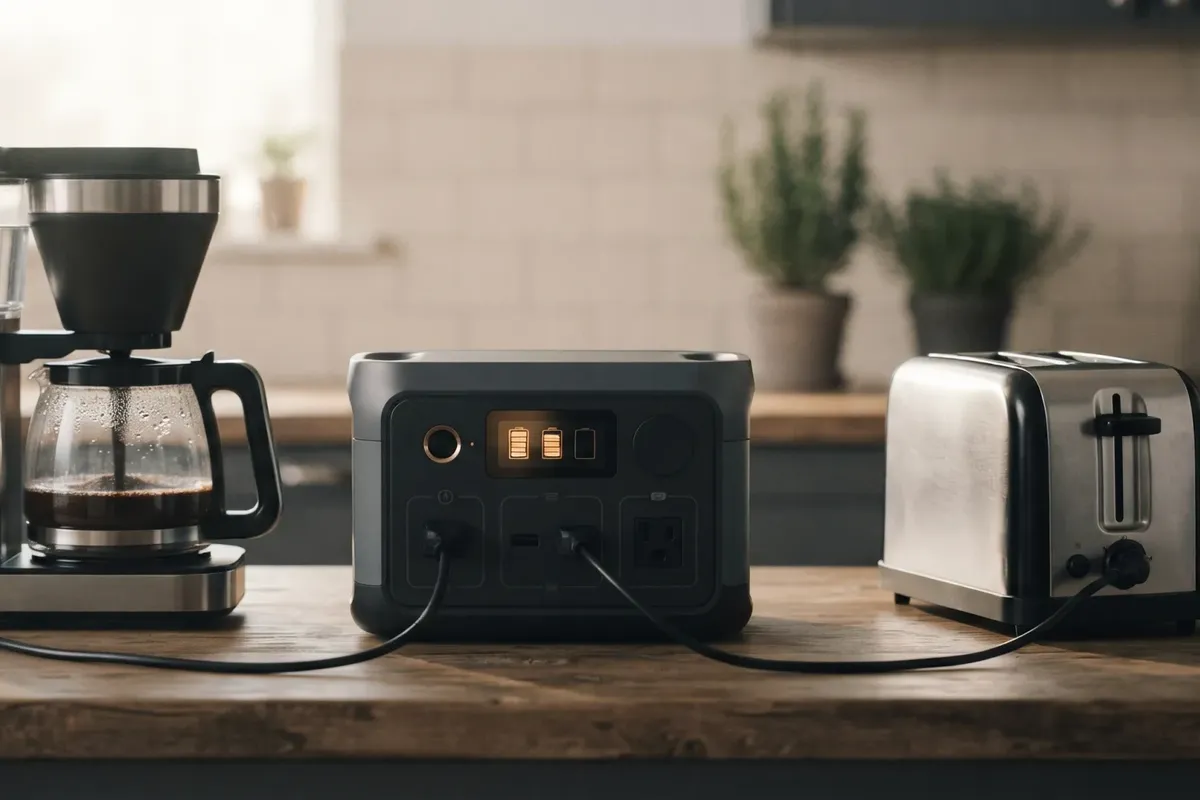
- Conversion loss. Turning battery DC into AC loses energy as heat. We assume about 85% efficiency for AC loads and 92% for DC on this site; a 1,024 Wh station gives about 870 Wh to AC devices by that estimate.
- Discharge limit. Many apps let you set a floor (for example 10 or 20%) that the station won't go below, to keep a reserve. That reserve isn't available to your devices.
- Cold. A cold battery delivers less energy until it warms; see using a power station in cold weather.
- Heavy or surging loads. High loads raise losses and can trip the inverter early; see surge watts vs running watts.
- Idle draw on top. The inverter's own draw (above) runs alongside your devices.
Work out a realistic figure in the runtime calculator and compare. If you're getting far less than that with a fully charged, calibrated, warm battery, the battery may have lost capacity.
Won't wake after reaching 0%: deep-discharge protection
Left empty for long, a battery can fall too low for the station to start charging, so recharge soon after it hits 0%.
At 0% the station shuts down to protect the cells, but they still self-discharge slowly. Left that way for weeks or months, the voltage can fall so low that the BMS won't accept a charge.
What the makers say:
- Bluetti: if the charge falls below 5%, recharge soon; at 0%, "shut down immediately" and "charge within 48 hours," then charge for at least 30 minutes before restarting.
- Jackery: recharge a fully drained unit within 30 days; stored for three to six months with the power depleted, it "may even become unchargeable."
- DJI: don't store the station for long after fully discharging it.
If yours won't respond after sitting empty, connect it to wall power and leave it for a while before trying the power button; some stations show nothing for the first minutes. If it still won't charge, see power station not charging and then contact the maker.
Capacity has faded: cycle life and what's normal
LiFePO4 stations are rated to keep 70 to 80% of their capacity after thousands of cycles, so a few years of use shouldn't make a big difference.
Every lithium battery loses capacity slowly with use and age. Makers rate it in cycles: the Jackery Explorer 1000 Plus is rated 4,000 cycles to 70% or more, and the EcoFlow Delta 3 Plus 4,000 cycles to 80%. Used once a week, 4,000 cycles is more than 75 years, so cycling alone rarely explains a big drop on a station a few years old.
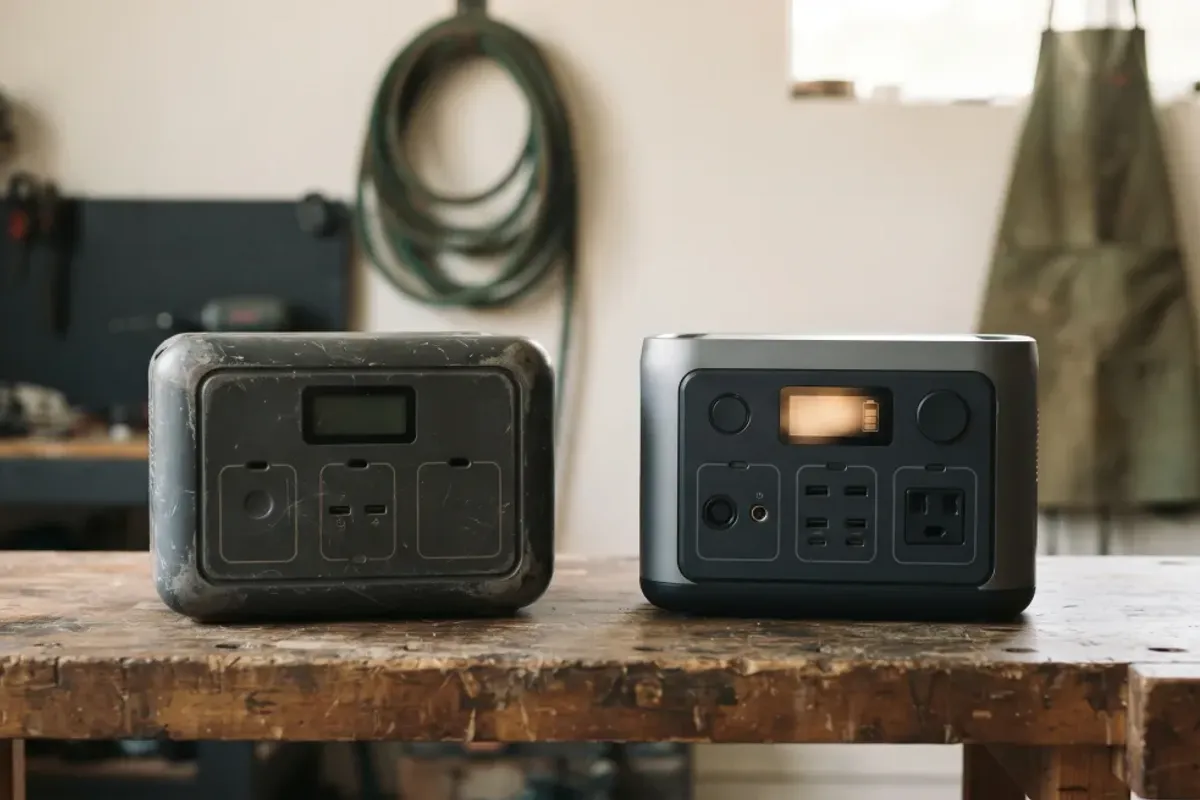
What does speed up fade: storing it full or empty for long periods, heat, and charging in the cold. How long a station should last, and what shortens it, is in how long do portable power stations last, and the chemistry difference in LiFePO4 vs lithium-ion.
When to contact the maker: signs of a battery or BMS fault
A station that loses 10% or more in a day with everything off is worth reporting while it's under warranty.
EcoFlow's BMS troubleshooting guide treats a loss of 10% or more in 24 hours, with all outputs off and nothing connected, as a sign of a BMS problem, and says the BMS may need replacing. Contact support when:
- it loses that much charge with every output off and nothing connected, after a calibration;
- it reaches 0% far sooner than the runtime calculator suggests, with a warm, calibrated battery;
- it won't charge after sitting empty, even left on wall power;
- the percentage is still erratic after calibration and a firmware update.
Have the serial number, the firmware version and a simple log of the percentage over a day or two ready. Warranties on the stations we review run from 1 to 5 years, and some makers add more when you register; storage that doesn't follow the manual can void the cover, so follow the storage advice above. Check your model's review for its terms, and the recall list for any open recall.
FAQ
How long a station holds a charge, how to fix one that won't, and when to worry.
How long do power stations hold a charge?
Switched off, for months: a stored station loses only a little each month, which is why makers say to top up every three to six months. With the AC inverter switched on, much less: some large stations use 15 to 20% of a full charge per day just idling, by our estimate from the makers' idle figures.
How do I fix a power station that won't hold a charge?
Turn off any output you're not using, unplug idle devices, update the firmware, and calibrate the battery by running it to 0% and charging to 100% without stopping. If it still loses 10% or more a day with everything off, contact the maker.
Why does my power station lose charge when it's off?
A little loss is normal self-discharge plus the BMS's own small draw. A large loss usually means it isn't fully off: an output or the app's standby is still running.
Why does my power station's percentage drop suddenly?
The percentage is an estimate that drifts after many partial charges. A full discharge and an uninterrupted full charge usually fixes it. A cold battery can also drop quickly under a heavy load.
Should I leave my power station plugged in all the time?
Only if it's your backup. The makers suggest unplugging once it's full otherwise; see can you leave a power station plugged in.
How do I reset a power station?
Steps differ by model; your manual gives them. A reset doesn't calibrate the battery percentage; a full discharge and an uninterrupted full charge does.